




 Like
Like Share
Share
 Report
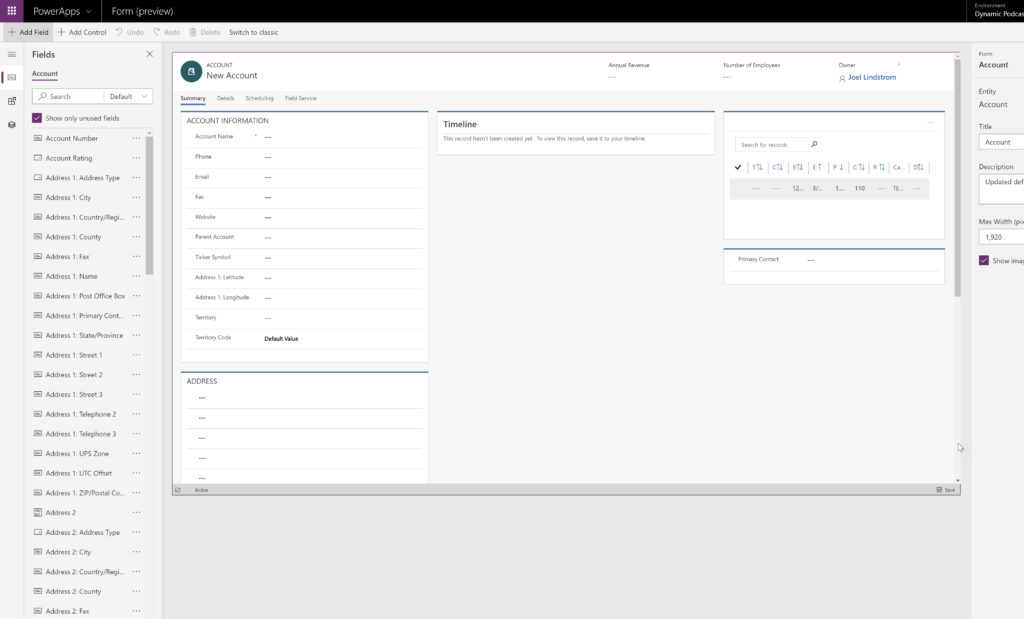
At the end of 2018, Microsoft announced a preview of the new WYSIWYG form designer. This new maker experience looks like the Unified Interface, making form configuration look and feel like it does to end users.
Unfortunately for those of us in North America, the preview was not available in our environments. Now it is.
To try the new form designer preview, go to powerapps.com.
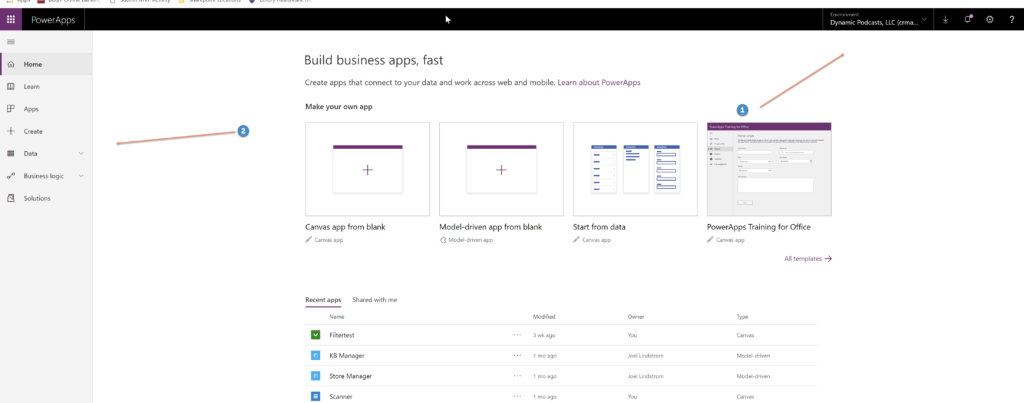
- Verify that you are in the right environment.
- Click data
- Select the desired entity
- Click the forms tab
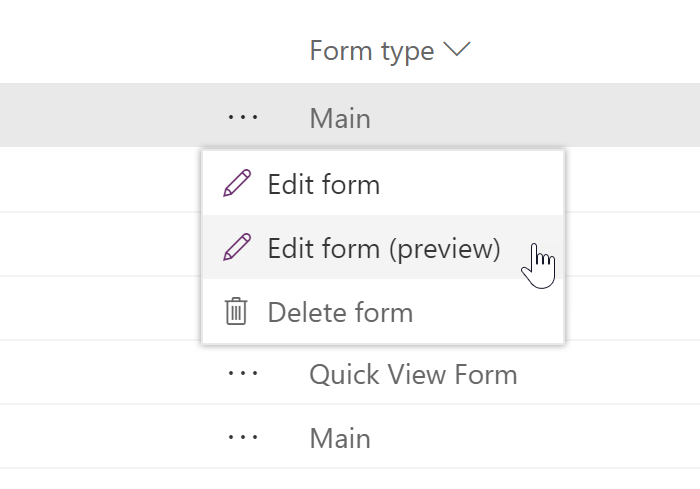
- Click the (…) next to the form name
- Select “Edit Form (Preview)”
You can now enjoy the new form designer experience.
*This post is locked for comments