Title:
Microsoft Dynamics NAV – “The date is not valid” error when posting General Journal
Question:
I am encountering an issue in Microsoft Dynamics NAV when trying to post a General Journal.
Initially, when the budget was locked, the system showed the warning:
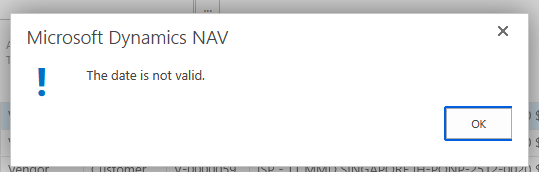
"The date is not valid."
After unlocking the budget, another error appeared related to dimensions:
"Select a Dimension Value Code for the Dimension Code PROJECT for G/L Account 65100001."
I resolved the dimension issue by filling in the required PROJECT dimension. However, when I try to post the journal, the system still shows:
"The date is not valid."
Details of the journal entry:
Things I have already checked:
-
The Posting Date is filled.
-
The date format is correct according to the system.
-
The required dimension (PROJECT) has been filled.
-
The budget has been unlocked.
However, the posting still fails with the same error.
Has anyone experienced this issue before? Could this be related to:
-
Allow Posting From / To settings
-
User Setup posting date restrictions
-
Accounting Period configuration
-
Budget control settings
Any guidance would be greatly appreciated.