web
You’re offline. This is a read only version of the page.
close
Skip to main content

Announcements

No record found.

News and Announcements icon
Community site session details

Community site session details

Session Id :
Supply chain | Supply Chain Management, Commerce
Suggested Answer

eCommerce Checkout issue from Website

(0) ShareShare
ReportReport
Posted on by 25

Hey Folks,

I'm not able to check out from the eCommerce website. 

I can preview Checkout page from site builder. 

pastedimage1683782412158v1.png

Checkout Page: - I Opened this from the Site Builder Page preview.
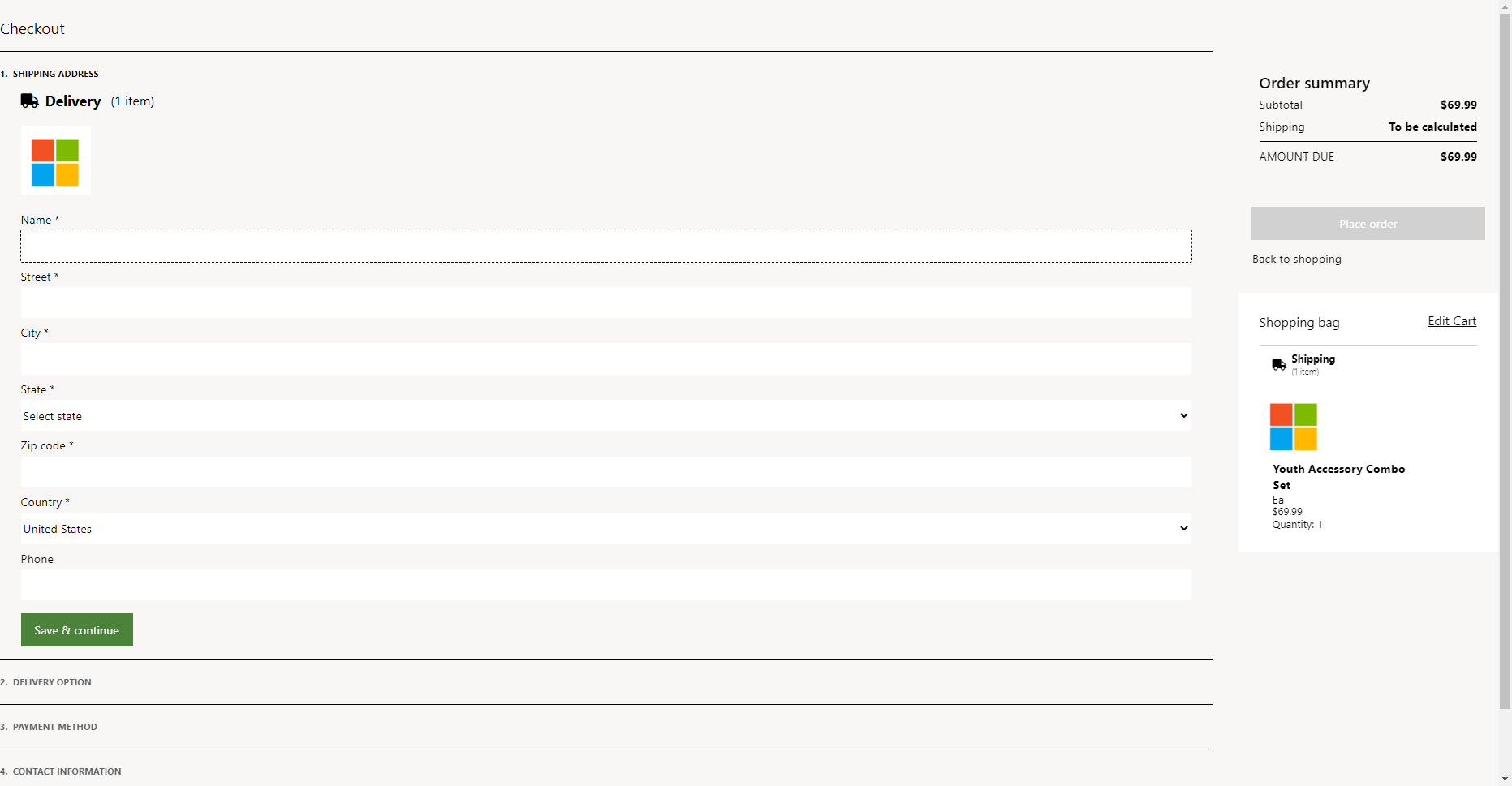
pastedimage1683782442719v2.png

How can we call this page on Checkout event.
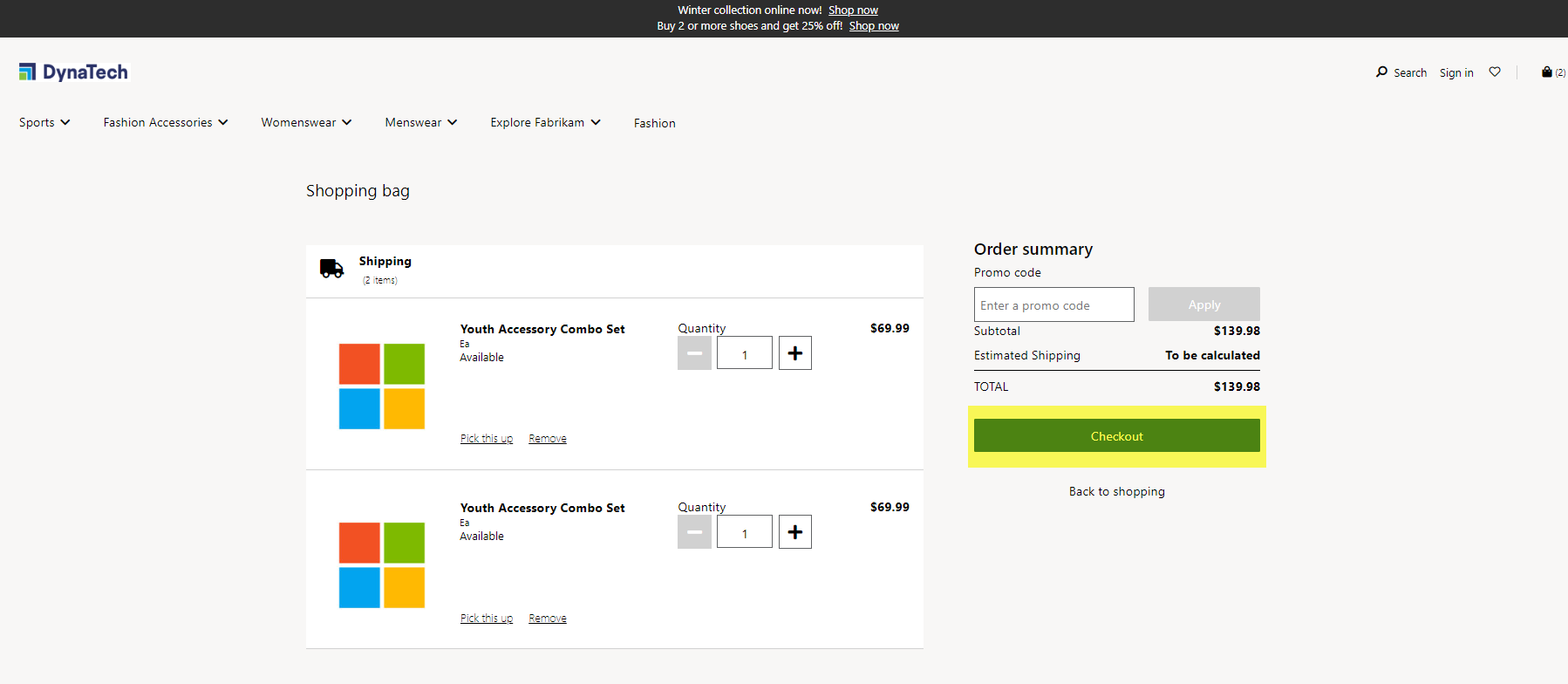
pastedimage1683782546904v3.png

I want to understand how fragment, page, and URL work together in the site builder.

Thank You

Yash (Dynatech)

I have the same question (0)
  • Saqlain Profile Picture
    41 on at

    Did you check if you have published the Checkout Page?

    Also check the URL if it is correct!

  • D365 Talent Profile Picture
    25 on at

    Yes, I checked. it was published.

    I just i want to understand the flow of it. Can you explain me?

  • Suggested answer
    Hana Xue Profile Picture
    Microsoft Employee on at

    Hi Yash,

    Fragments allow for a centralized authoring experience for module configurations that must be reused throughout your site. For example, headers, footers, and banners are often configured as fragments, because they are shared across many pages. You can think of fragments as miniature webpages that can be inserted into other pages on your site. Fragments have their own lifecycle. In other words, they are created, referenced, updated, and deleted as independent entities in the authoring tools.

    Information about the e-commerce are in the links below, you can view it as needed.

    E-commerce site overview - Commerce | Dynamics 365 | Microsoft Learn

    Work with fragments - Commerce | Dynamics 365 | Microsoft Learn

    Best Regards,

    Hana

  • CU27040948-7 Profile Picture
    2 on at
    That can be frustrating! Have you tried reaching out to the website's customer support? They might be able to assist you with the issue.
  • CU27040945-10 Profile Picture
    2 on at
    "That can be frustrating! Have you tried reaching out to the website's customer support? They might be able to assist you with the issue. "
    Also, if the problem persists, considering custom software development could be a great idea. Solutions like that from CoSource have the potential to address specific needs and ensure a smooth checkout experience. Hang in there, and I hope you get it sorted soon! 👍

Under review

Thank you for your reply! To ensure a great experience for everyone, your content is awaiting approval by our Community Managers. Please check back later.

Helpful resources

Quick Links

Introducing the 2026 Season 1 community Super Users

Congratulations to our 2026 Super Stars!

Meet the Microsoft Dynamics 365 Contact Center Champions

We are thrilled to have these Champions in our Community!

Congratulations to the April Top 10 Community Leaders

These are the community rock stars!

Leaderboard > Supply chain | Supply Chain Management, Commerce

#1
André Arnaud de Calavon Profile Picture

André Arnaud de Cal... 164 Super User 2026 Season 1

#2
Laurens vd Tang Profile Picture

Laurens vd Tang 105 Super User 2026 Season 1

#3
Zain Mehmood Profile Picture

Zain Mehmood 89 Most Valuable Professional

Last 30 days Overall leaderboard

Product updates

Dynamics 365 release plans
