web
You’re offline. This is a read only version of the page.
close
Skip to main content

Announcements

News and Announcements icon
Community site session details

Community site session details

Session Id :
Small and medium business | Business Central, N...
Suggested Answer

How to filter a specific page record using the Web Client URL filter?

(0) ShareShare
ReportReport
Posted on by 10

Hi Community,

I am trying to call for a specific item card using the filter possibility in the Web Client URL. 

I've found the documentation but this doesn't seem to fully satisfy my needs.
docs.microsoft.com/.../devenv-web-client-urls

When try to call for specific Item Card (page 30) 
{{local}} ?company={{company}}&page=30&filter=%27No.%27%20IS%20%27S6050%27

I end up on the item card of the first item in the list containing "S6050"
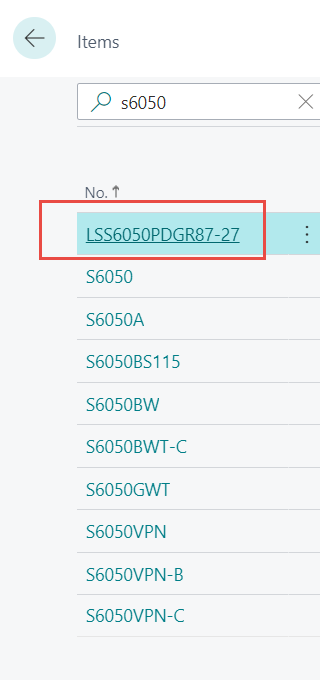
pastedimage1661951764128v1.png

I want to end up at item "S6050"
I also tried to use the systemid instead:
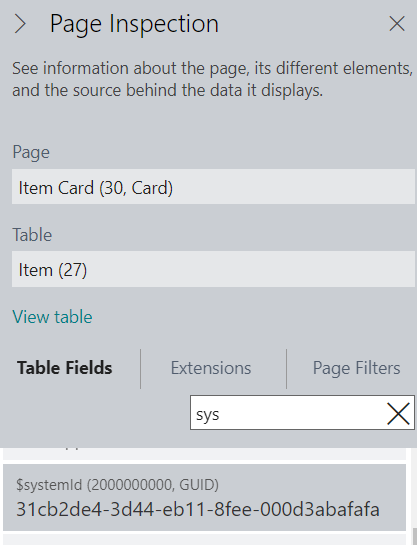
pastedimage1661955197975v2.png
{{local}} ?company={{company}}&page=30&filter=%27$systemid%27%20IS%20%2731cb2de4-3d44-eb11-8fee-000d3abafafa%27

But this results in an error:
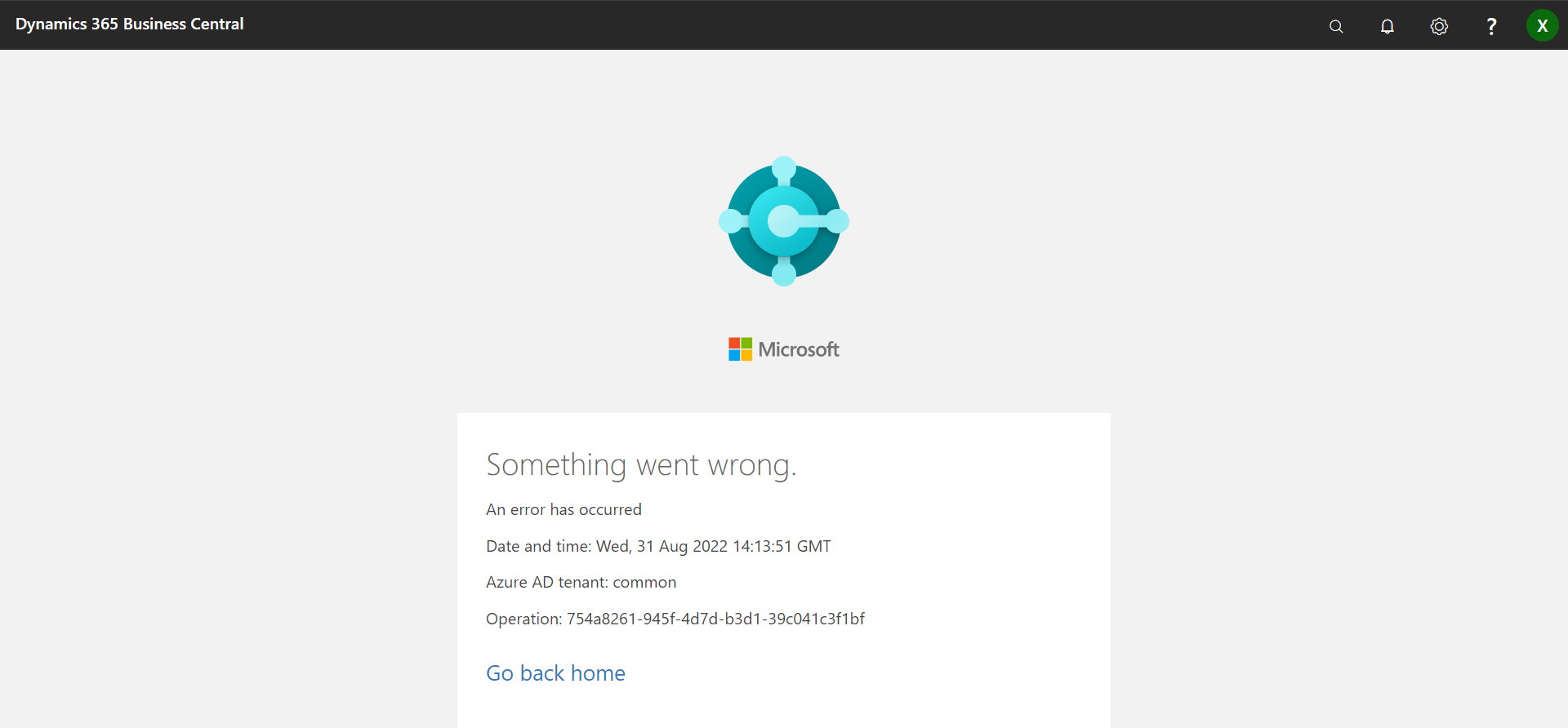
pastedimage1661955252063v3.png

Does any of you have an idea how to solve this?

I have the same question (0)
  • Suggested answer
    Nitin Verma Profile Picture
    21,812 Moderator on at

    Hi,

    Please use below format of the URL when trying to filter the data.

    businesscentral.dynamics.com/.../ IS 'ItemNofilter'

  • Suggested answer
    Amit Baru Profile Picture
    3,043 on at

    Hi, Pls check your URL. I was tryin in my local system Its work.

    Regards

    Amit Sharma

    www.erpconsultors.com

    www.linkedin.com/.../

  • Suggested answer
    YUN ZHU Profile Picture
    101,775 Super User 2026 Season 1 on at

    Hi, I just tested it and it works well, please try the URL below.

    Using system id:

    https://businesscentral.dynamics.com/d8f36038-1f93-4543-affc-5dc92b6ee871/Sandbox204?page=30&company=My Company&filter='$systemId' IS 'e81f903d-6a1b-ed11-90eb-002248e8eb94'

    Using Item No.:

    https://businesscentral.dynamics.com/d8f36038-1f93-4543-affc-5dc92b6ee871/Sandbox204?page=30&company=My Company&filter='No.' IS '1900-S'

    Thanks

    ZHU

Under review

Thank you for your reply! To ensure a great experience for everyone, your content is awaiting approval by our Community Managers. Please check back later.

Helpful resources

Quick Links

Season of Sharing Community Challenge Launch!

Jump in, show your community spirit, and win prizes!

Women in Power Builds Momentum

Expanding mentorship, skilling, and AI innovation

Congratulations to the April Top 10 Community Leaders

These are the community rock stars!

Leaderboard > Small and medium business | Business Central, NAV, RMS

#1
OussamaSabbouh Profile Picture

OussamaSabbouh 2,497 Super User 2026 Season 1

#2
YUN ZHU Profile Picture

YUN ZHU 1,778 Super User 2026 Season 1

#3
AndrewThomas81 Profile Picture

AndrewThomas81 1,507

Last 30 days Overall leaderboard

Featured topics

Microsoft Training Manuals

Product updates

Dynamics 365 release plans



