web
You’re offline. This is a read only version of the page.
close
Skip to main content

Notifications

Announcements

No record found.

Community site session details

Community site session details

Session Id :
Supply chain | Supply Chain Management, Commerce
Answered

Clear the cache data in D365

(0) ShareShare
ReportReport
Posted on by 318

Hi Team,

When I'm trying to post an intercompany PO, after putting the devices into an intercompany state. This is the error I am seeing when trying to "book" the assets in

1072.pastedimage1588158334408v1.png

This error was because of "A critical error has occurred in function InventCostInputAmount::getLedgerDimensionFromDistribution" .

what I'm trying to clear all the usage data,

Path: setting -> user options -> Usage data -> All usage data -> select the particular object -> delete.
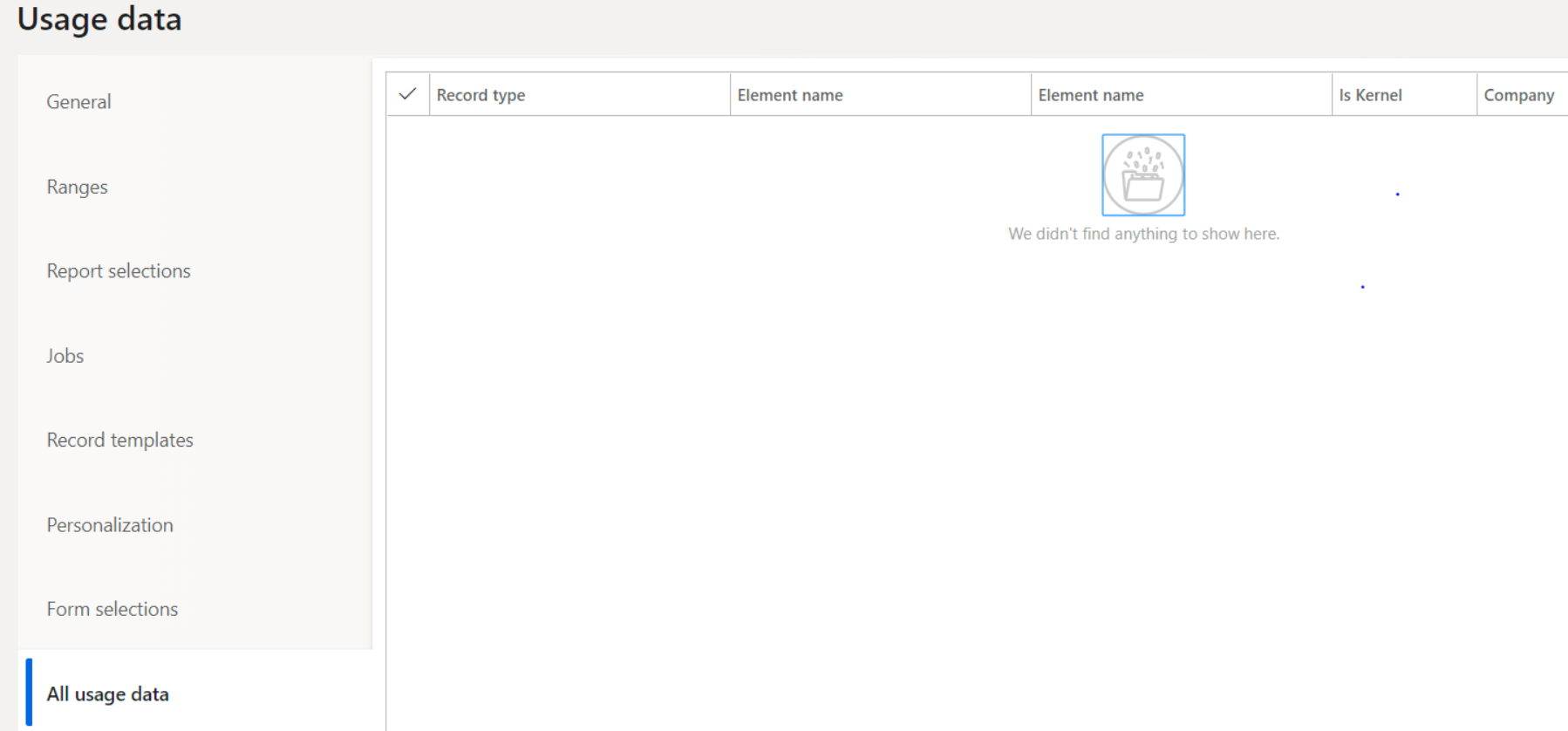
4606.pastedimage1588158407287v2.png

But user don't want  to clear all the cache data, and export the personalisations and then import them back into the system after the cache has been reset.

 Please help me on this issue, if we have any alternate solution, please let me know?


Thanks,

Vinay.

I have the same question (0)
  • Suggested answer
    nmaenpaa Profile Picture
    101,160 Moderator on at

    First question is: did removing the usage data from your user solve the problem for you?

    If you don't want to delete personalizations, you can also try to remove all other usage data except personalizations for this particular object.

    Sometimes clearing usage data of particular object is the only way to resolve some issues, whether your users like it or not.

    But let's first concentrate on finding a solution that works.

  • Suggested answer
    Rahul Mohta Profile Picture
    21,032 on at

    the error in the image suggest something with serial number, should consider other transaction without serial to confirm setup is working and then with serial and also note serialization requirements

  • Verified answer
    vinilkumar Profile Picture
    318 on at

    Thanks Nikolaos Mäenpää , Rahul, The issue got resolved. It's a functional related issue.

    pastedimage1591065599500v1.png

    we have 8 lines of the item and on one line got an exception as 'this Item had 'Financial Distributions' with corrections which made the 'percent-200'. 

    once we corrected to 'Percent-100' and later successfully posted order'.

    Thanks,

    Vinilkumar.

Under review

Thank you for your reply! To ensure a great experience for everyone, your content is awaiting approval by our Community Managers. Please check back later.

Helpful resources

Quick Links

Responsible AI policies

As AI tools become more common, we’re introducing a Responsible AI Use…

Neeraj Kumar – Community Spotlight

We are honored to recognize Neeraj Kumar as our Community Spotlight honoree for…

Leaderboard > Supply chain | Supply Chain Management, Commerce

#1
Laurens vd Tang Profile Picture

Laurens vd Tang 271 Super User 2025 Season 2

#2
Siv Sagar Profile Picture

Siv Sagar 171 Super User 2025 Season 2

#3
André Arnaud de Calavon Profile Picture

André Arnaud de Cal... 130 Super User 2025 Season 2

Last 30 days Overall leaderboard

Featured topics

Product updates

Dynamics 365 release plans
