web
You’re offline. This is a read only version of the page.
close
Skip to main content

Notifications

Announcements

No record found.

Community site session details

Community site session details

Session Id :
Microsoft Dynamics CRM (Archived)

Configure Claims-Based Authentication Wizard Under CRM not available federation metadata URL

(0) ShareShare
ReportReport
Posted on by 6,212

HI

I have installed ADFS server and When i configure claim based authentication in CRM wizard, adfs federation metadata URL is not available error occur.

I am able to open the same URL in IE and in chrome then files gets downloaded.

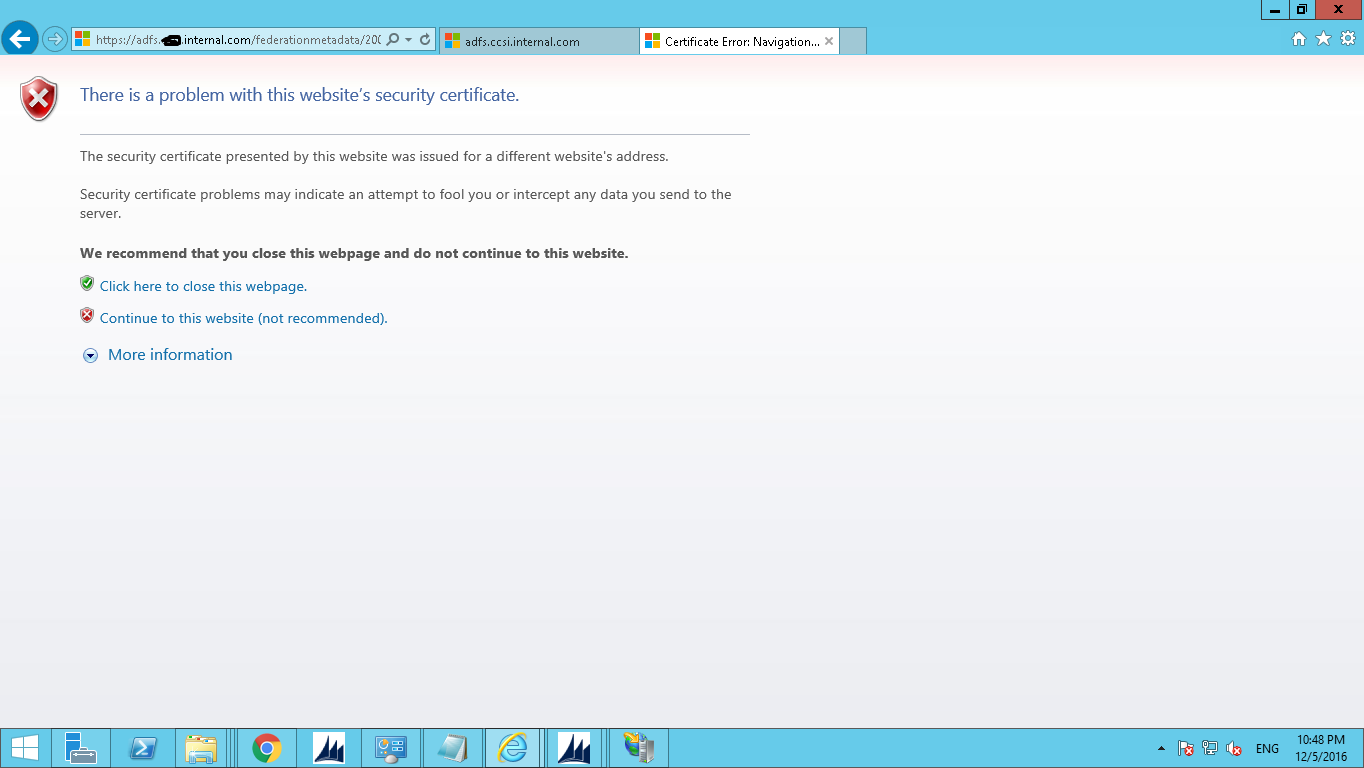
But when i put adfs url in the browser certification error occur. When i click continue website i can see metadata
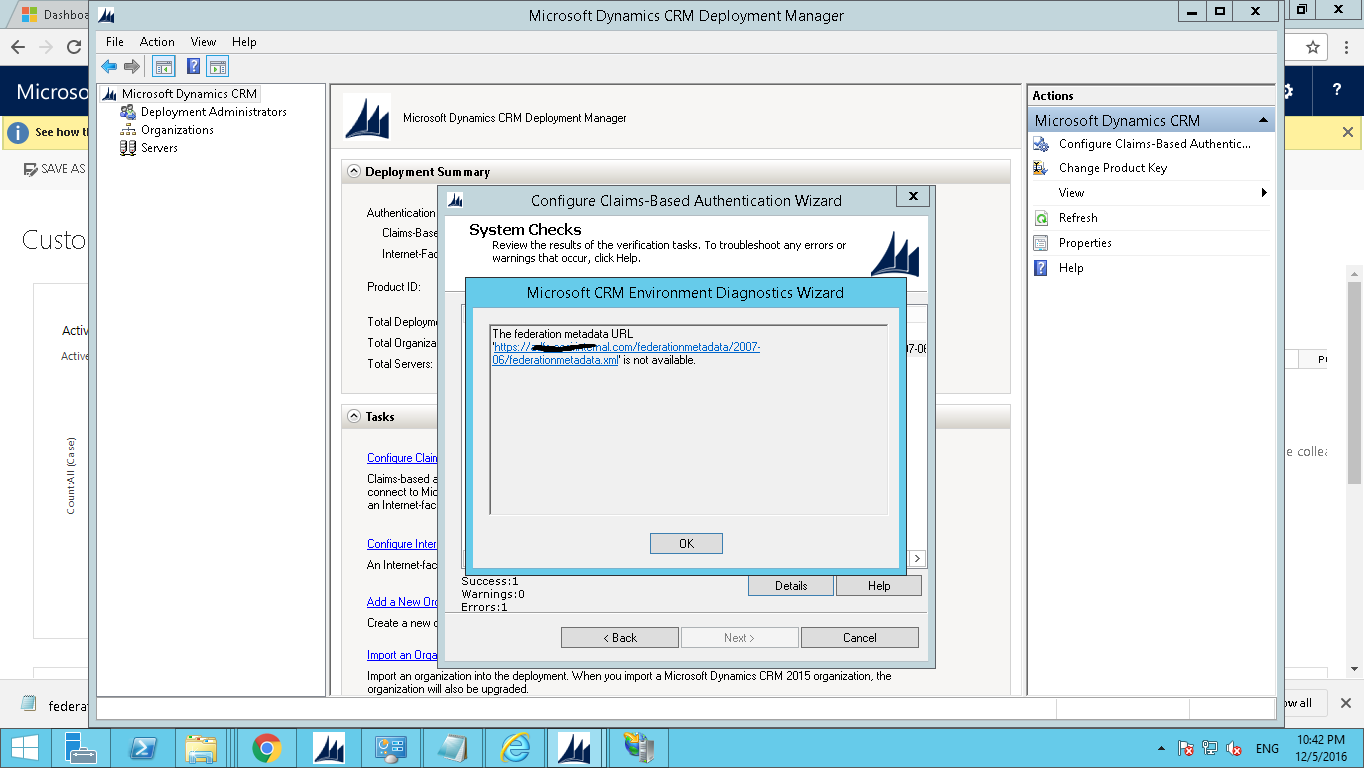
Claim.png

Claim1.png

*This post is locked for comments

I have the same question (0)
  • Suggested answer
    a33ik Profile Picture
    84,331 Most Valuable Professional on at

    Hello,

    Can you please confirm that sertificate that you installed covers your adfs service name like certificate is *.something.com and your adfs is available by url adfs.something.com?

  • Alagunellaikumar Profile Picture
    6,212 on at

    Actually certificate name that installed is *.companyname.org. What should i do now?

  • Alagunellaikumar Profile Picture
    6,212 on at

    Actually certificate name that installed is *.companyname.org. What should i do now?

  • Suggested answer
    Nithya Gopinath Profile Picture
    17,078 on at
  • Suggested answer
    a33ik Profile Picture
    84,331 Most Valuable Professional on at

    If you want to use certificate generated for *.companyname.org then you will have your DNS resolve your adfs server from name adfs.companyname.org. I'm afraid this is the only way you can make it work.

  • Alagunellaikumar Profile Picture
    6,212 on at

    Super Andrii Thanks i got it now

  • a33ik Profile Picture
    84,331 Most Valuable Professional on at

    Feel free to close this thread verifying my reply (ies).

  • ryanshee1982 Profile Picture
    20 on at

    Hi Alagu,

    Could you share, how we can fix this xml issues? My server also suddenly encountered it.

    Thanks

    Ryan Shee

Under review

Thank you for your reply! To ensure a great experience for everyone, your content is awaiting approval by our Community Managers. Please check back later.

Helpful resources

Quick Links

Responsible AI policies

As AI tools become more common, we’re introducing a Responsible AI Use…

Neeraj Kumar – Community Spotlight

We are honored to recognize Neeraj Kumar as our Community Spotlight honoree for…

Leaderboard > 🔒一 Microsoft Dynamics CRM (Archived)

#1
SA-08121319-0 Profile Picture

SA-08121319-0 4

#1
Calum MacFarlane Profile Picture

Calum MacFarlane 4

#3
Alex Fun Wei Jie Profile Picture

Alex Fun Wei Jie 2

Last 30 days Overall leaderboard

Featured topics

Product updates

Dynamics 365 release plans
