web
You’re offline. This is a read only version of the page.
close
Skip to main content

Notifications

Announcements

No record found.

Community site session details

Community site session details

Session Id :
Microsoft Dynamics 365 | Integration, Dataverse...
Suggested Answer

Dynamics 365 Mobile App moved to Power app version - Have some concerns or issues

(0) ShareShare
ReportReport
Posted on by

Hello,

Recently Dynamics 365 mobile has moved to PowerApps version. on the entity form level the Ribbon button are not showing on the new form(form type ==1), instead it showing on the initial save when we click on default save button the top. Every time if there is an edit on the form, ribbon buttons are disabled during the save?

Screenshot_5F00_20201029_2D00_125421_5F005F00_02.jpg

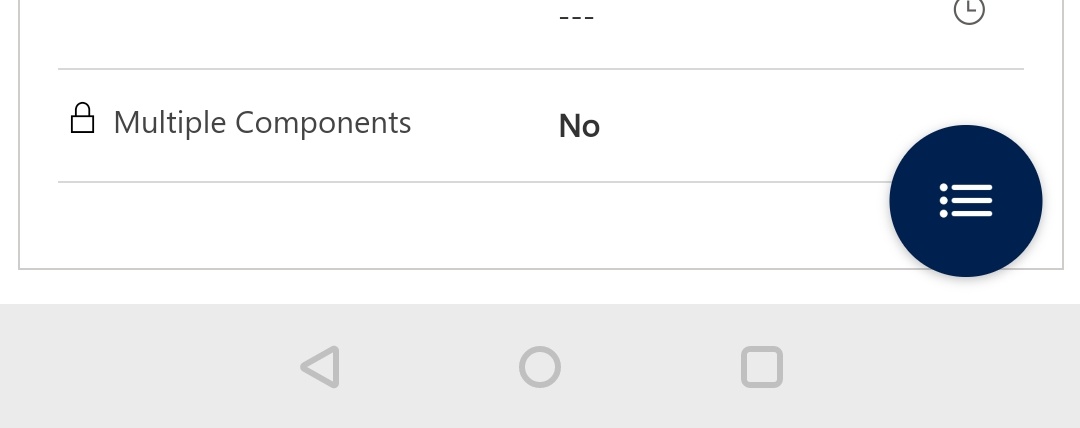
Is there any way we can keep the ribbon buttons( circle  shown below) all the time because  we don't want to use default  "Save" and  "discard" buttons on the top on mobile for every edit instead want to use custom save  and saveclose in ribbon. Before PowerApps version we don't have these two save and discard feature on top and ribbon is  enabled all the time) . Please suggest, how we can enable the ribbon all the time on form and hide save and discard button on mobile?
Screenshot_5F00_20201029_2D00_125414_5F005F00_01.jpg

I have the same question (0)
  • Suggested answer
    Henry J. Profile Picture
    5,237 on at

    Hi Vamsi,

    Not sure I fully understand the use case, so would advise to open a Support Request for this: https://admin.powerplatform.microsoft.com/support

    If this is closed as "By Design" then I suggest that you open a feature request here: https://aka.ms/PAIdeas   

    Henry

  • Vamsi Duggineni Profile Picture
    on at

    Jammes,

    To put in a simple terms, the ribbon is not enabled all the times, instead enabled after the initial save using default save button .

    Thanks
    Vamsi Duggineni

Under review

Thank you for your reply! To ensure a great experience for everyone, your content is awaiting approval by our Community Managers. Please check back later.

Helpful resources

Quick Links

Responsible AI policies

As AI tools become more common, we’re introducing a Responsible AI Use…

Neeraj Kumar – Community Spotlight

We are honored to recognize Neeraj Kumar as our Community Spotlight honoree for…

Leaderboard > Microsoft Dynamics 365 | Integration, Dataverse, and general topics

#1
iampranjal Profile Picture

iampranjal 41

#2
Martin Dráb Profile Picture

Martin Dráb 38 Most Valuable Professional

#3
Satyam Prakash Profile Picture

Satyam Prakash 35

Last 30 days Overall leaderboard

Product updates

Dynamics 365 release plans
