web
You’re offline. This is a read only version of the page.
close
Skip to main content

Announcements

No record found.

News and Announcements icon
Community site session details

Community site session details

Session Id :
Microsoft Dynamics CRM (Archived)

Pie Chart issues

(0) ShareShare
ReportReport
Posted on by 587

Hi,

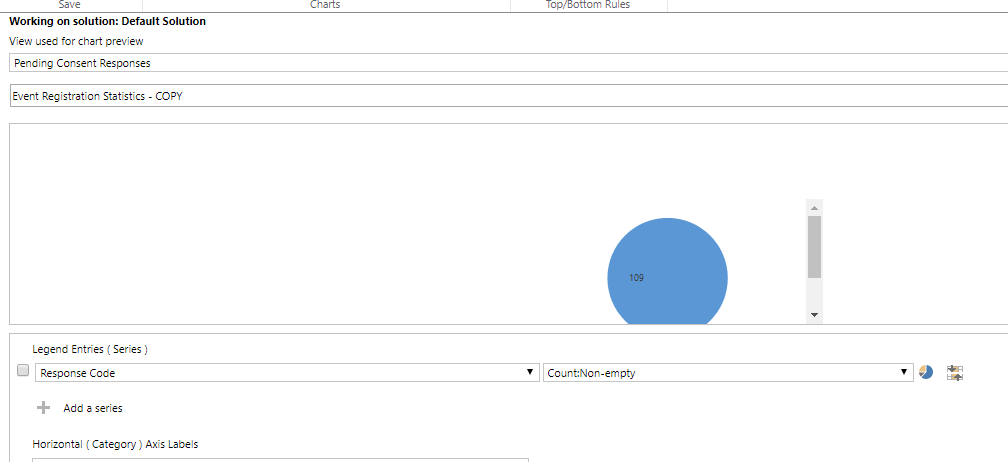
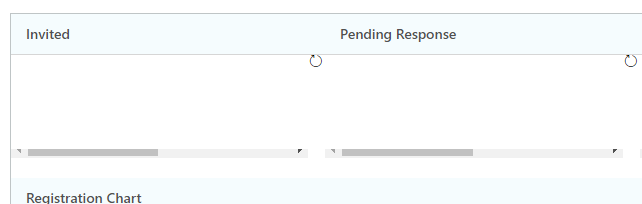
I have pie chart that displays total number of person invited for campaign. If you see in the below screenshot it is having scrollbars. When i open it in customization it is having scrollbars and also when i add it in form. Can any one help me how to get the rid of these scroll bars?
21832.Capture.PNG3513.Capture1.PNG

*This post is locked for comments

I have the same question (0)
  • Suggested answer
    Alex Fun Wei Jie Profile Picture
    33,628 on at

    Hi,

    try to set the tab or section layout using 3 columns.

  • SamiraM Profile Picture
    587 on at

    how can we edit the pie chart width and height.

Under review

Thank you for your reply! To ensure a great experience for everyone, your content is awaiting approval by our Community Managers. Please check back later.

Helpful resources

Quick Links

Introducing the 2026 Season 1 community Super Users

Congratulations to our 2026 Super Stars!

Meet the Microsoft Dynamics 365 Contact Center Champions

We are thrilled to have these Champions in our Community!

Congratulations to the April Top 10 Community Leaders

These are the community rock stars!

Leaderboard > 🔒一 Microsoft Dynamics CRM (Archived)

Last 30 days Overall leaderboard

Featured topics

Product updates

Dynamics 365 release plans
