I ran into an issue that seems similar to https://community.dynamics.com/crm/f/microsoft-dynamics-crm-forum/106360/unable-to-log-out---browsing-to-crm-always-logs-in-as-same-user.
I'm posting again as it's been 3.5 years since that post. My apologies if this is bad etiquette despite the time that has passed.
Client had logged into a new employee's Tech - Field Service account with minimal permissions to test it, and then back into their account with greater permissions. They received this error when trying to open Dynamics365 in the greater permission account.
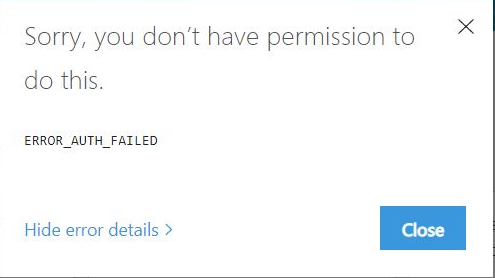
I tested with incognito and it worked fine. I went back to the main window and checked the Page Source of the error window. Scrolling to the bottom of the page source showed that the error was for the team member license user, despite the portal.office.com page showing the user was logged in as their account with greater permissions.
Since the new account was first logged in within the last hour, I went to privacy settings in chrome and cleared the last hour of sign-ins. The user was then able to get back into their greater permission account.
Must be an issue with logging out not properly clearing credentials? I normally support this client as a delegated admin, which I believe may be related to this issue.


