web
You’re offline. This is a read only version of the page.
close
Skip to main content

Announcements

No record found.

News and Announcements icon
Community site session details

Community site session details

Session Id :
Small and medium business | Business Central, N...
Suggested Answer

Intelligent Cloud - Integration Runtime issue

(0) ShareShare
ReportReport
Posted on by 429

Hi all, 

We are trying to replicate BC17 on-prem to BC17 SaaS using Intelligent Cloud - database is on a local SQL Server (not Azure). We started the Cloud Migration assisted setup in BC SaaS and installed a self-hosted integration run time on-premise successfully. 

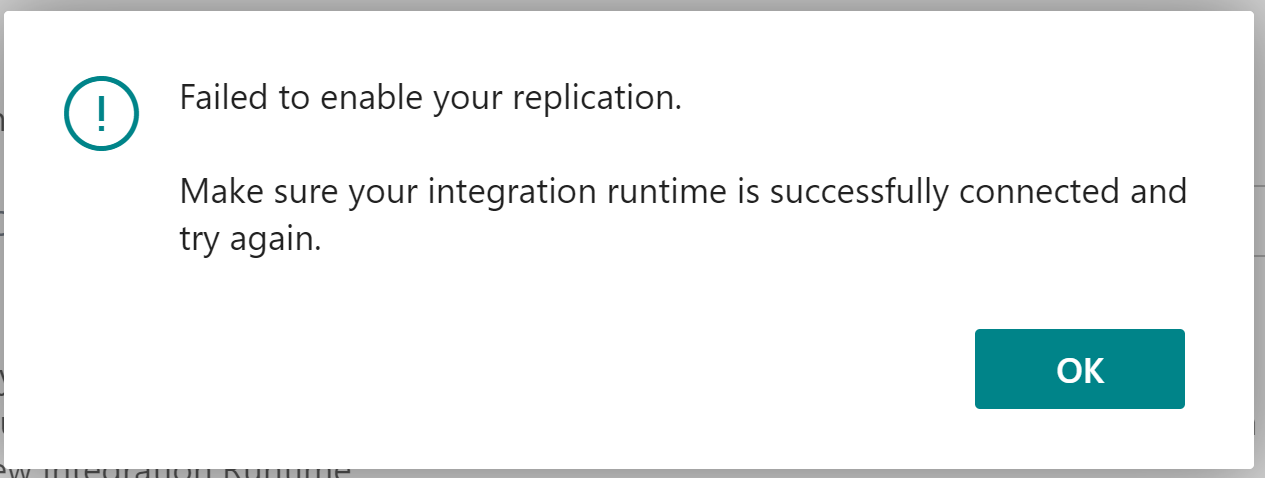
When BC tried to connect to the Integration Runtime, it is failing with this error message; 
Capture123.PNG

Checks that we did till now; 

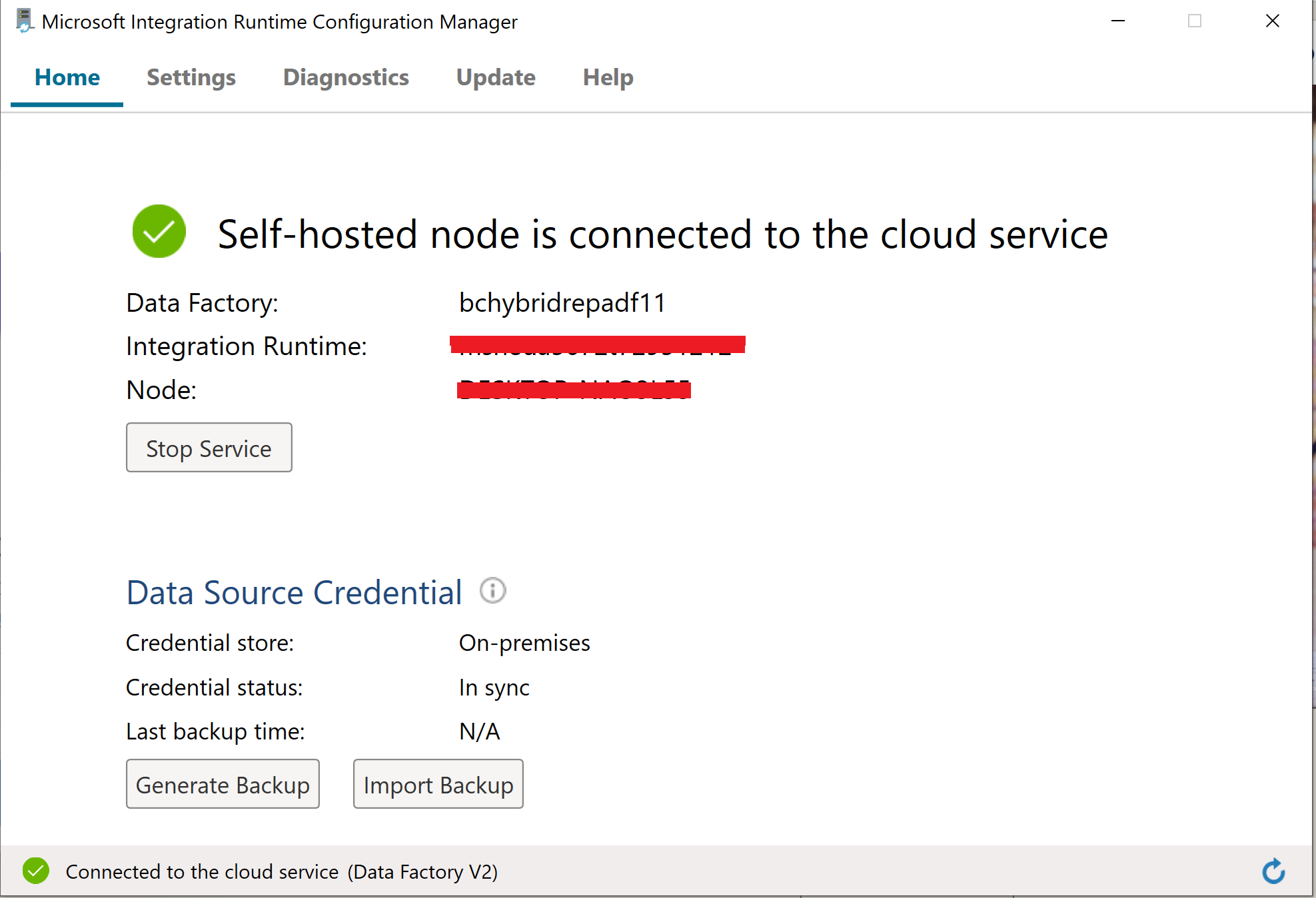
  • Our Integration runtime looks all good - it is connected and no errors in the logs (Event viewer) 
  • We tried to connect to the SQL database from the integration runtime and it was successful
  • Database compatibility level is 130
  • Integration Runtime service is running 
  • Tried with the Firewall off as well

  0714.Capture3.PNG  capture22.PNG

1157.capture4.PNG

Any further ideas on how we can overcome this issue, please? 

Thanks in advance. 

Edit ------------

We tried using Azure SQL and got the exact same error! 

I have the same question (0)
  • Suggested answer
    Gearoid Profile Picture
    Microsoft Employee on at

    Hi,

    Sounds like a known issue with BC Online and a fix is being developed. I would recommend opening a support ticket with Microsoft via your Solution Provider or Business Central Partner to find out about workaround possibilities pending a fix.  

  • Dan Eckhoff Profile Picture
    1,305 on at

    I was having a similar issue.  Turns out the Test feature needs a double slash in the server\instance wheras the coneection strings reuires a single.

Under review

Thank you for your reply! To ensure a great experience for everyone, your content is awaiting approval by our Community Managers. Please check back later.

Helpful resources

Quick Links

Introducing the 2026 Season 1 community Super Users

Congratulations to our 2026 Super Stars!

Congratulations to our 2025 Community Spotlights

Thanks to all of our 2025 Community Spotlight stars!

Leaderboard > Small and medium business | Business Central, NAV, RMS

#1
OussamaSabbouh Profile Picture

OussamaSabbouh 2,161 Super User 2026 Season 1

#2
YUN ZHU Profile Picture

YUN ZHU 1,046 Super User 2026 Season 1

#3
Dhiren Nagar Profile Picture

Dhiren Nagar 932 Super User 2026 Season 1

Last 30 days Overall leaderboard

Featured topics

Product updates

Dynamics 365 release plans