Hello everyone,
I'm sure this has been asked before, but I couldnt find my viariant of the question. So sorry if this is a double post.
We run a D365FO environment in the cloud (Installed product version : 10.0.23 (10.0.1037.154) Installed platform version : Update47 (7.0.6206.148)).
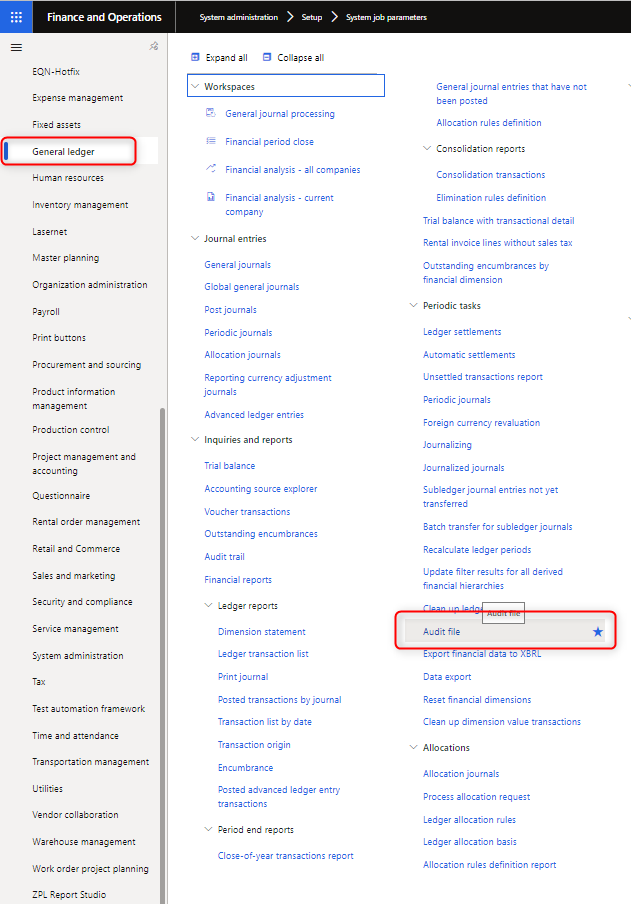
For the financial audit we are trying to download the audit file from the General Ledger module. (Modules > General Ledger > Audit File. However, after 15 minutes we get the message:
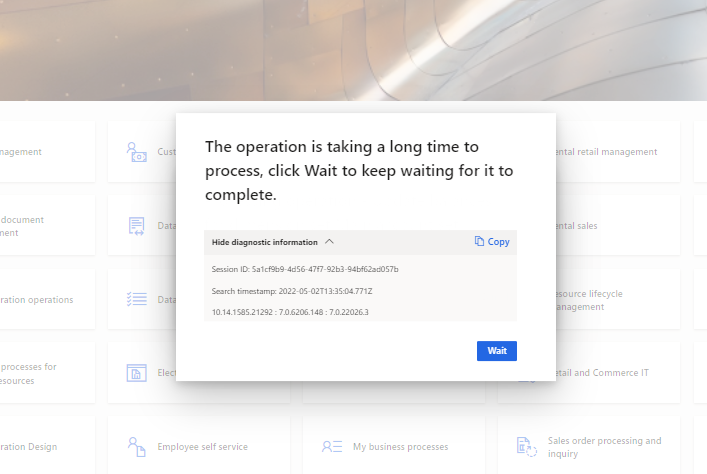
The operation is taking a long time to process, click Wait to keep waiting for it to complete.

This seems to be a 24-hour job and so we are looking for a more convenient way to get this audit file. Because if you don't respond within another 15 minutes, the session is closed, and you need to start over from the beginning. There is a batch job functionality on the Audit file function, but when we run this, we can't find the file anywhere. I think this is saved somewhere in the cloud and we need to create this location ourselves or we need to get access to the file somehow.
The solution direction I'm thinking about is making sure we can download this file from the batch job somehow. Alternative if someone knows a way to change the 15-minute timer, that would also be interesting information.
Thanks in advance!


