web
You’re offline. This is a read only version of the page.
close
Skip to main content

Announcements

No record found.

News and Announcements icon
Community site session details

Community site session details

Session Id :
Small and medium business | Business Central, N...
Active Discussion

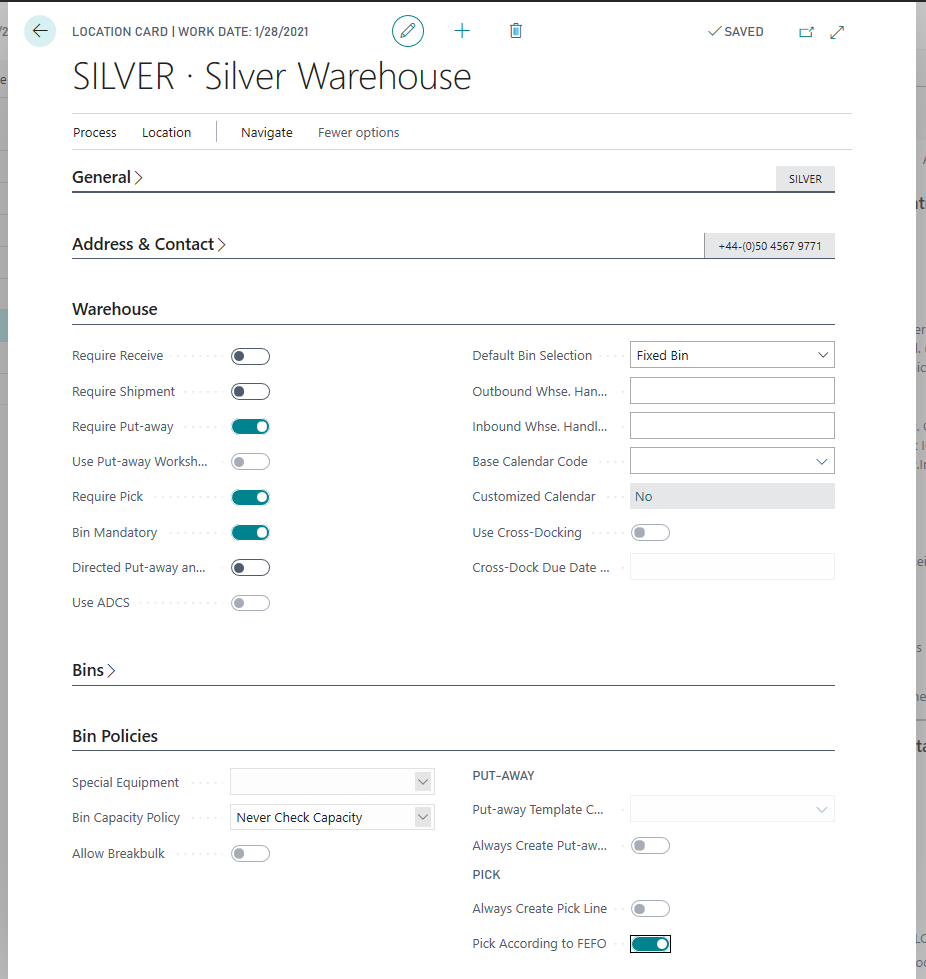
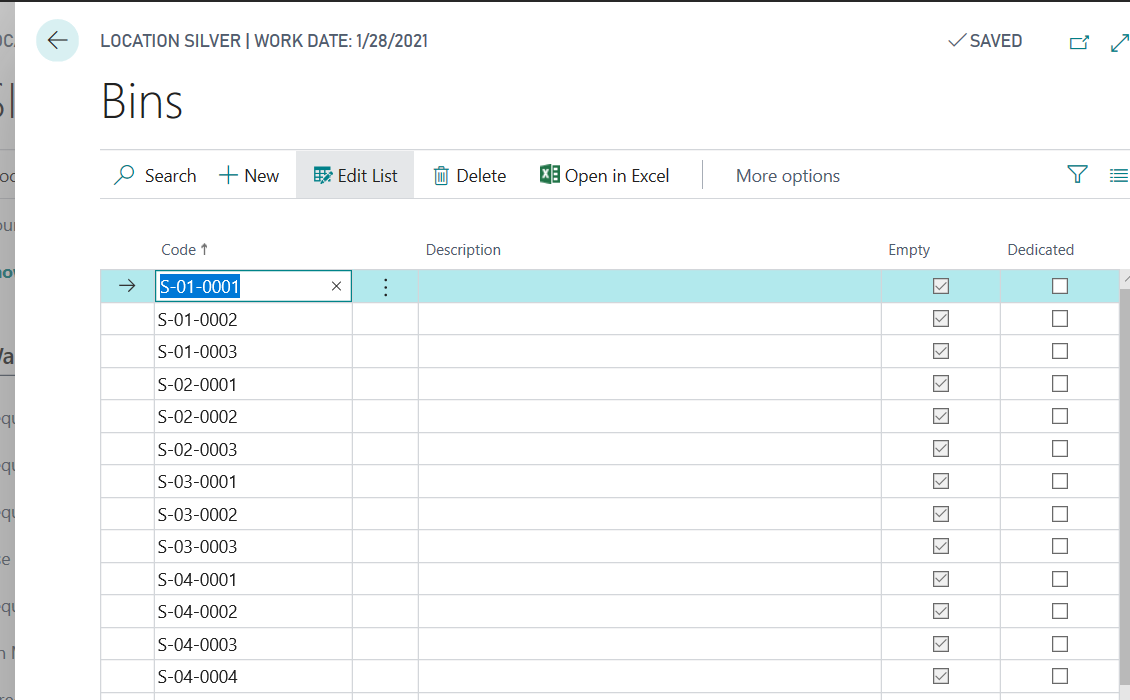
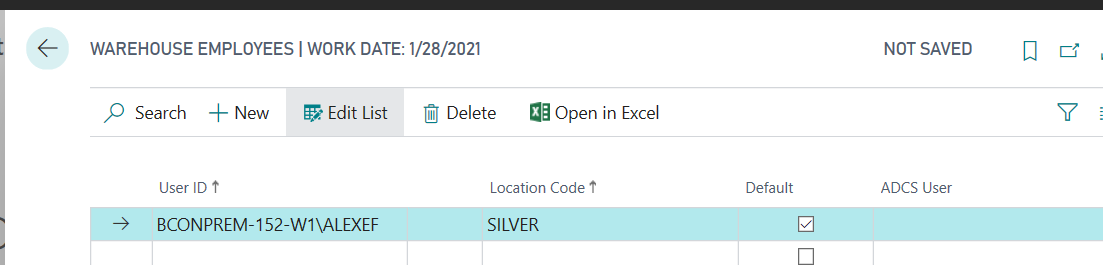
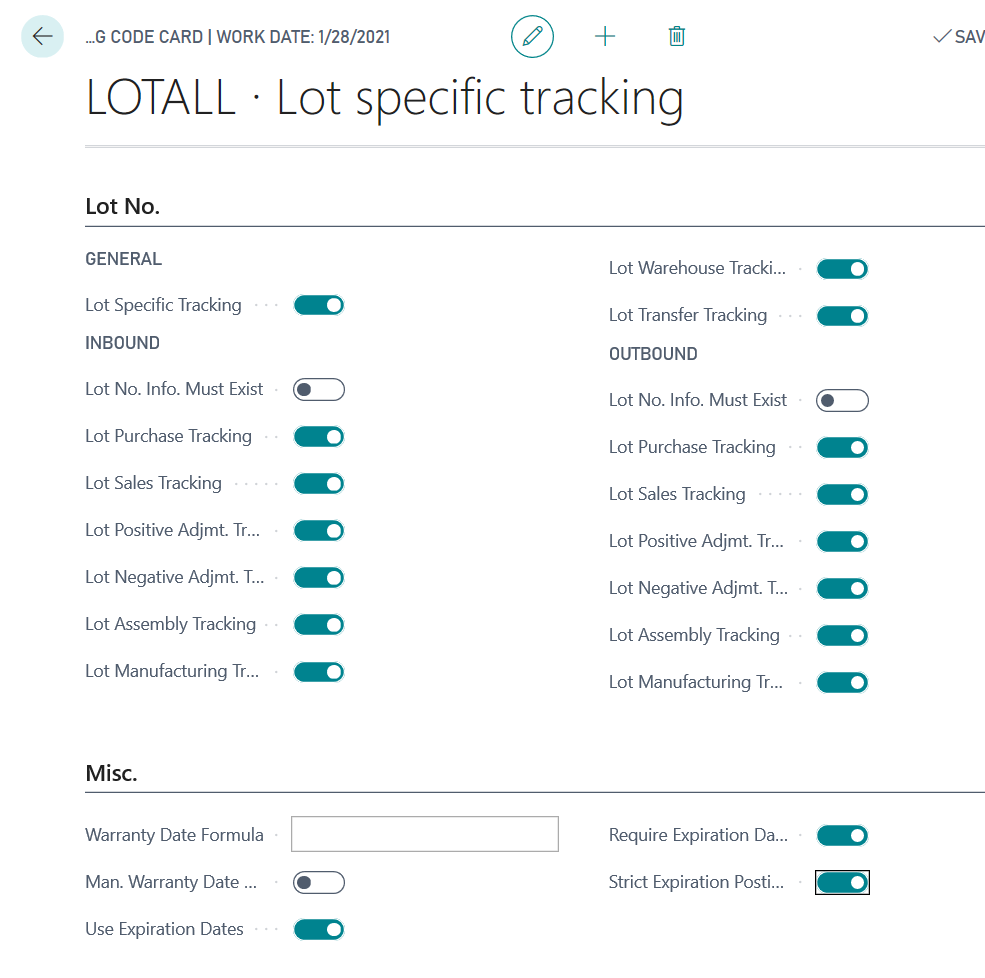
[INFO] How to setup the simple location that allow to user work with Bins, Lots, Expiration Dates on Inventory Put-away/Pick and use automatic Pick According to FEFO process

(0) ShareShare
ReportReport
Posted on by 1,659

4743.FEFO16.png

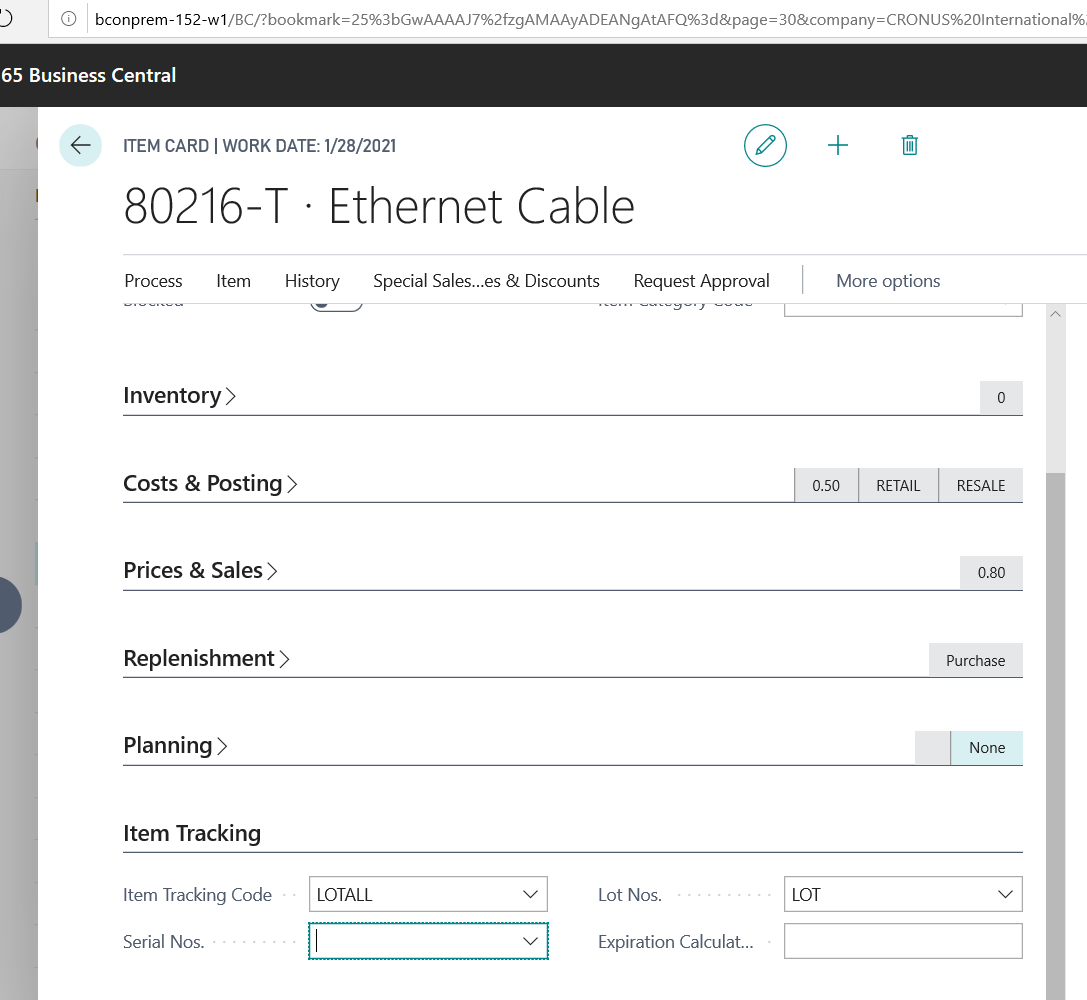
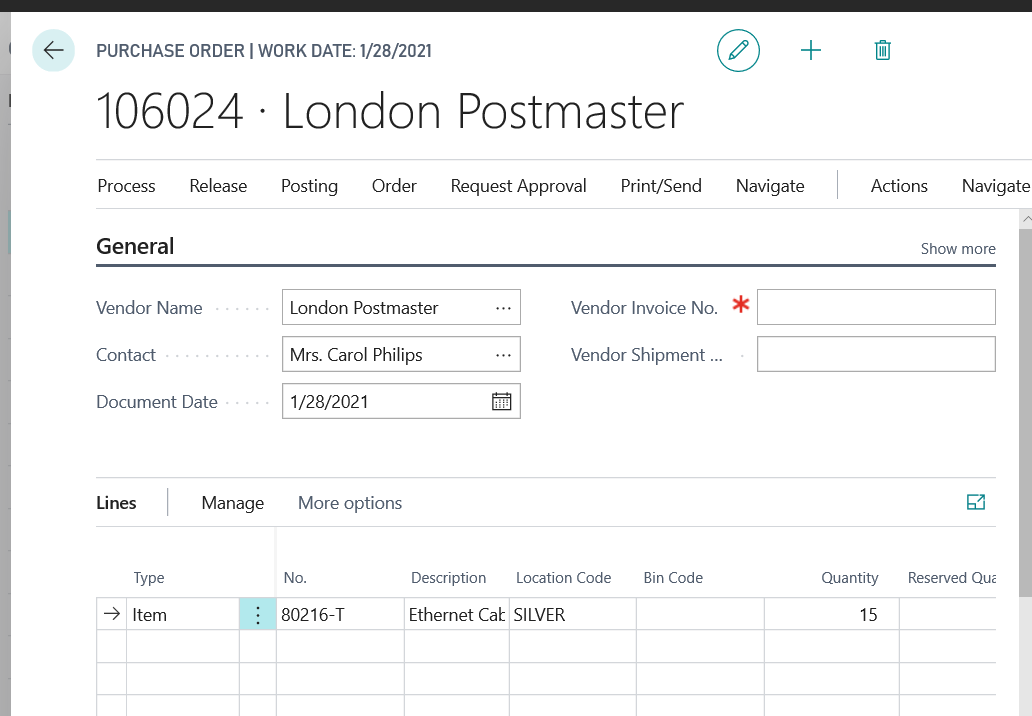
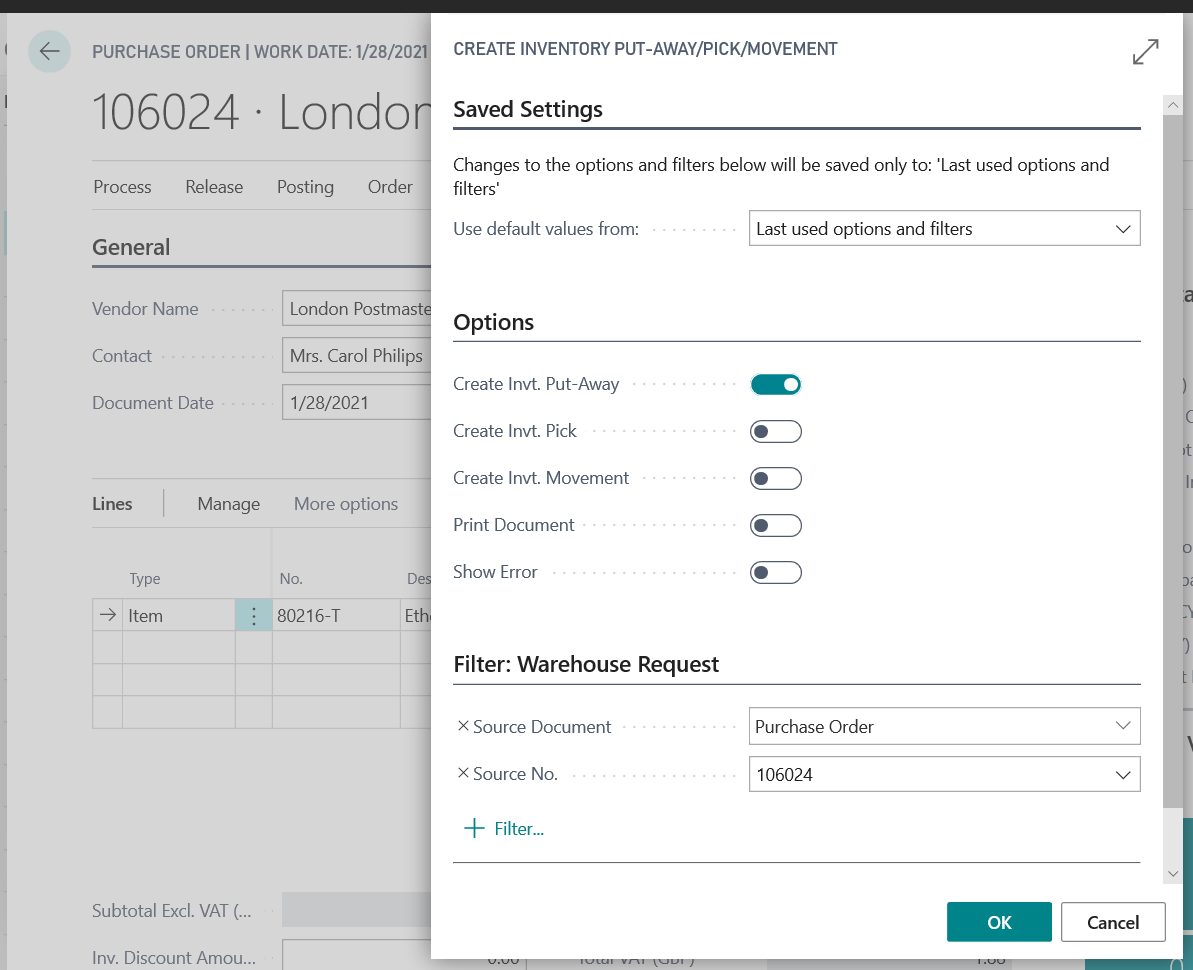
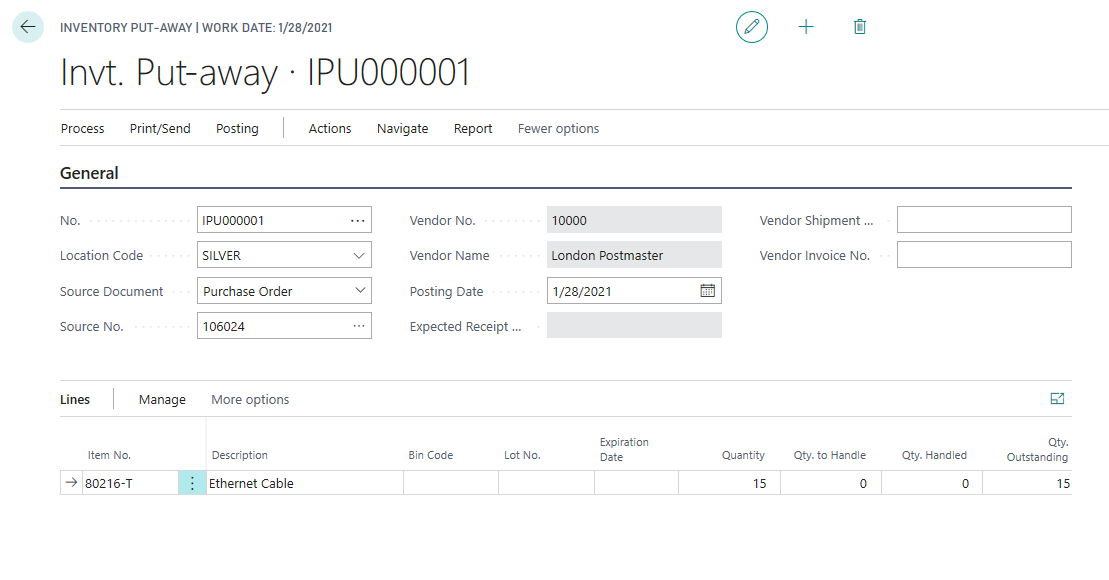
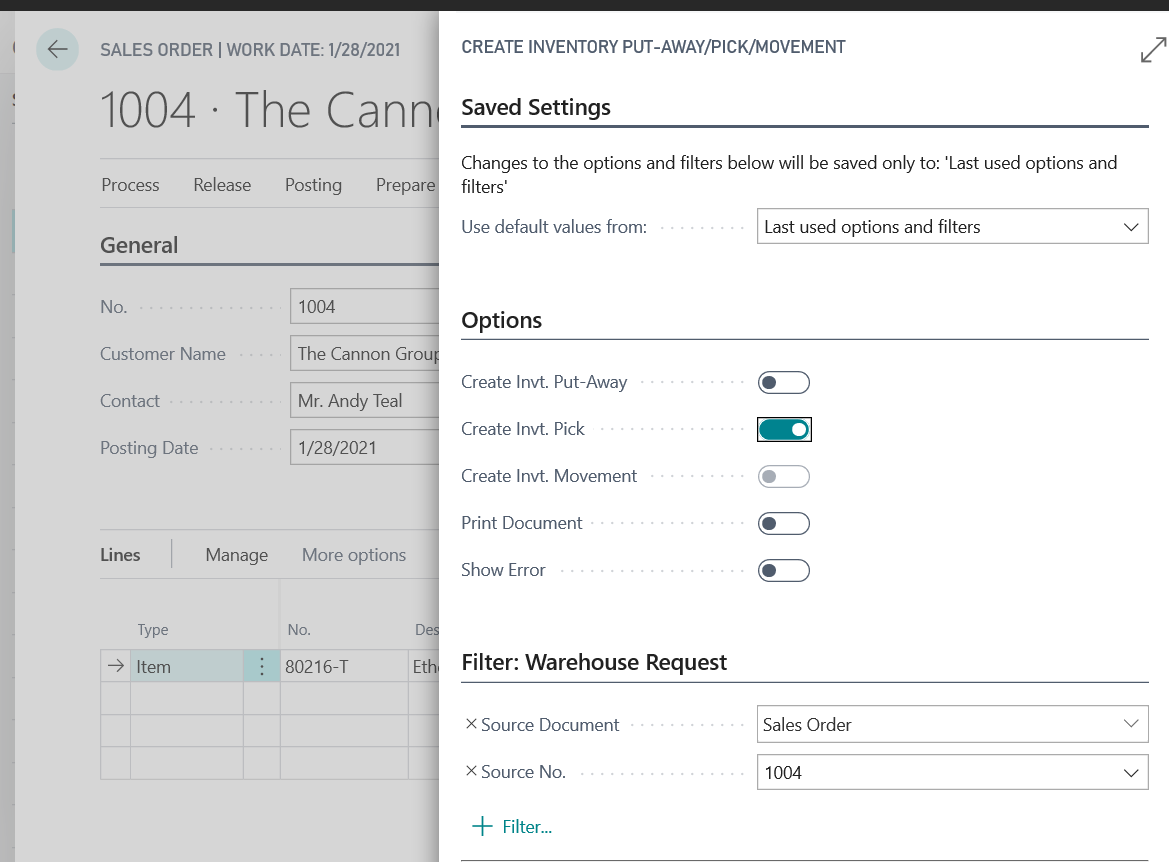
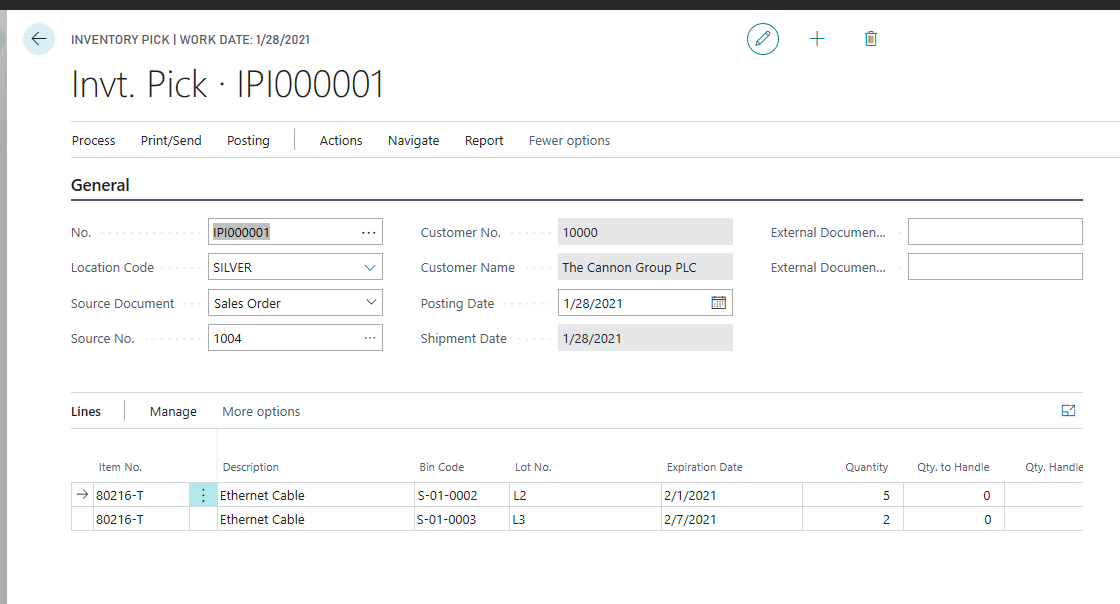
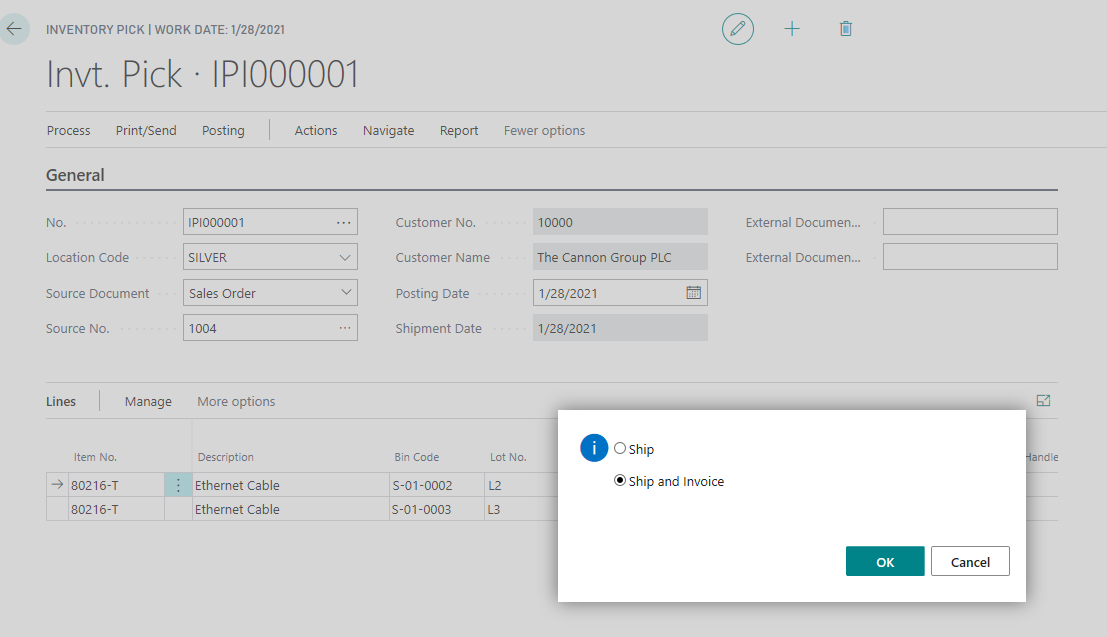
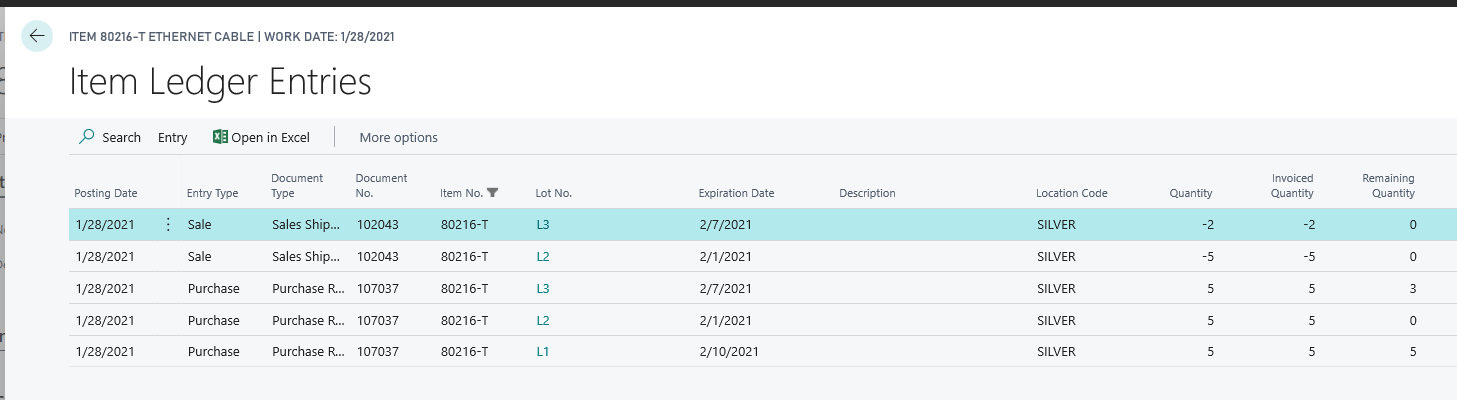
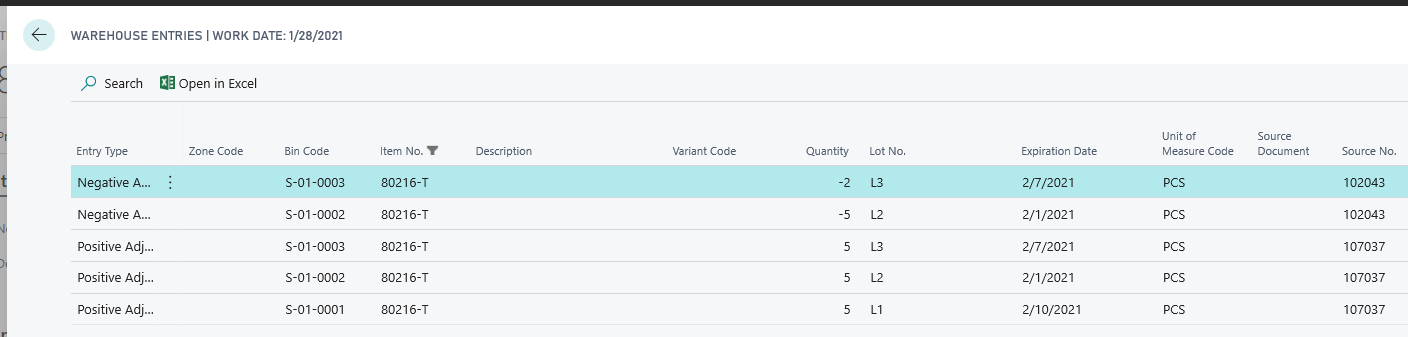
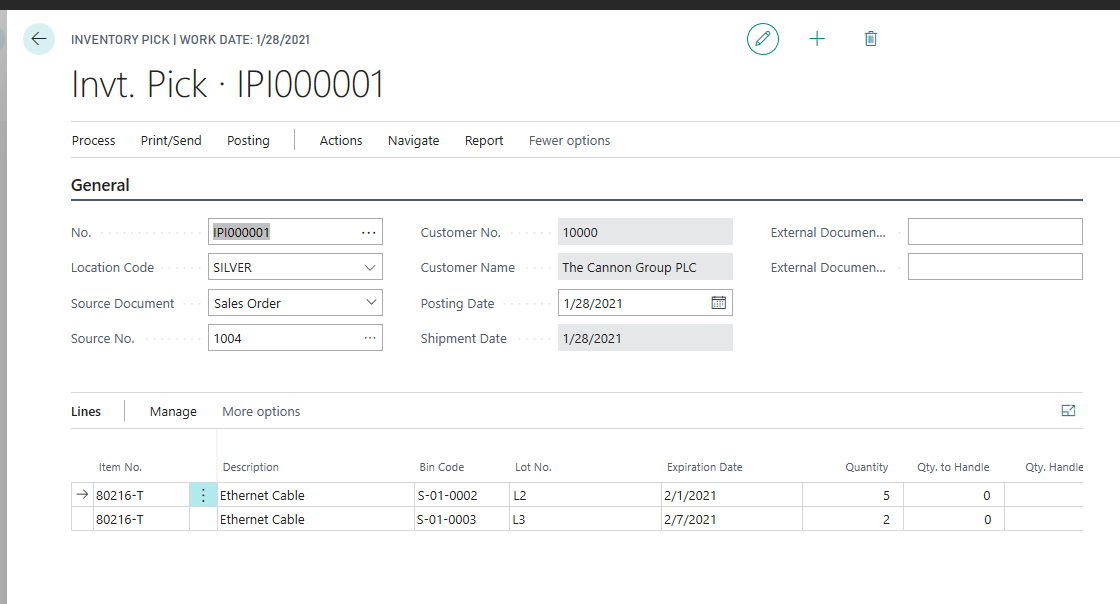
How to setup the ‘simple’ location that allow to user manipulate with Bins, Lots, Expiration Dates on Inventory Put-away/Pick docs and use automatic 'Pick According to FEFO' process...

A lot of pictures below:

0310.FEFO00.png

2211.FEFO01.png

0434.FEFO02.png

8420.FEFO03.png

2500.FEFO04.png

0317.FEFO05.png

8461.FEFO06.png

7457.FEFO07.png

1832.FEFO08.png

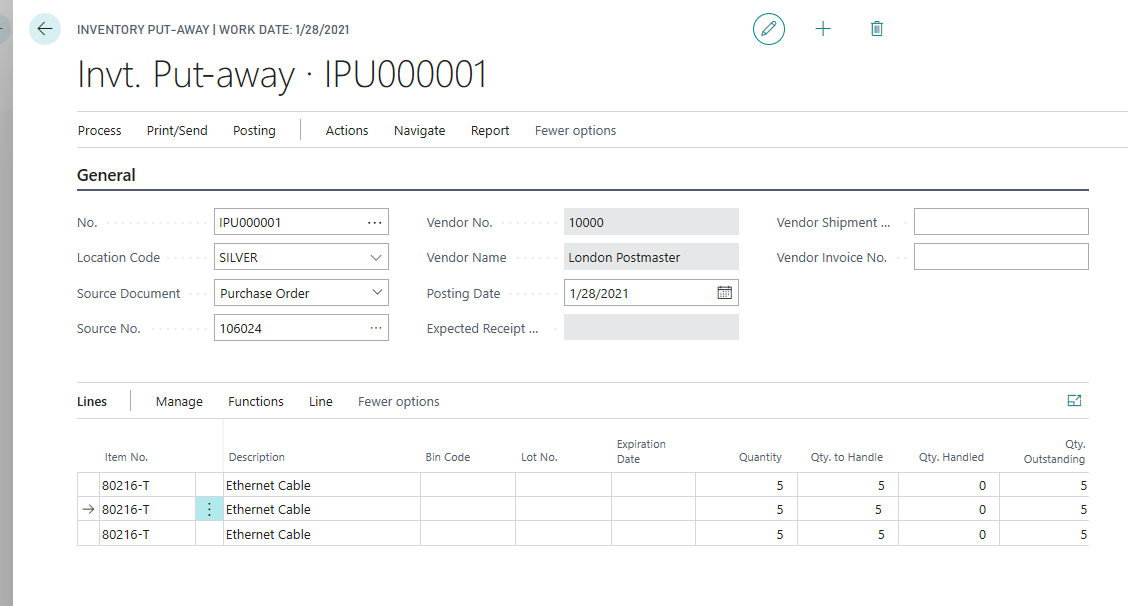
// Add fields: Lot No., Expiration Date ... via Personalize feature
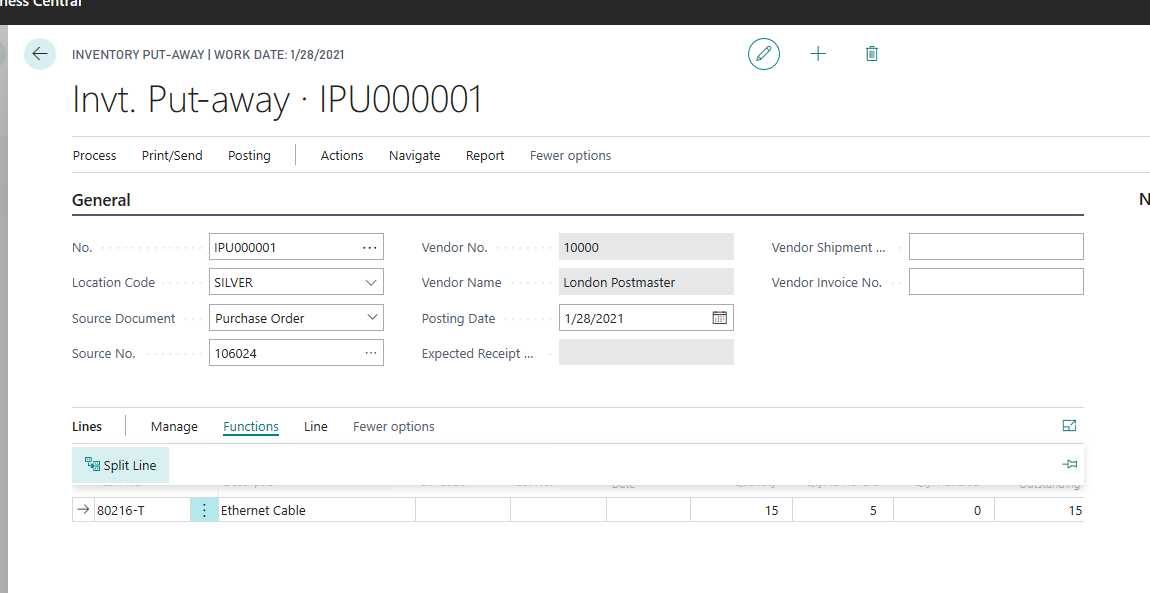
4555.FEFO09.png

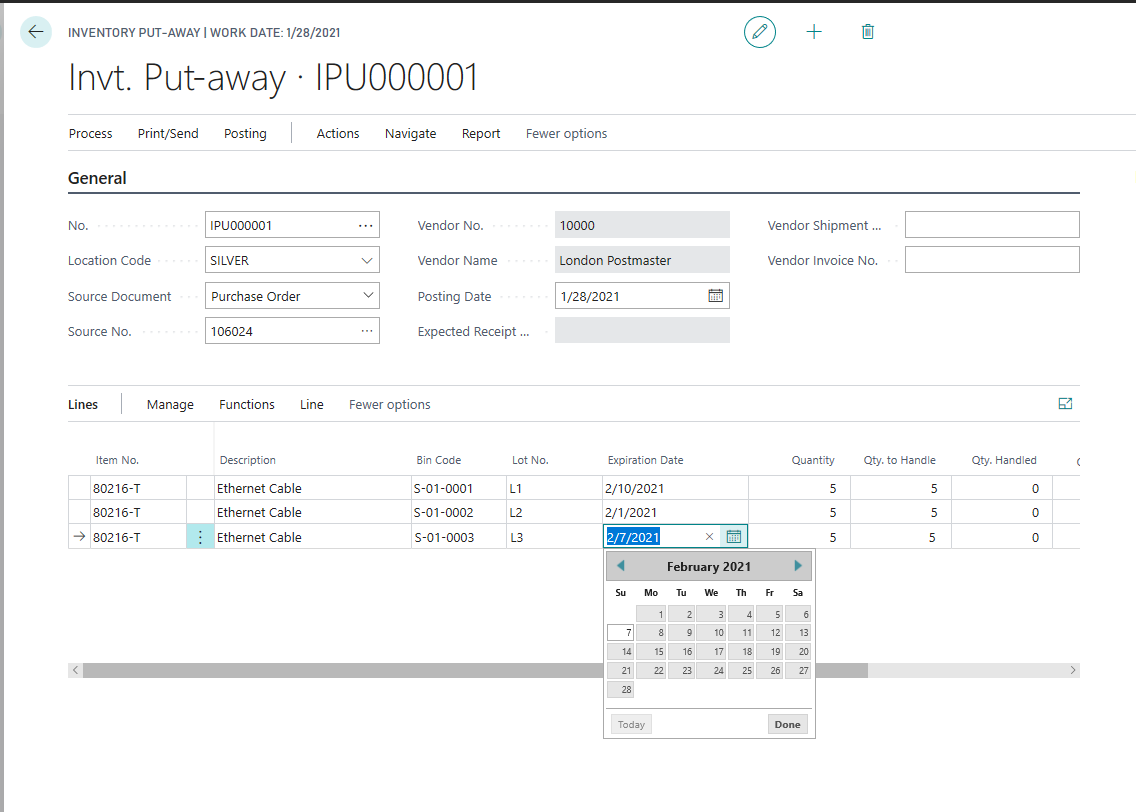
// Split Lines, fill Bin, Lot No. Expiration Date
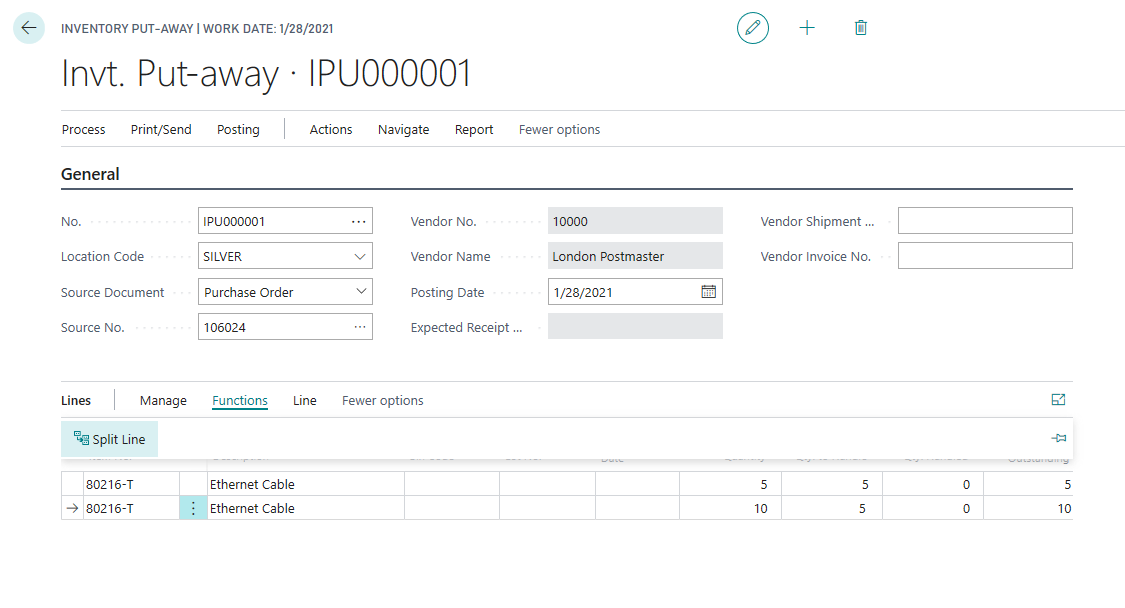
7181.FEFO10.png

6180.FEFO11.png

0714.FEFO12.png

8512.FEFO13.png

7506.FEFO14.png

5482.FEFO15.png

4478.FEFO16.png

// System automatically fill the lines (use Lots with nearest Expiration Date)
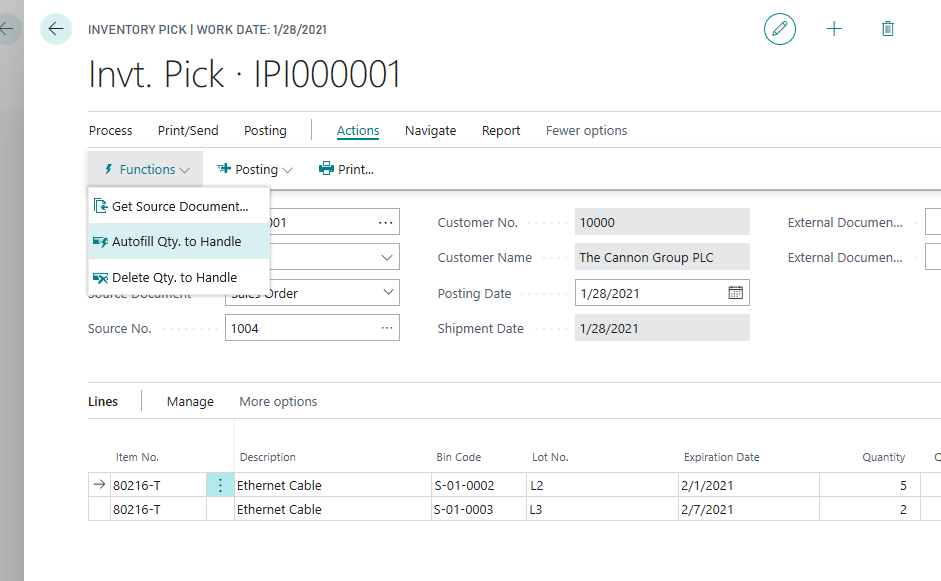
7558.FEFO17.png

6011.FEFO18.png

0181.FEFO19.png

2072.FEFO20.png

  • Marco Mels Profile Picture
    Microsoft Employee on at

    Thank you Alexey!

  • Saqib Hassan Profile Picture
    2 on at

    Hey Alexey!

    I have a question regarding the Manual batch entry possibility in Business central while we are using warehouse activity.

    I just want to know that how to proceed multiple quantities from a single batch. when I create the Sales Order and create Inventory Pick then it creates two line based on the expiration method of FEFO because I have less quantity in my batch 1, so system automatically pick the quantity from nearest expiry batch that's what I don't want, I want to use Both manual batch selection and automatic picking while using FEFO method.

    Please Let me know is it possible? if yes so how it will proceed.

    Thanks & Regards

    Saqib Hassan

Under review

Thank you for your reply! To ensure a great experience for everyone, your content is awaiting approval by our Community Managers. Please check back later.

Helpful resources

Quick Links

Introducing the 2026 Season 1 community Super Users

Congratulations to our 2026 Super Stars!

Congratulations to our 2025 Community Spotlights

Thanks to all of our 2025 Community Spotlight stars!

Leaderboard > Small and medium business | Business Central, NAV, RMS

#1
OussamaSabbouh Profile Picture

OussamaSabbouh 1,926 Super User 2026 Season 1

#2
YUN ZHU Profile Picture

YUN ZHU 1,158 Super User 2026 Season 1

#3
Khushbu Rajvi. Profile Picture

Khushbu Rajvi. 533 Super User 2026 Season 1

Last 30 days Overall leaderboard

Featured topics

Product updates

Dynamics 365 release plans