I am trying to setup BC Sandbox and following below link
https://docs.microsoft.com/en-us/dynamics365/business-central/dev-itpro/developer/devenv-get-started-container-sandbox#set-up-a-local-hosted-container-sandbox
After the process completes, I am getting below information as mentioned in the link
Container IP Address, Container Hostname, Container Dns Name, Web Client, Dev. Server, Dev. ServerInstance & Files: http://MyBCApp*****
But I am getting a warning and an error as well
Warning:
You are running a container which is 105 days old.
Microsoft recommends that you always run the latest version of our containers.
Error:
Your program license does not allow you to publish 'User Login Test Library'.
at <ScriptBlock>, <No file>: line 12
Your program license does not allow you to publish 'User Login Test Library'.
At C:\Program
Files\WindowsPowerShell\Modules\navcontainerhelper\0.6.5.11\ContainerHandling\Invoke-ScriptInNavContainer.ps1:37 char:13
+ Invoke-Command -Session $session -ScriptBlock $scriptbloc ...
+ ~~~~~~~~~~~~~~~~~~~~~~~~~~~~~~~~~~~~~~~~~~~~~~~~~~~~~~~~~
+ CategoryInfo : InvalidOperation: (:) [Publish-NAVApp], InvalidOperationException
+ FullyQualifiedErrorId : MicrosoftDynamicsNavServer$BC/nav-systemapplication,Microsoft.Dynamics.Nav.Apps.Management.Cm
dlets.PublishNavApp
+ PSComputerName : 38cd2e118f03039333daecb237b7b7b0dd2ad1c91383e2cf5678c1fb7c7bbfab
Moreover, in the link it says that 4 desktop shortcuts will be created but I got only 3. Windows Client is missing.
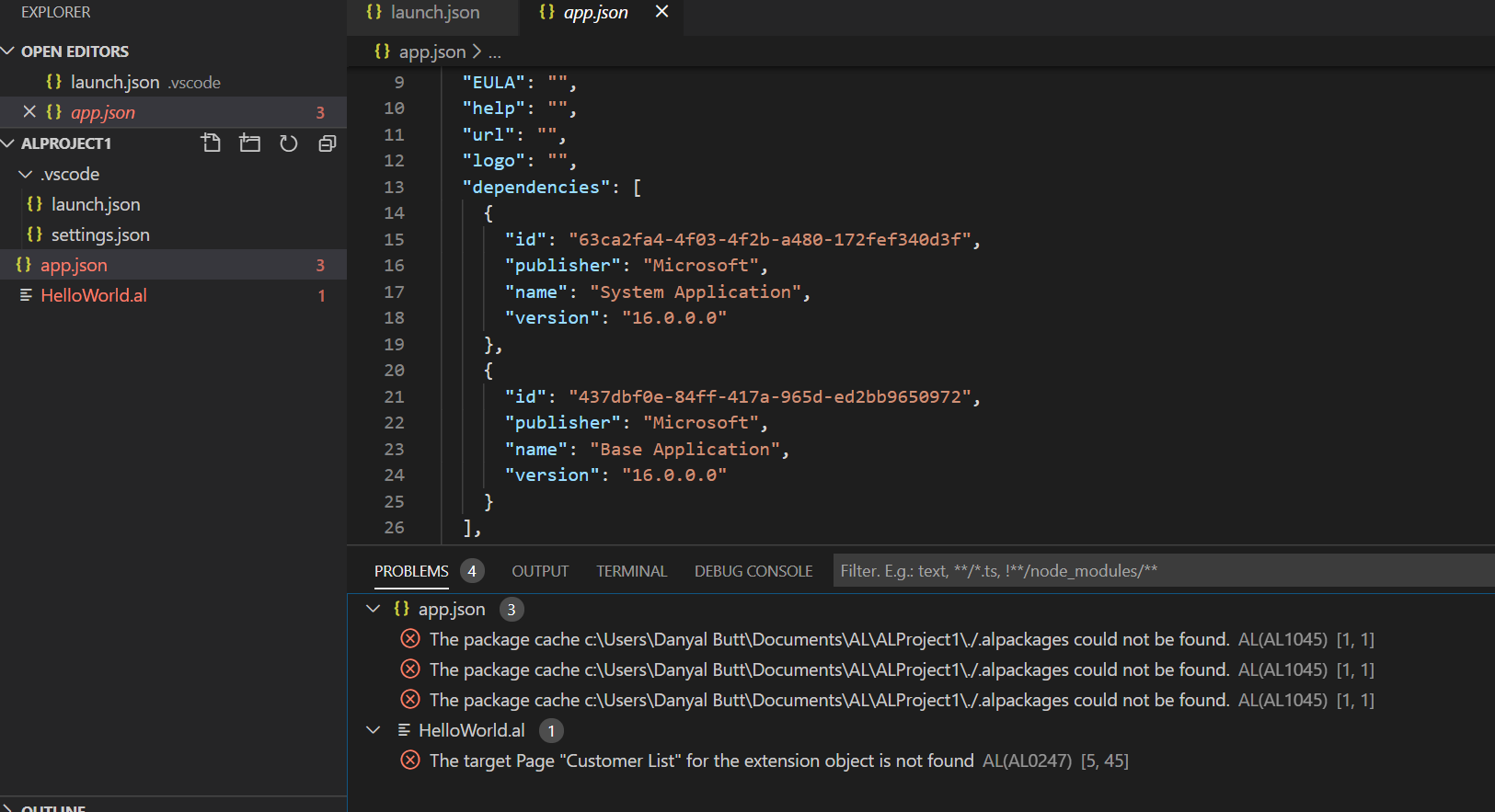
After that I installed .vsix file in VS code and update .json file accordingly. When I create and run AL project I am getting below errors