Hi
Interesting issue I am having at a client. They have very restrictive security and we have had issues getting the access we need for various different things, so I am almost certain this is a file access issue - but don't know what we are missing.
Integration Manager is installed with a shared location for the .imd file. At first I did not have read / write permissions to the shared location - I couldn't create a file or anything. That is resolved and via Windows Explorer, I can now create files, delete files etc.
However, from inside Integration Manager, I can't create new integrations or delete integrations. I get the following messages (note - the integration does not already exist with the name):
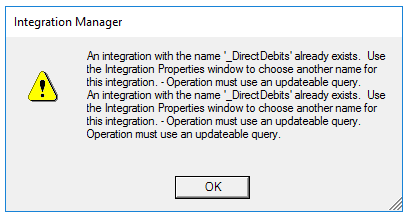
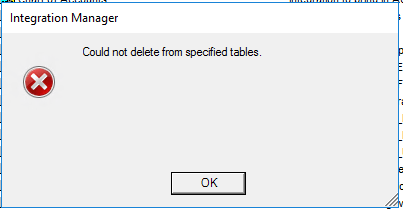
If I point back to the .imd in the C:\Program Files location - I can use it effectively.
Does anyone have any idea what file permissions would be incorrect?
Cheers
Heather
*This post is locked for comments
I have the same question (0)


