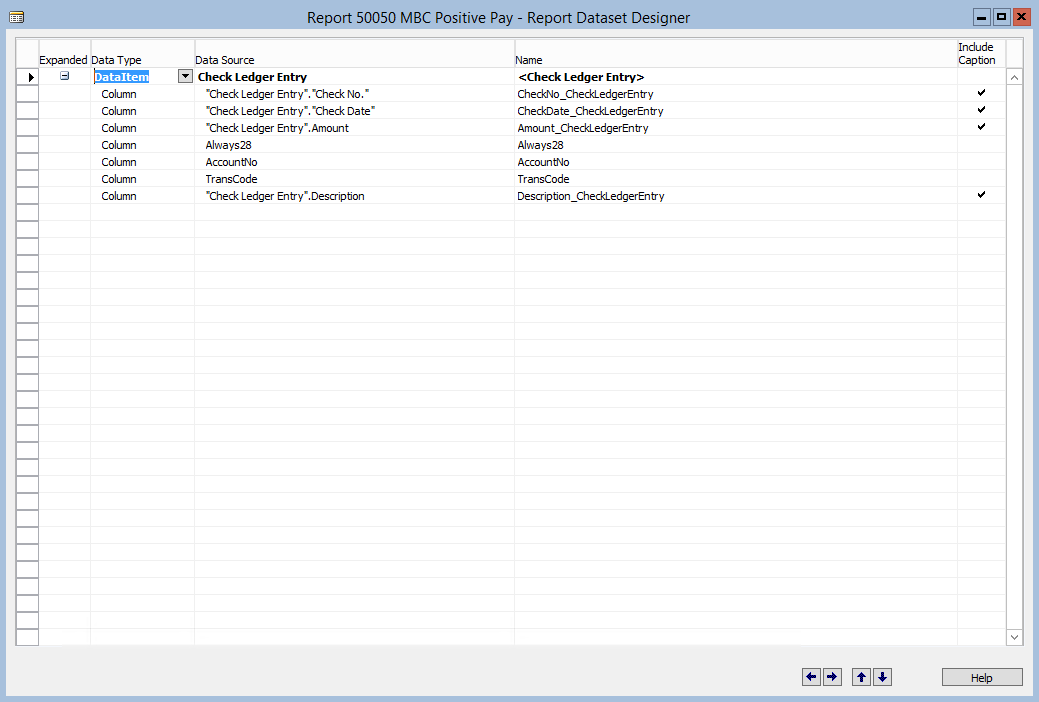
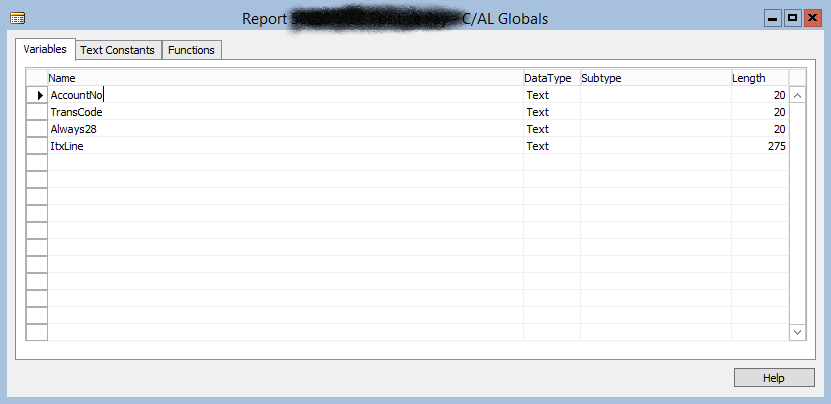
I need to develop a report that the End User can initiate so that the Check Ledger Entry table is sorted by Check Date. I have all of my columns needed by the Bank, and I have been able to get all of the data exactly the way I want it. The issue I am having is I cannot figure out how to get the code written to export each line as a CSV. I cannot have it as one long line of data, I need it be line for line just as it is in the Check Ledger Entry table. I have been playing around with different code and some help I found on this site from 2016 but I keep running into issues with trying to write the file to a folder on the C:\ drive. Below is all of the code that I have as well as the fields from the Check Ledger Entry table I am using.
Documentation()

OnInitReport()

OnPreReport()

OnPostReport()

Check Ledger Entry - OnPreDataItem()

Check Ledger Entry - OnAfterGetRecord()
"Check Ledger Entry".Description:= (DELCHR("Check Ledger Entry".Description, '=' , ','));

IF "Check Ledger Entry".Amount <> 0 THEN
  AccountNo := '267104';

IF "Check Ledger Entry".Amount <> 0 THEN
  IF "Check Ledger Entry"."Entry Status" = 1 THEN //VOIDED
    TransCode := 'VD';

IF "Check Ledger Entry".Amount <> 0 THEN
  IF "Check Ledger Entry"."Entry Status" = 2 THEN //POSTED
    TransCode := 'IA';

IF "Check Ledger Entry".Amount <> 0 THEN
  IF "Check Ledger Entry"."Entry Status" = 3 THEN //FINANCIALLY VOIDED
    TransCode := 'VA';

Always28:= '28';

Create('C:\Users\t.harkness\Documents\test.csv');
Write(ItxLine:= ItxLine   "Check No."   FORMAT("Check Ledger Entry"."Check Date", 0));

Check Ledger Entry - OnPostDataItem()