HI Visu,
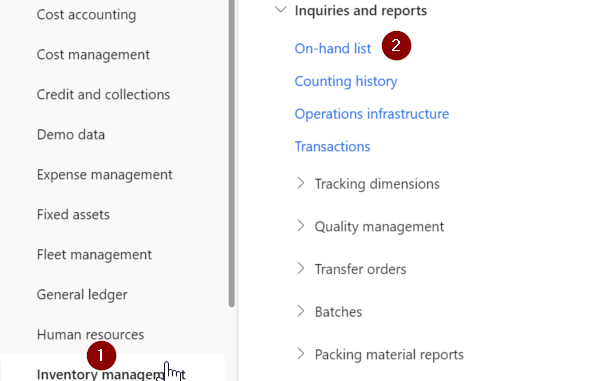
You are looking for the On-hand list. Ensure you select the dimensions you would like to have, in this case the Serial number and save the selected dimensions. Use the Filter on the left side of the screen to select the items and serial number you want. To ensure a serial number is present use the Is not option and put quotation marks. press aplly and this should give you the results

Brgds,
Eddie | Consultant | 365 enthousiast |
Kindly mark this thread with 'Yes' if it answered your question and lets spread the knowledge.
This post is my personal opinion and does not necessarily reflect the opinion of my company or Microsoft.


