Hello,
I have a guest user invited to our tenant to be able to access our CRM. For this guest user, we would like to give him the option to synchronize the emails that he will receive in our Dynamics 365 environment.
We already granted the user the below roles and licenses:
- Dynamics 365 App for Outlook
- Dynamics 365 Sales Enterprise
- Exchange License
While approving his mailbox, the only configuration that worked was Incoming Mail and Appointments. As for the outgoing email, it failed because of the below reason that we received from Alerts:
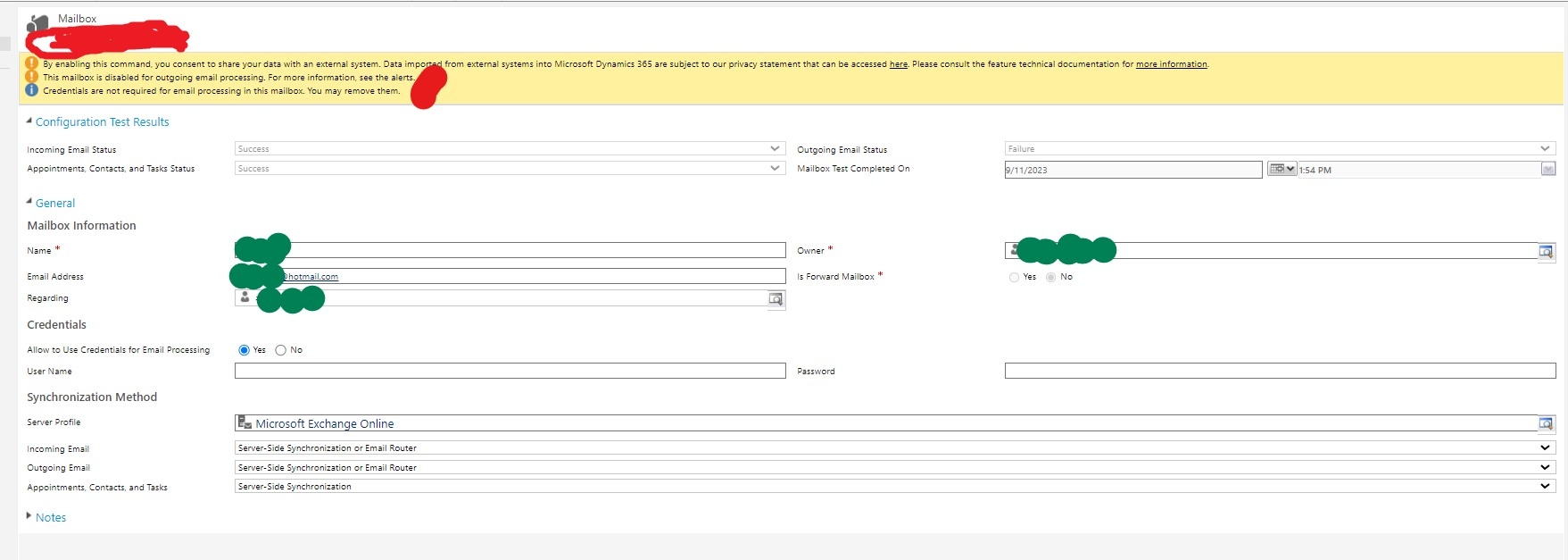

In addition, while trying to add the Outlook App to the external user we got the below error:
What do you advise as a solution to make it work for external users? Or is the best practice to create a forwarding email that is hosted under our tenant and we set up auto-sync?
Any help is greatly appreciated.
Best regards,
EBMRay


