web
You’re offline. This is a read only version of the page.
close
Skip to main content

Announcements

No record found.

News and Announcements icon
Community site session details

Community site session details

Session Id :
Microsoft Dynamics GP (Archived)

Word Template only prints by using sa even other power users can't print

(0) ShareShare
ReportReport
Posted on by 660

Dears,

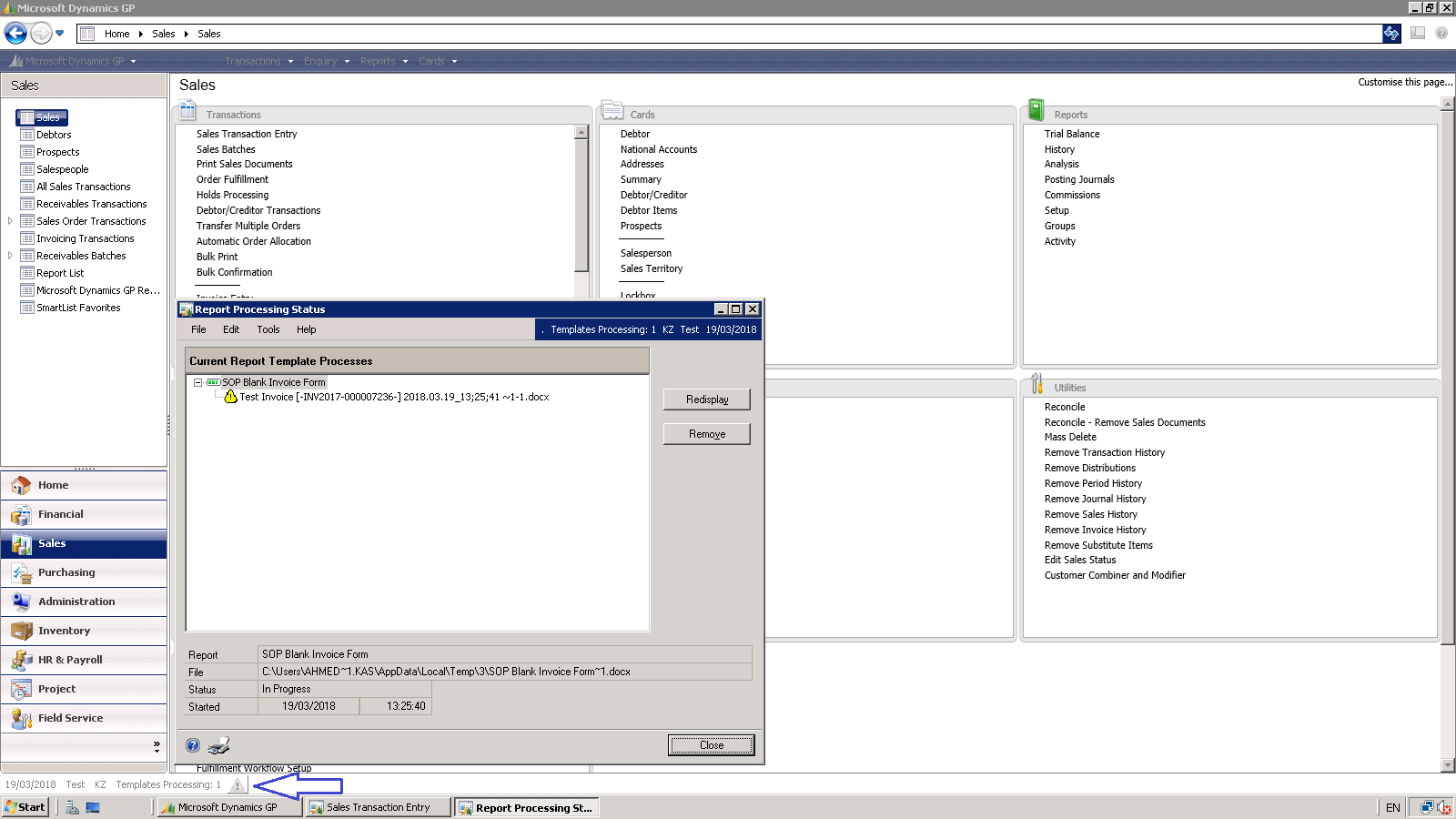
Word Template only prints by using sa even other power users can't print!
word-error.png

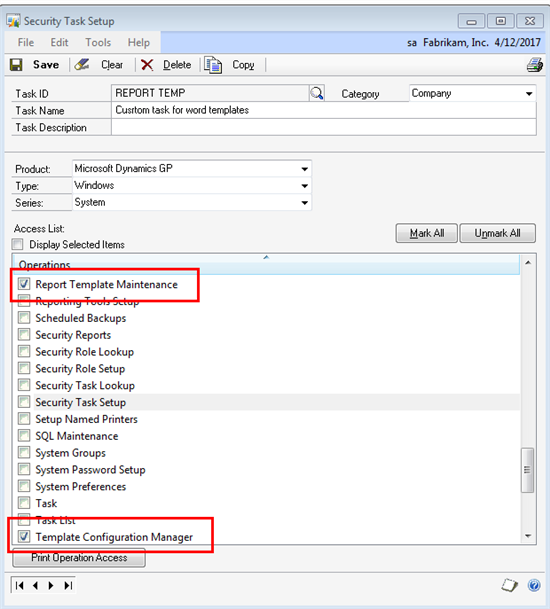
i also gave this tasks to the power users and it done nothing!
1512.Security-Task-Setup.png_2D00_550x0.png

 i don't know if i'm missing something 

Regards,

*This post is locked for comments

I have the same question (0)
  • L Vail Profile Picture
    65,271 on at

    Do you get some kind of error message? Does it do anything? Does anything appear in the Process Monitor window?

  • Rennecia Barran Profile Picture
    on at

    Did you check the Alternate/Modified Forms and Reports access? You may need to give access to the modified form layout so the other users can access it.

  • Lucas Reuss Profile Picture
    Microsoft Employee on at

    Hello Ahmed,

    It seems to me that Ali's response from earlier is probably on track with where I would start.  You will want to check that the users have the same Alternate/Modified Forms and Reports ID by going to Microsoft Dynamics GP | Tools | Setup | System | User Security and then pull up the user and company in question.  Check the Alternate/Modified Forms and Reports ID.  Then go to Microsoft Dynamics GP | Tools | Setup | System | Alternate/Modified Forms and Reports, and pull up the ID from User Security.  Verify that the settings are the same as the ID that is assigned to the 'sa' user and go from there.

    Regards,

  • kassab Profile Picture
    660 on at

    Hi all,

    @ Ali & Lucas yes i already done the Alternate/Modified Forms and gave access to the user security.

    @ Leslie i don't get any error rather than what is attached in the screen shot and after that error pops up i cant close the Dynamics GP and i have to do it the hard way by the task manager.

Under review

Thank you for your reply! To ensure a great experience for everyone, your content is awaiting approval by our Community Managers. Please check back later.

Helpful resources

Quick Links

Introducing the 2026 Season 1 community Super Users

Congratulations to our 2026 Super Stars!

Meet the Microsoft Dynamics 365 Contact Center Champions

We are thrilled to have these Champions in our Community!

Congratulations to the March Top 10 Community Leaders

These are the community rock stars!

Leaderboard > 🔒一 Microsoft Dynamics GP (Archived)

Last 30 days Overall leaderboard

Featured topics

Product updates

Dynamics 365 release plans
