web
You’re offline. This is a read only version of the page.
close
Skip to main content

Announcements

No record found.

News and Announcements icon
Community site session details

Community site session details

Session Id :
Microsoft Dynamics CRM (Archived)

Attaching notes to lead entity

(0) ShareShare
ReportReport
Posted on by 230

Hi All,

We have a 3rd party application that connects Dynamics 365 online and create Lead. This 3rd party application at a later stage will send a document to Dynamics 365 online and we need to tie this document to the lead that was created earlier.

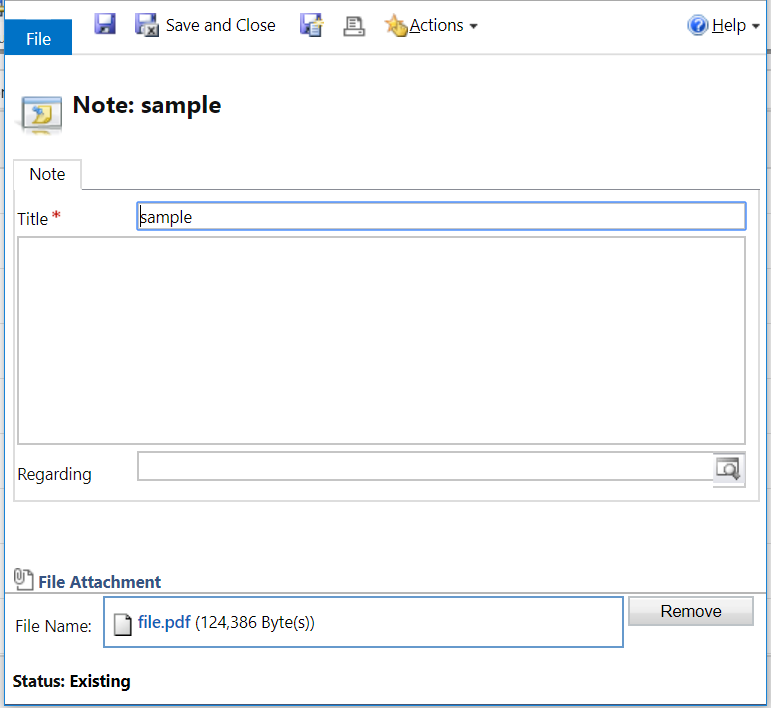
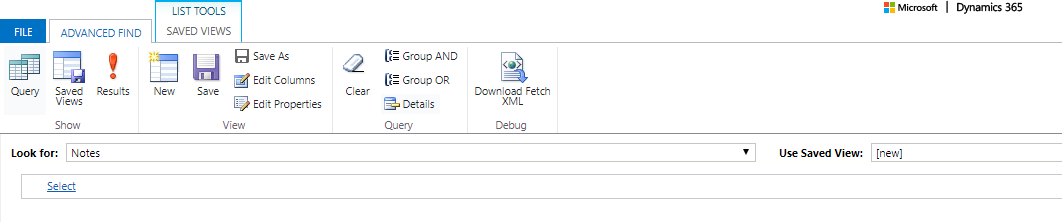
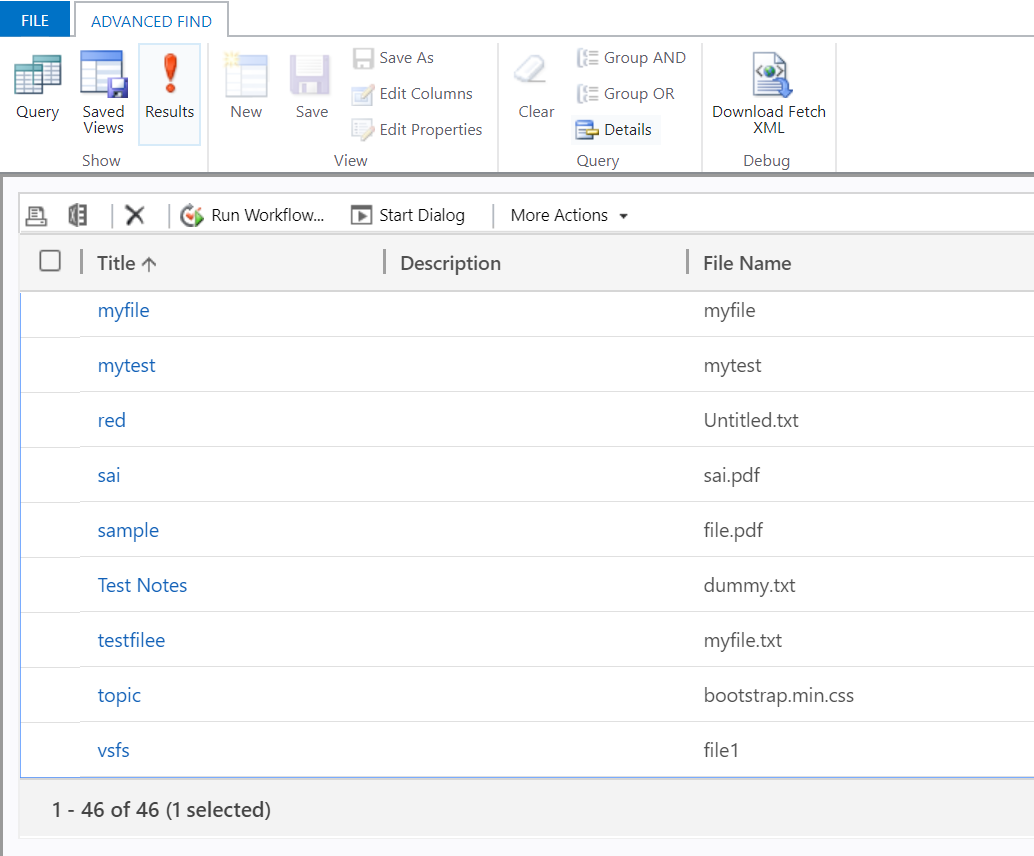
So far we are able to send the document from the 3rd party application to Dynamics 365 online, we could see the document using Advance find + Look for = Notes
Notes0.PNG

5226.Notes.PNG

8836.Notes2.PNG

I'd like to have this document tied to lead without manual intervention.
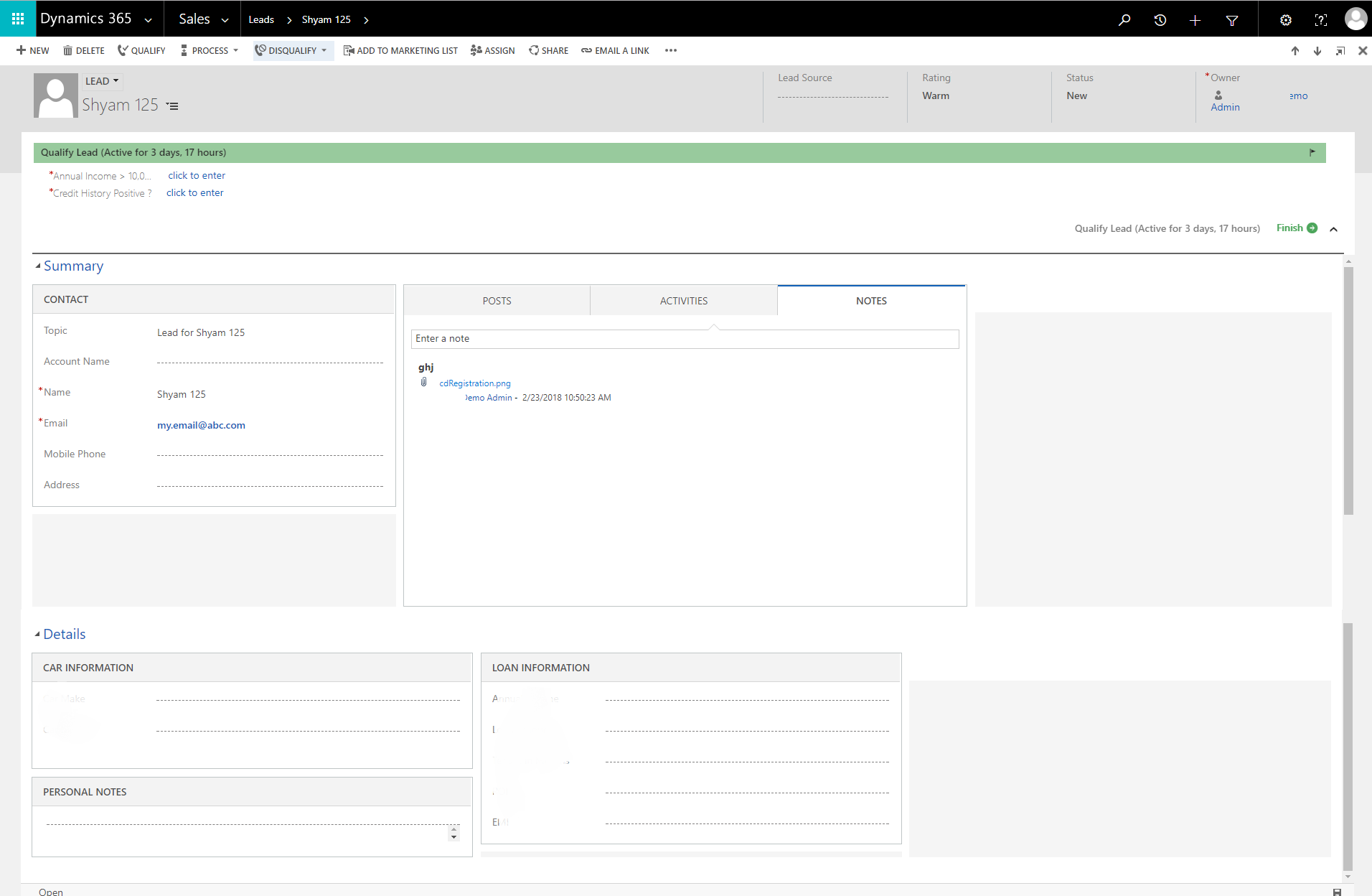
3364.Lead.png

Which is the best way to achieve this ? Can it be done using some process instead of coding?

Best Regards,

Shyam

*This post is locked for comments

I have the same question (0)
  • Verified answer
    Stephan Smith - MSFT Profile Picture
    245 on at

    Attaching a document (in an annotation) to a lead requires looking up the lead and then attaching the annotation with the encoded attachment. If your 3rd party application can't perform this function this leaves you in a situation where you'll need to write some code. My preference is not to allow 3rd party applications direct access to my system because this allows me a degree of control over load, but it also allows me to do some more interesting things before the data is created in CRM. Granted it sounds like you're looking for the direct route.

    While you're obviously trying to avoid code, there's no configurable way to lookup a specific lead and attach a note to it. If you're 3rd party can't do it then you'll either need to jimmy rig a mechanism to where you can figure out where the attachment should go in a plugin such as an ID that's added to the note subject/description or you can setup a separate web services that is called that can perform this function.

  • dxshyam Profile Picture
    230 on at

    Thank you Stephan

Under review

Thank you for your reply! To ensure a great experience for everyone, your content is awaiting approval by our Community Managers. Please check back later.

Helpful resources

Quick Links

Introducing the 2026 Season 1 community Super Users

Congratulations to our 2026 Super Stars!

Meet the Microsoft Dynamics 365 Contact Center Champions

We are thrilled to have these Champions in our Community!

Congratulations to the March Top 10 Community Leaders

These are the community rock stars!

Leaderboard > 🔒一 Microsoft Dynamics CRM (Archived)

#1
JS-09031509-0 Profile Picture

JS-09031509-0 3

#2
AS-17030037-0 Profile Picture

AS-17030037-0 2

#2
Mark Eckert Profile Picture

Mark Eckert 2

Last 30 days Overall leaderboard

Featured topics

Product updates

Dynamics 365 release plans