web
You’re offline. This is a read only version of the page.
close
Skip to main content

Announcements

No record found.

News and Announcements icon
Community site session details

Community site session details

Session Id :
Microsoft Dynamics CRM (Archived)

New Security Role for the Case entity

(0) ShareShare
ReportReport
Posted on by 237

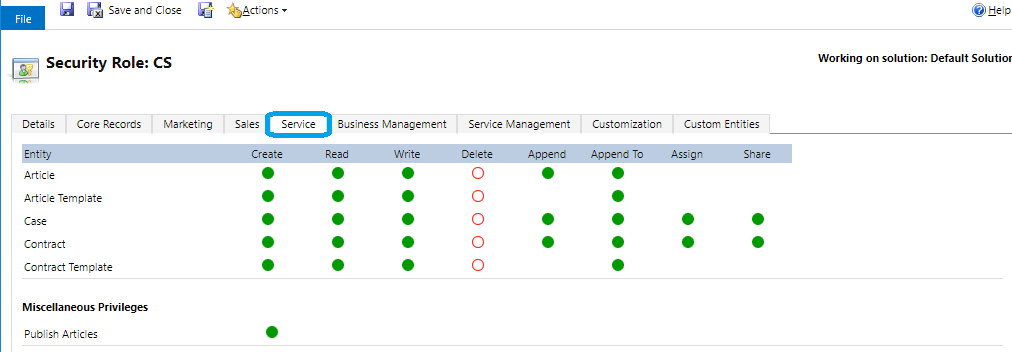
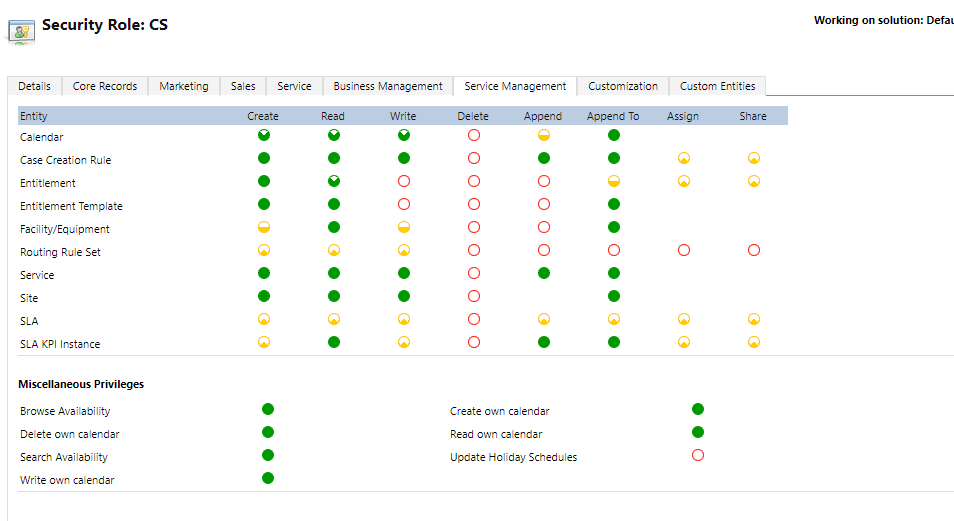
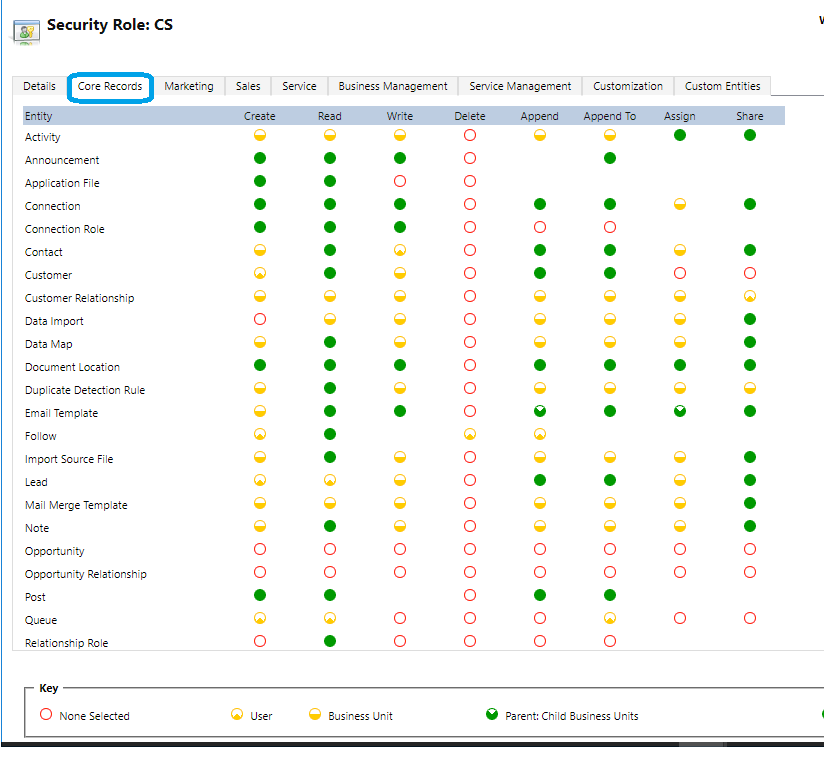
I am trying to give one of CRM users access to the Case entity by creating a custom security role'CS'. user can see views, but can not create a new case record. case Entity form enabled for everyone, Please see some screenshots for more details.
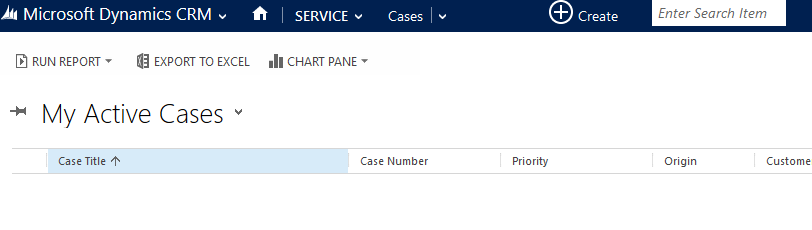
8156.crm_5F00_issue.png

Crm_5F00_Core.png

crm_5F00_service.png

crm_5F00_serviceManagment.png

*This post is locked for comments

I have the same question (0)
  • Suggested answer
    Drew Poggemann Profile Picture
    4 on at

    Hi Mounir,

    Looking at the security roles it does not look like any issue exists with the setup that I can see.  The user should be able to create the case with this.

    Steps to help resolve the problem:

    1.  I would temporarily assign the user System Administrator role and see if that fixes the issue, if it does not then you know it has nothing to do with the security role.

    2.  Verify the user and the business unit assignment and that the security role you are looking at is for the right business unit.

    3.  Verify multiple browsers to check that it is not an issue with as specific browser version (clear cache etc. as well)

    As far as what is happening, are the not seeing the "+ new" or are they trying to create and it is failing with an error?

    Hope this helps!

  • Suggested answer
    RaviKashyap Profile Picture
    55,410 Moderator on at

    Hi Mounir,

    First you need to check if the user's access mode on user record is set to "read-write". If yes then check if the user is not able to create a record or the button to create a new record"+ New" is not available. You can ask the user to do an advance find query and then try to create a New Case from there. If you see a button and able to create the record then this means the issue is not related to security but instead the button is hidden.

    If you find that button is hidden then you need to enable it using ribbon workbench. You can also check if there are other user with same security role experiencing the same issue?

    Hope this helps.

  • Mounir Ahmed Profile Picture
    237 on at

    Hi Drew

    first step was enough to clear this issue.

    user can't create new records even has system admin, so create a new user from windows domain and assigned the custom role, and working fine now with new account.

    Is there a method to delete this corrupted account/fix it?

  • Suggested answer
    gdas Profile Picture
    50,091 Moderator on at

    Hi Mounir,

    Could you please do following and check -

    - Open the User and check whether user is assigned any team , so removed the team from user.

    - login with different system .

    - Restart IIS and check.

    - Disabled the user and enabled again , don't forget to reassign the security role System Administrator and check.

    - Try to move the User with root business unit and assign security role System Administrator .

Under review

Thank you for your reply! To ensure a great experience for everyone, your content is awaiting approval by our Community Managers. Please check back later.

Helpful resources

Quick Links

Introducing the 2026 Season 1 community Super Users

Congratulations to our 2026 Super Stars!

Meet the Microsoft Dynamics 365 Contact Center Champions

We are thrilled to have these Champions in our Community!

Congratulations to the April Top 10 Community Leaders

These are the community rock stars!

Leaderboard > 🔒一 Microsoft Dynamics CRM (Archived)

#1
ScottDurow Profile Picture

ScottDurow 2

#2
GJones Profile Picture

GJones 1

Last 30 days Overall leaderboard

Featured topics

Product updates

Dynamics 365 release plans