web
You’re offline. This is a read only version of the page.
close
Skip to main content

Notifications

Announcements

No record found.

Community site session details

Community site session details

Session Id :
Supply chain | Supply Chain Management, Commerce
Suggested Answer

B2B e-commerce login

(0) ShareShare
ReportReport
Posted on by 55

Hi,

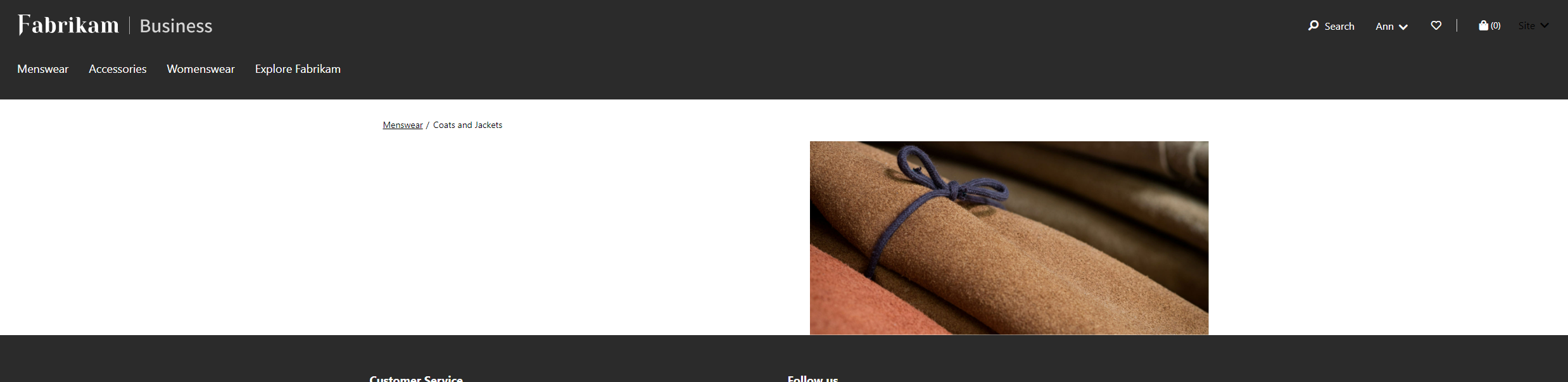
Since 1 week, when we access our Test B2B website, all goes fine, until the point we log-in with an account, and then our whole hierarchy and product pages are gone.
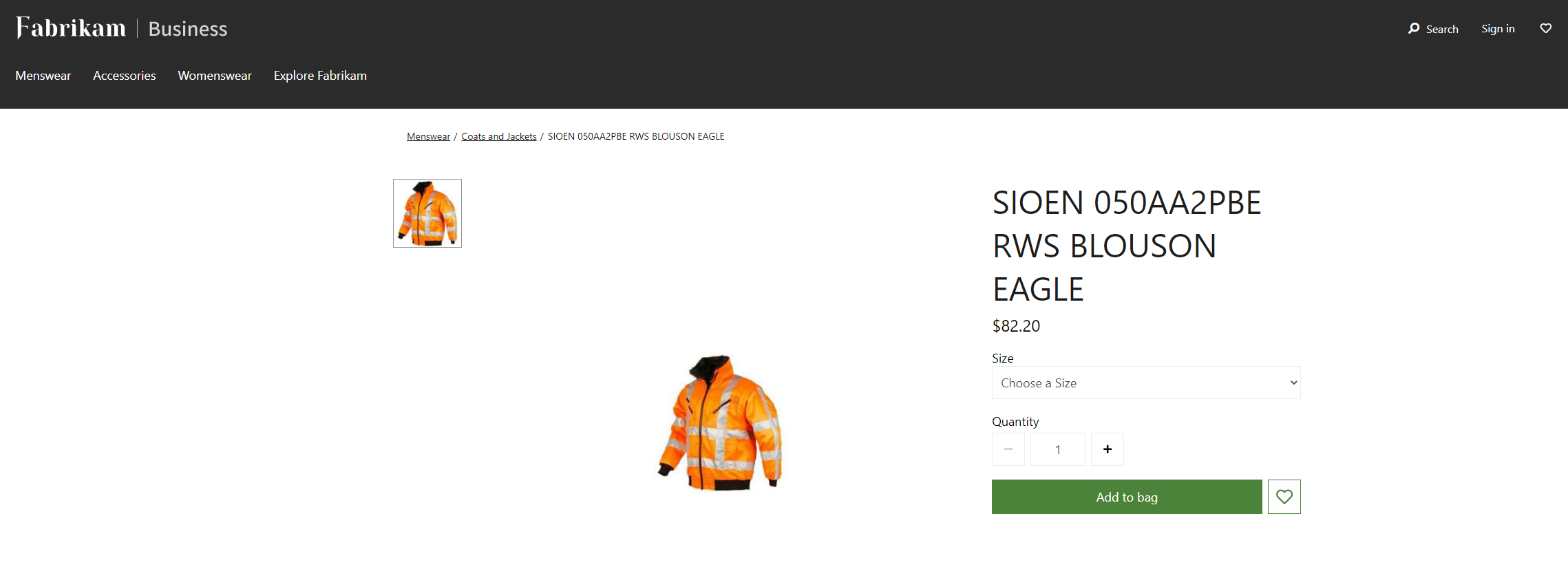
pastedimage1676536556233v4.png

product-page-login.png

See the 2 different images between unknown account and a B2B account. Anyone knows what could have happend?

I have the same question (0)
  • Suggested answer
    Shafeeque P. Profile Picture
    6,533 Moderator on at

    Have you made any changes to the B2B catalog configuration? Just validate if all the required configurations are there.

    learn.microsoft.com/.../catalogs-b2b-sites

  • Laura.v.r Profile Picture
    55 on at

    We don't have one active for B2B. Is this a requirement?

    Last week it worked fine without B2B catalog

  • P Jackson Profile Picture
    1,614 on at

    Sounds like a version upgrade to one with the new B2B Catalogue feature functionality has caused the issue. Following the instructions provided by the previous user.

  • Laura.v.r Profile Picture
    55 on at

    I followed the instructions, but don't see any changes yet unfortunatly

  • Suggested answer
    Shafeeque P. Profile Picture
    6,533 Moderator on at

    My environments got updated to 10.0.31 last week. Maybe this happened after your environment got updated.

    Have you updated your e-commerce to the latest version to match your CSU version? LCS auto-updates only take care of F&O and CSU.  

    Usually, this difference in version between CSU and e-commerce should not make any issue, as it is backward compatible. However, this approach has resolved many issues I faced in the past.

    pastedimage1676624119333v1.png

    If you do not have any customization on e-commerce, go to the asset library and import the latest e-commerce package from the Shared Asset library. Deploy it on the e-commerce site.

    pastedimage1676624494525v1.png

Under review

Thank you for your reply! To ensure a great experience for everyone, your content is awaiting approval by our Community Managers. Please check back later.

Helpful resources

Quick Links

Responsible AI policies

As AI tools become more common, we’re introducing a Responsible AI Use…

Neeraj Kumar – Community Spotlight

We are honored to recognize Neeraj Kumar as our Community Spotlight honoree for…

Leaderboard > Supply chain | Supply Chain Management, Commerce

#1
Laurens vd Tang Profile Picture

Laurens vd Tang 301 Super User 2025 Season 2

#2
André Arnaud de Calavon Profile Picture

André Arnaud de Cal... 120 Super User 2025 Season 2

#3
Siv Sagar Profile Picture

Siv Sagar 105 Super User 2025 Season 2

Last 30 days Overall leaderboard

Product updates

Dynamics 365 release plans
