web
You’re offline. This is a read only version of the page.
close
Skip to main content

Announcements

No record found.

News and Announcements icon
Community site session details

Community site session details

Session Id :
Supply chain | Supply Chain Management, Commerce
Suggested Answer

Short pick option not available consistently.

(0) ShareShare
ReportReport
Posted on by 66

Hi all,


I have a requirement to perform a Short pick for two types of items:

  • Items which are batch number and serial number tracked.
  • Items which are not batch or serial number tracked.


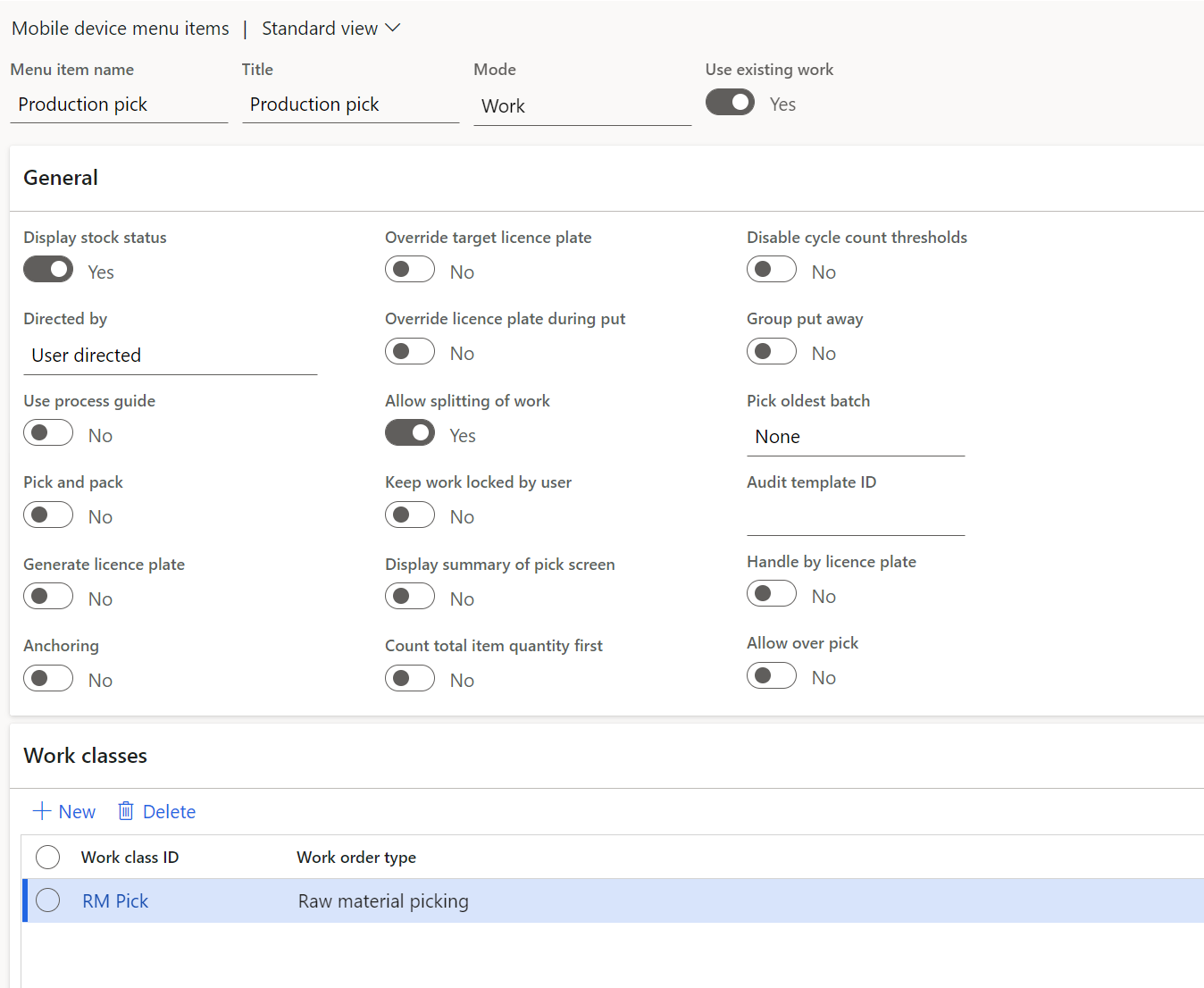
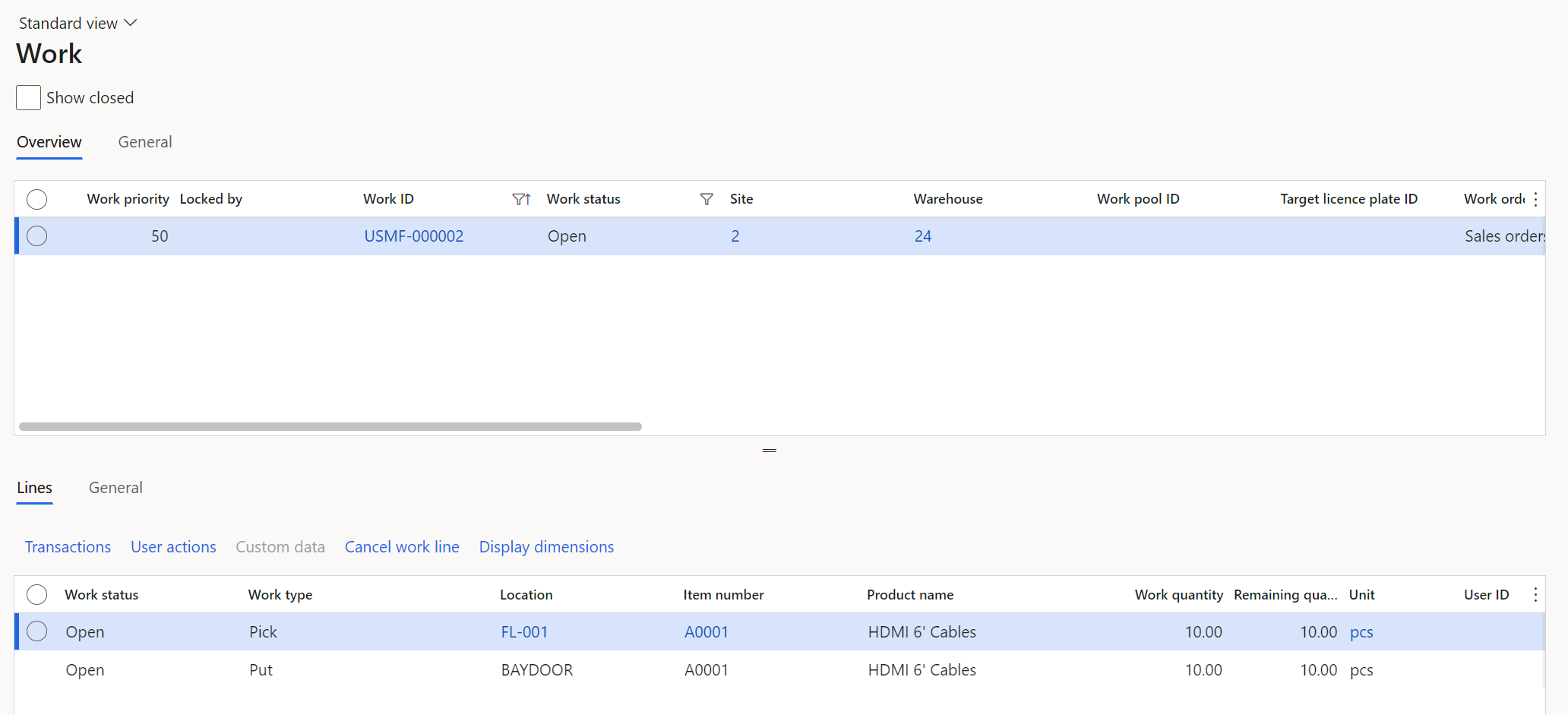
I would like to be able to perform a short pick for both raw material picking and sales order picking. However, in my customer's environment and in our partner's internal environment I'm unable to consistently get the short pick option to appear on my mobile device menu items.


I'm aware of previous posts raised which highlight the blocked scenario of work locations which are defined on the warehouse as defaults, so I don't believe that is my issue.


Is anyone aware of which parameters/configuration exactly effect the ability to perform a short pick?


My setup and examples for reference:

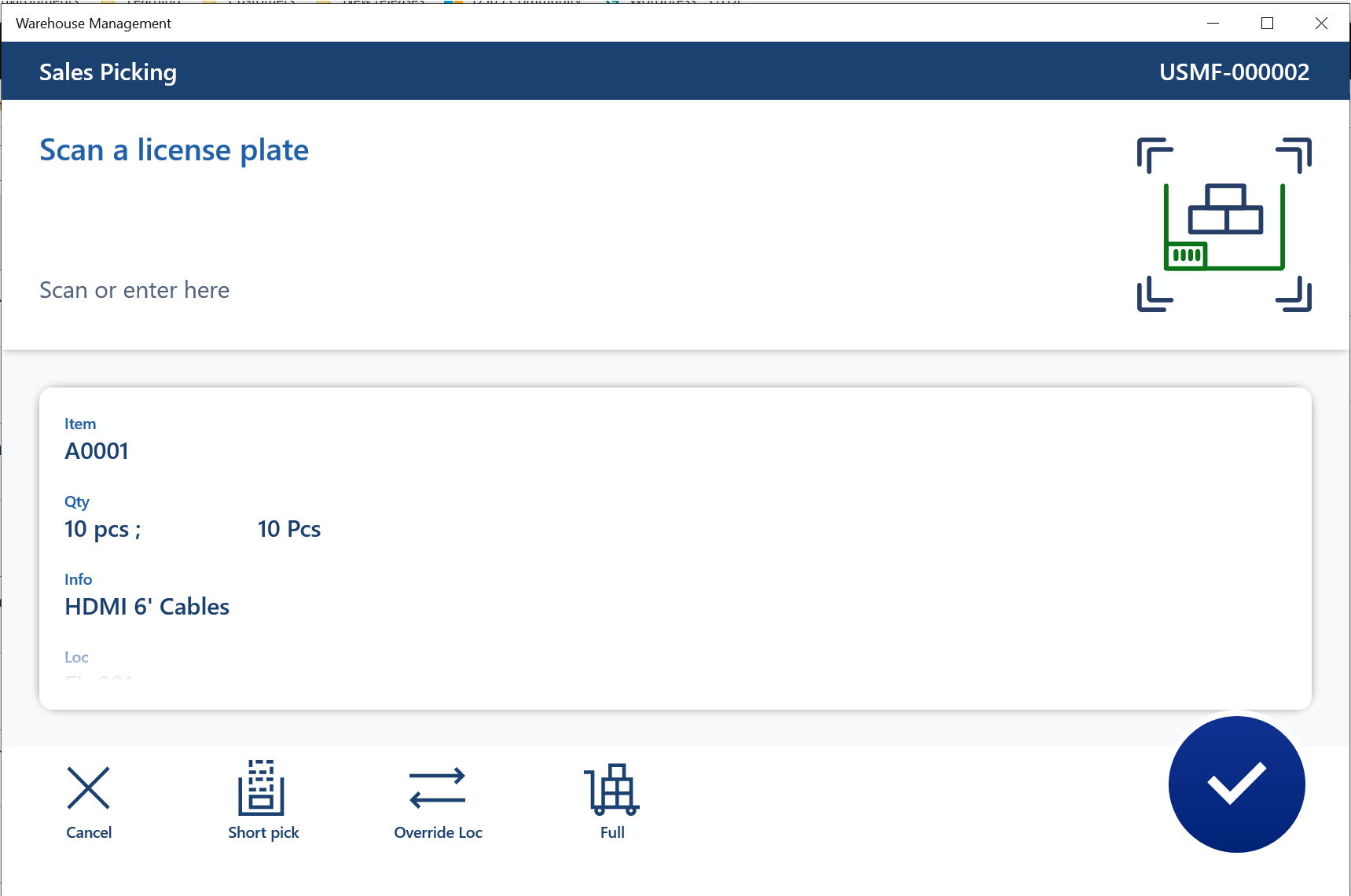
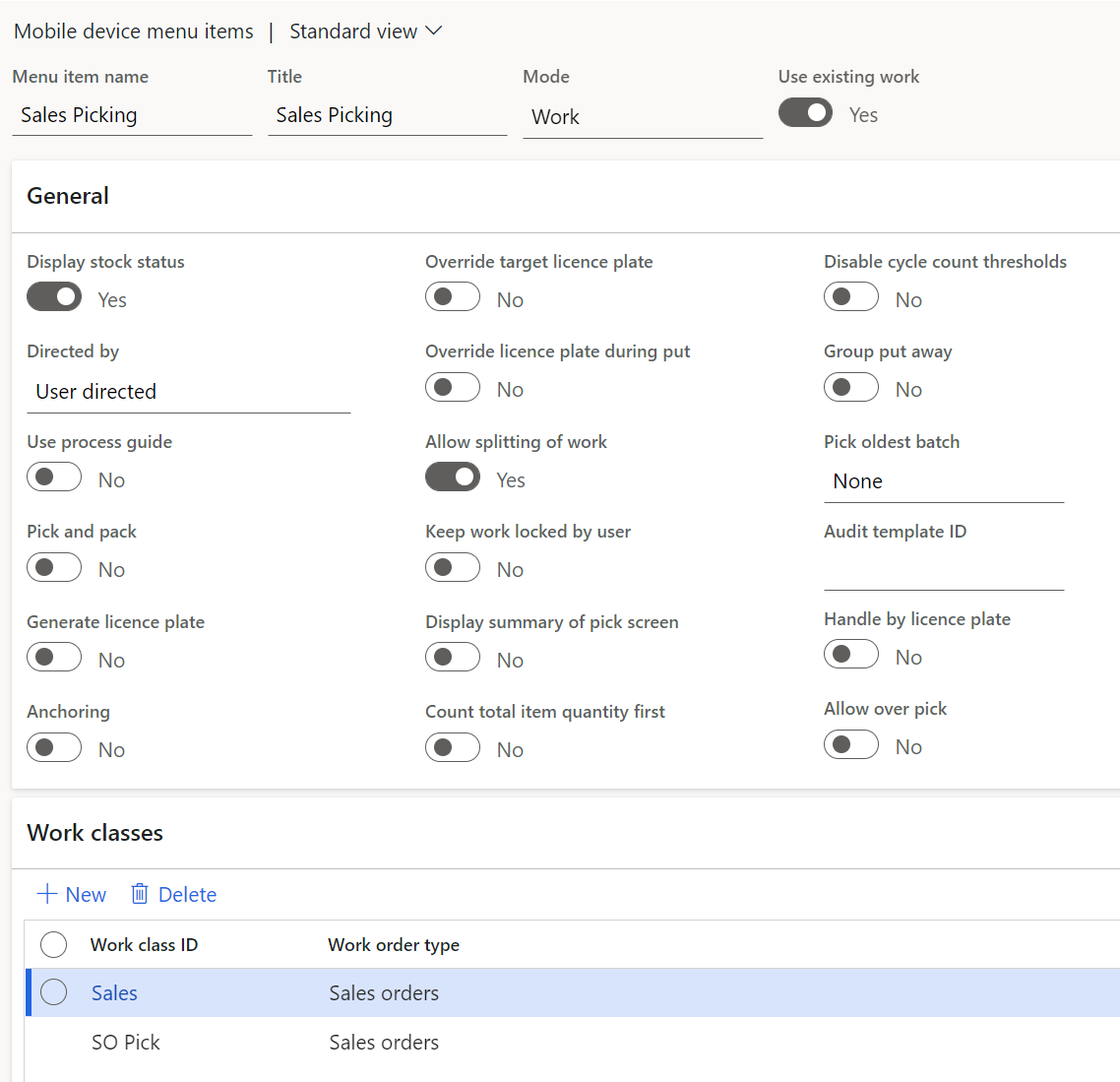
Sales order picking item A0001:
pastedimage1647005411647v1.png

pastedimage1647005421206v2.png

pastedimage1647005428042v3.png

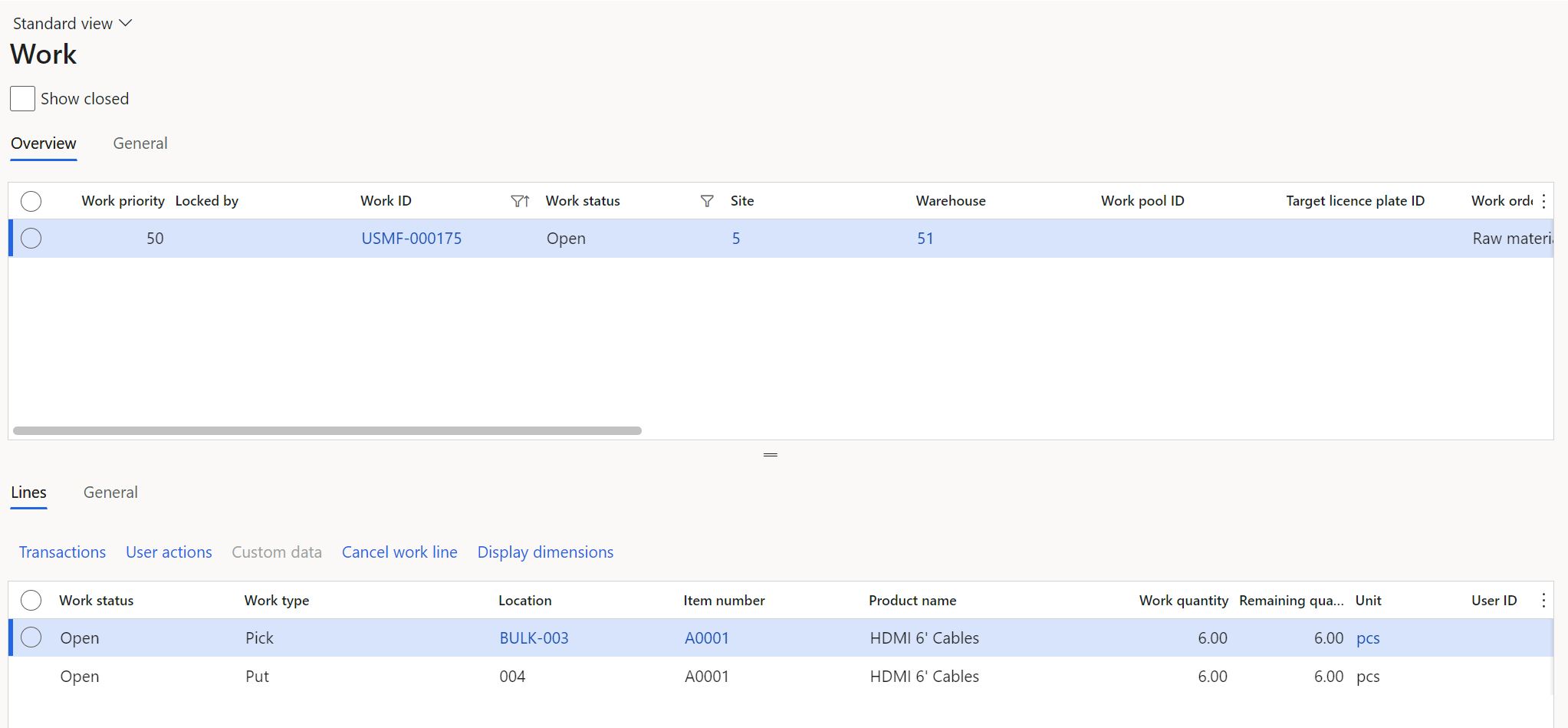
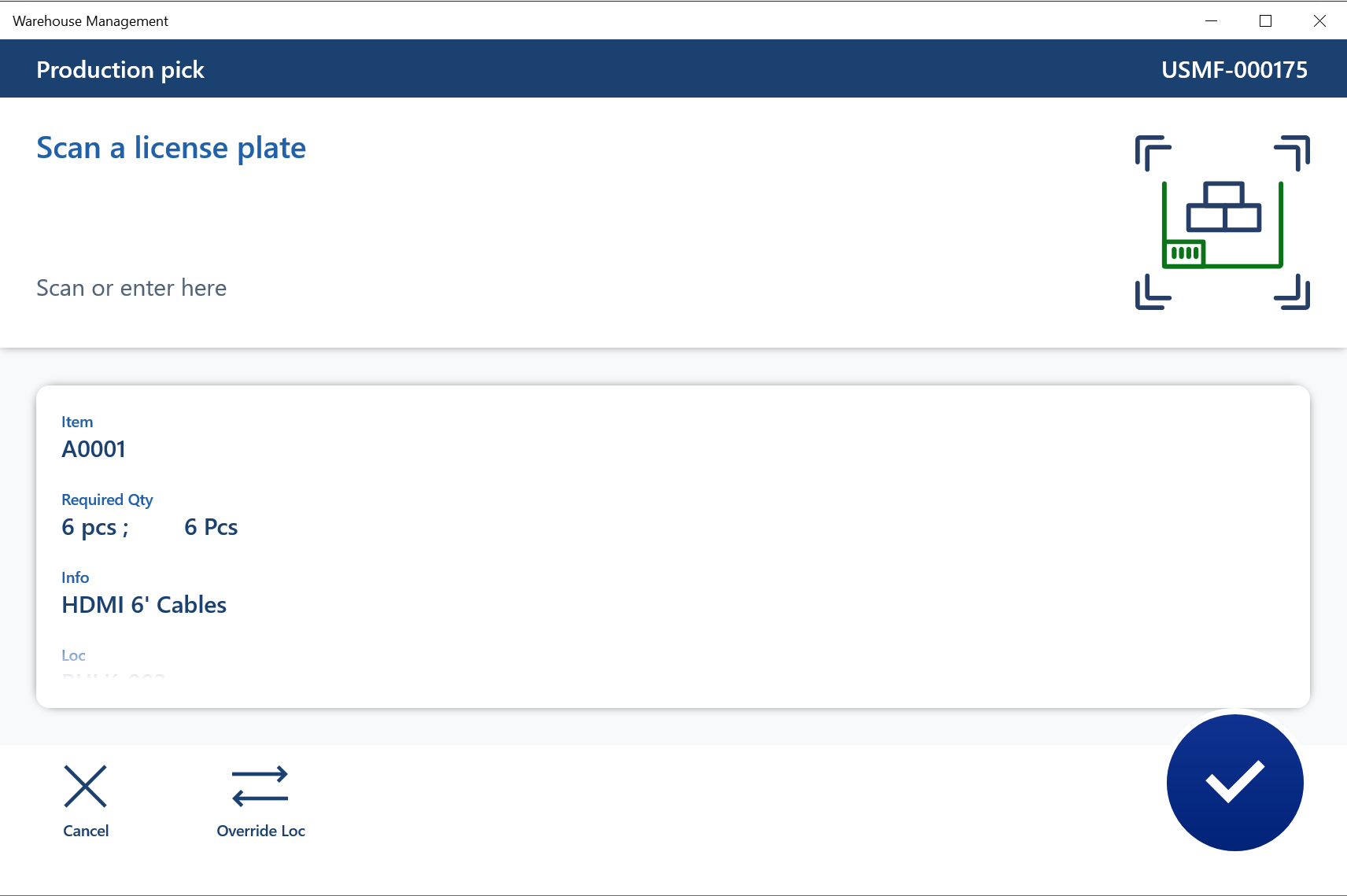
Raw material picking item A0001:

pastedimage1647005441867v4.png

pastedimage1647005450233v5.png

pastedimage1647005454715v6.png

I have the same question (0)
  • Suggested answer
    Danny Bilodeau Profile Picture
    4,934 Super User 2026 Season 1 on at

    Hello Chris,

    It should work in both scenarios.   You know that you configure the Short Pick in the 'Work Exceptions'.  

    Not sure if any of teh following will make a difference but from top of my head:

    - Location Profile 'Allows cycle counting' set at 'yes' (not sure but since a short pick will create cycle count, may be...)

    - You are working is two different warehouse, so may be two different Worker? If so,  I would configure both workers to have the same permissions for Allow Manual Allocation

    Like you said, on the Warehouse the Defaul Finsihed Goods and Default Kanban location can cause problemes, so may be clear these fields to remove that possibility.

    If that does not work, let us know and I will try to test in my own Contoso.

    Kind regards,

  • Chris Bell Profile Picture
    66 on at

    Hi Danny,

    Thank you very much for the response.

    With regards to the location profiles, all my location profiles have Allow cycle counting = Yes so I don't believe that's the issue.

    In each warehouse I am using the same user so my item reallocation permissions are the same across both scenarios so I don't think that is the cause either. I may try the two scenarios in both warehouses to understand if there is a setting at warehouse level that is effecting the behaviour.

    Kind regards,

  • Danny Bilodeau Profile Picture
    4,934 Super User 2026 Season 1 on at

    Hi Chris,

    Please let us know your findings for future reference.

    Good luck!

    Danny

  • Suggested answer
    Chris Bell Profile Picture
    66 on at

    Hi Danny,

    Our customer managed to find the answer as to why the Short Pick option was not appearing for certain items.

    The reason was that the "Material picking in license plate locations" parameter on the released product was set to Staging, not Order picking. This is the correct setup in our scenario but we weren't aware that was a limitation of the setting.

    Not sure if this is by design as I can't seem to find any mention of it on Docs.

    Kind regards,

    Chris

  • Danny Bilodeau Profile Picture
    4,934 Super User 2026 Season 1 on at

    Hello Chris,

    Thanks for letting us know.  I will keep in mind. I have found no explanation in references (and cant think of any) for this behavior.

Under review

Thank you for your reply! To ensure a great experience for everyone, your content is awaiting approval by our Community Managers. Please check back later.

Helpful resources

Quick Links

Introducing the 2026 Season 1 community Super Users

Congratulations to our 2026 Super Stars!

Meet the Microsoft Dynamics 365 Contact Center Champions

We are thrilled to have these Champions in our Community!

Congratulations to the March Top 10 Community Leaders

These are the community rock stars!

Leaderboard > Supply chain | Supply Chain Management, Commerce

#1
Mallesh Deshapaga Profile Picture

Mallesh Deshapaga 287

#2
Laurens vd Tang Profile Picture

Laurens vd Tang 212 Super User 2026 Season 1

#3
Syed Haris Shah Profile Picture

Syed Haris Shah 145 Super User 2026 Season 1

Last 30 days Overall leaderboard

Product updates

Dynamics 365 release plans