web
You’re offline. This is a read only version of the page.
close
Skip to main content

Notifications

Announcements

No record found.

Community site session details

Community site session details

Session Id :
Microsoft Dynamics CRM (Archived)

Removing the ability to re-open Opportunities

(0) ShareShare
ReportReport
Posted on by 288

Hi Guys,

Im looking for an easy way to remove the ability that allows sales people to re-open opportunities. 

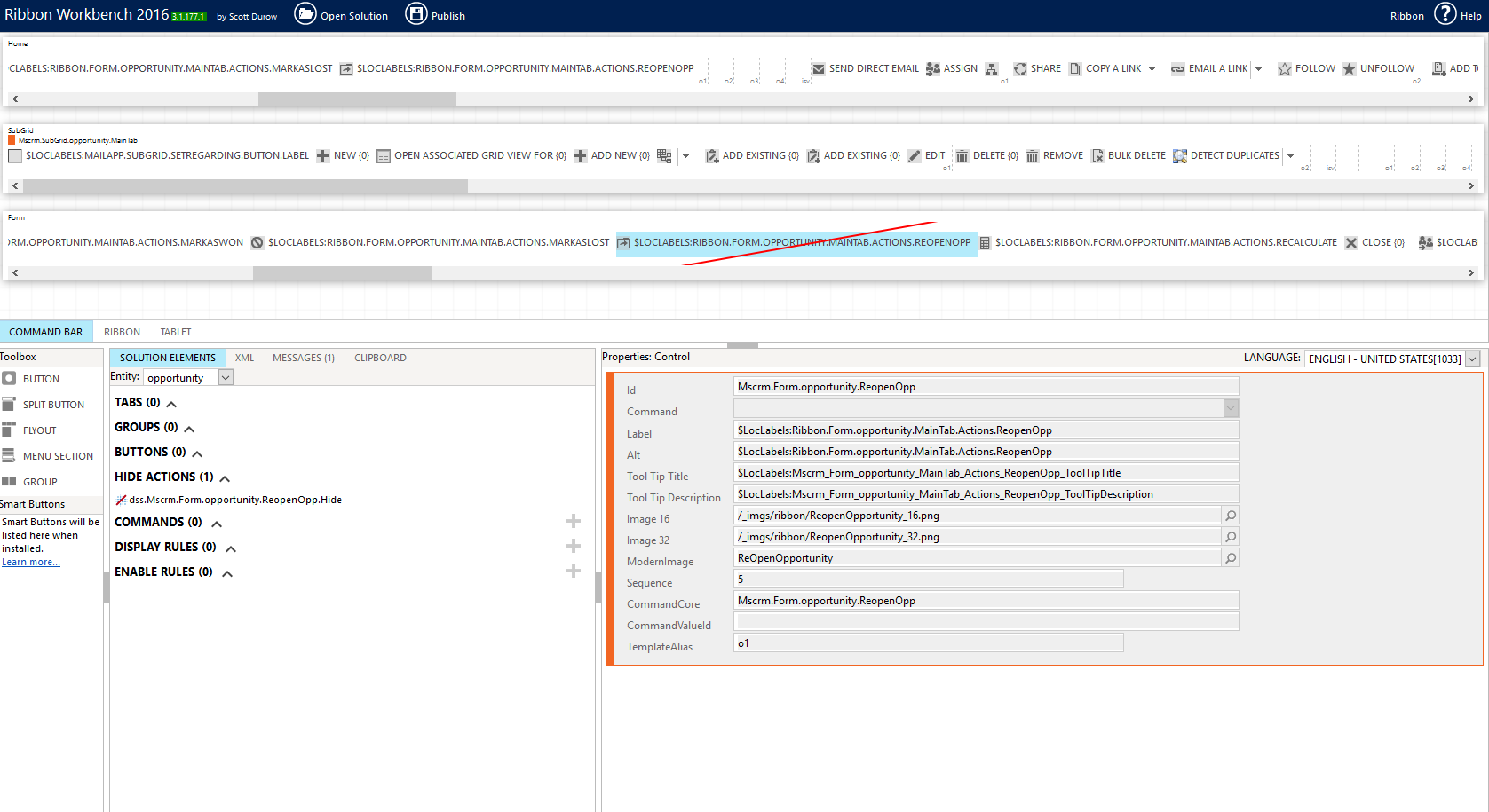
I have read on other posts here that this can be done by code, an app or using the ribbon workbench. I have been able to hide the "re-open opportunity" button using the ribbon workbench tool, however, I know have an additional need.

Yes the button has been hidden and is not visible to users on the site, its not even visible to me the system admin. Ribbon workbench has done its job very well. I will however need to be able to re-open opportunities on an ad-hoc bases, therefore I am looking for a way to allow me the administrator to re-open opps and not allow other users this ability.

Perhaps ribbon workbench is not the way to do this but looking for some guidance. I am not a developer so coding is not an option.

Currently if I leave things as they are, i can come into the ribbon workbench each time, unhide the button, publish the solution, re-open the opp, go back to ribbon work bench, hide the button, publish the solution. Im a little concerned in doing this as there is alot of publishing going on this way.

Thanks for your time on this.
pastedimage1565957516351v1.png

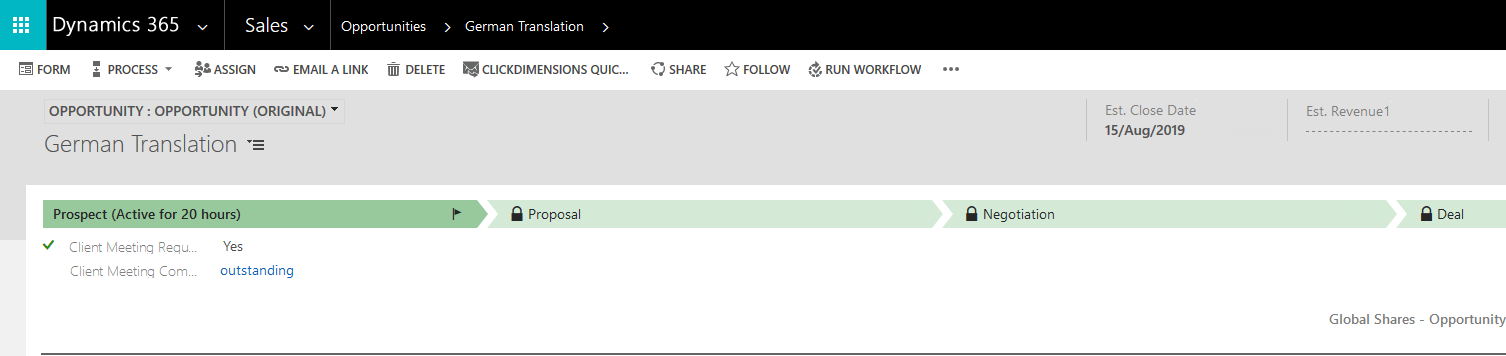
reopen button no longer appearing

pastedimage1565957547565v2.png

*This post is locked for comments

I have the same question (0)
  • Suggested answer
    antc Profile Picture
    2,909 on at
  • sai123456 Profile Picture
    324 on at

    Hi Jason,

    You can write the javascript to visible the button for specific roles instead of hiding it for everyone.

    Thanks,

    Sai

Under review

Thank you for your reply! To ensure a great experience for everyone, your content is awaiting approval by our Community Managers. Please check back later.

Helpful resources

Quick Links

Responsible AI policies

As AI tools become more common, we’re introducing a Responsible AI Use…

Neeraj Kumar – Community Spotlight

We are honored to recognize Neeraj Kumar as our Community Spotlight honoree for…

Leaderboard > 🔒一 Microsoft Dynamics CRM (Archived)

#1
SA-08121319-0 Profile Picture

SA-08121319-0 4

#1
Calum MacFarlane Profile Picture

Calum MacFarlane 4

#3
Alex Fun Wei Jie Profile Picture

Alex Fun Wei Jie 2

Last 30 days Overall leaderboard

Featured topics

Product updates

Dynamics 365 release plans