Hello,
When sending mail via Dynamics 365 Business Central, the following error may show up:

After looking up the details, the following error:
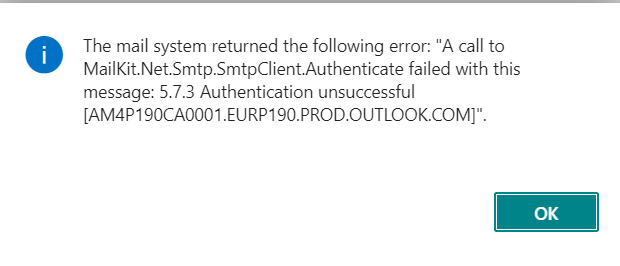
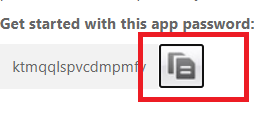
This error is typical for Dynamics 365 Business Central SaaS release. The error itself if really that the password is incorrect, that said the error is not really an error. As a CSP, the requirement is to enable MFA on a per user base hence the message about MFA. When generating the App password which is required for the SMTP user account (and CRM user account), it is common to select the password by double clicking the App password field. However, next to the password field, there is a button that you can check to get access to the whole password field.
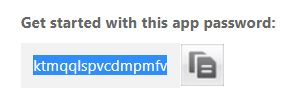
E.g. double clicking with the password field (does not seem to copy the whole field):
Doing it this way, does seem to result in no SMTP error:
We do not have a consistent repro of this behavior, but we have seen this issue being logged a few times to CSS times.


