web
You’re offline. This is a read only version of the page.
close
Skip to main content

Announcements

No record found.

News and Announcements icon
Community site session details

Community site session details

Session Id :
Microsoft Dynamics CRM (Archived)

Unable to reinstall MS Dynamics 2013 Plugin for Outlook 2013 on Windows 8

(0) ShareShare
ReportReport
Posted on by

I needed to do a fresh install of the CRM 2013 plugin for Outlook. 

I uninstalled the plugin from the program manager.
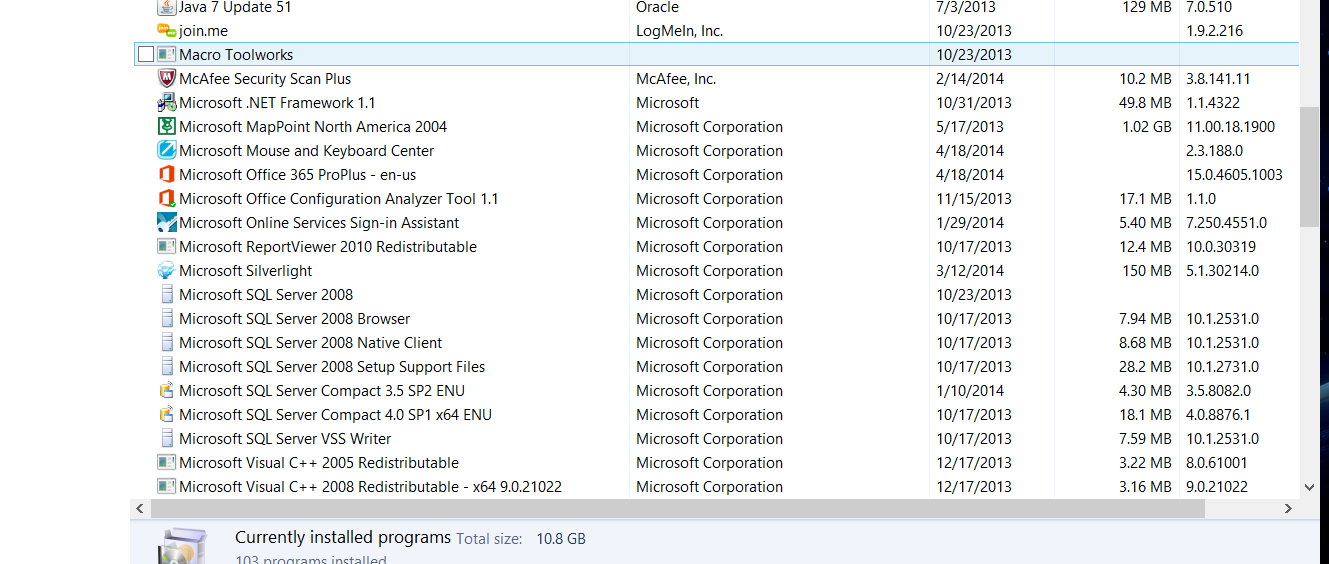
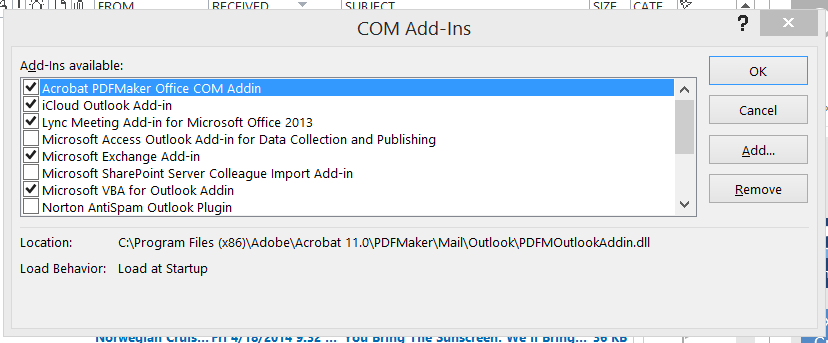
I uninstalled from Outlook Plugins
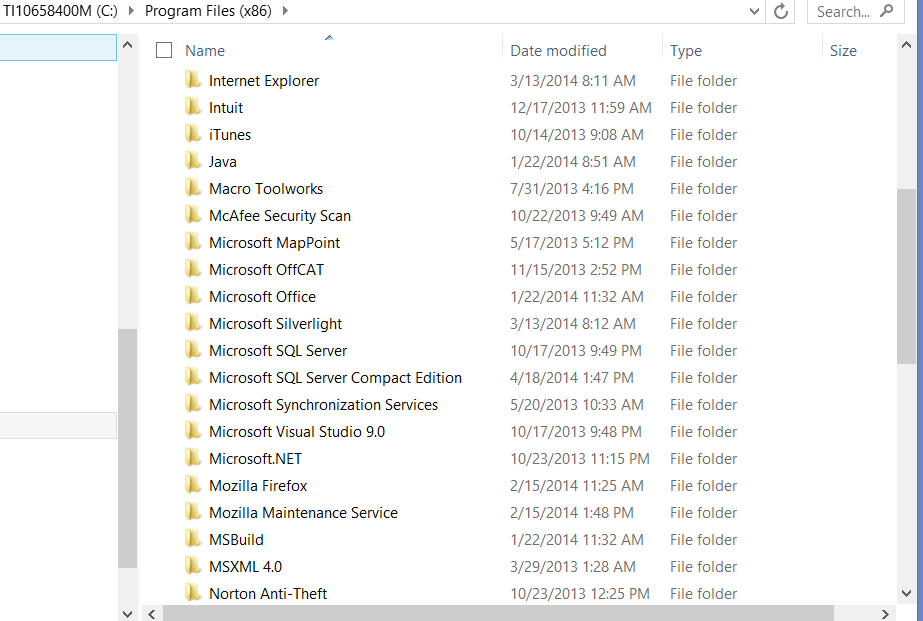
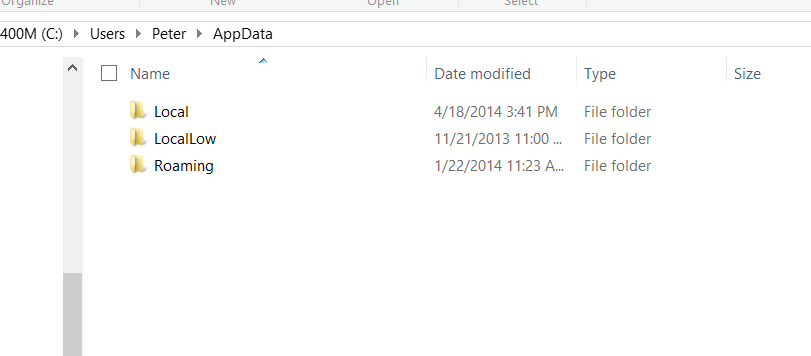
I deleted the MSCRM and other relevant folders from Program Files and User App Data Roaming and Local
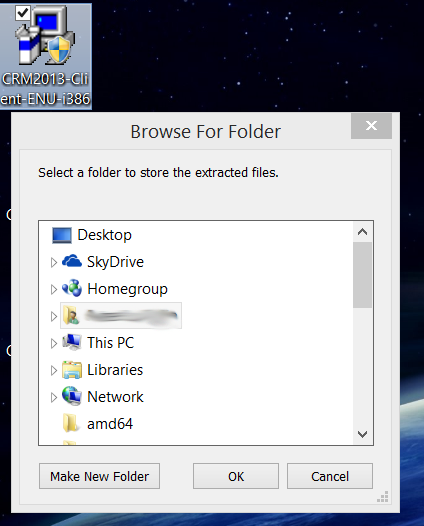
I restarted the computer and then tried to reinstall (both as regular user and then "as Admin")
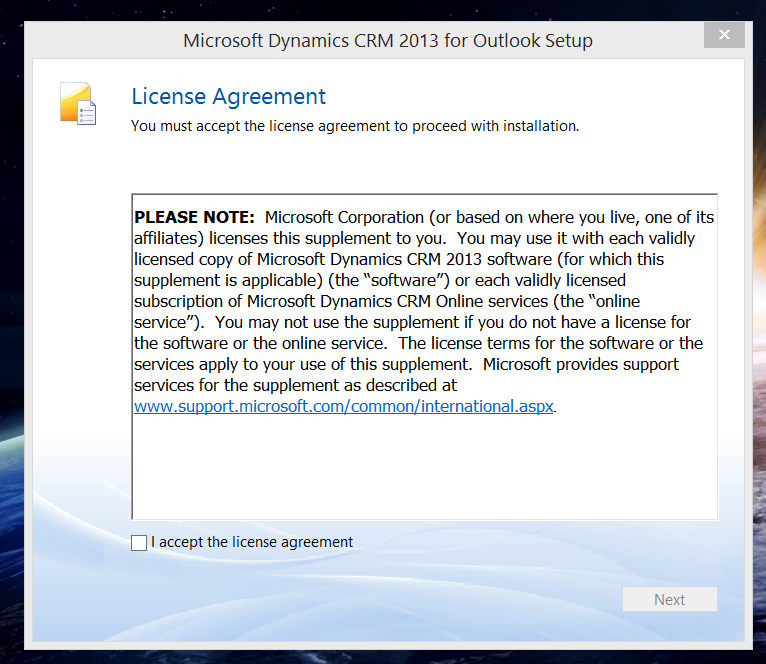
The License Agreement comes up and we click the check box and hit next.
The only option that comes up next is to Upgrade!!!  Not simply install.

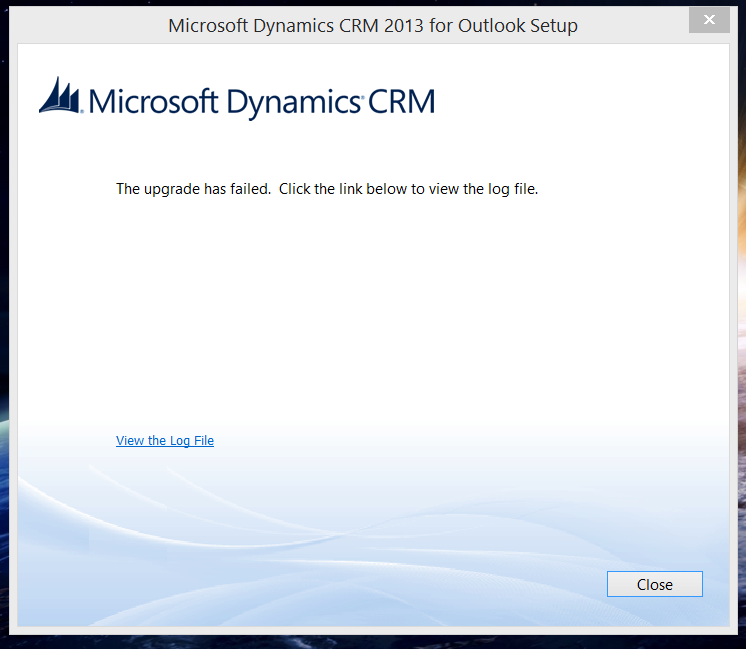
And clicking the upgrade causes a failed installation as well. But since the plug in is no longer installed I would expect that.
Please help, if anyone has suggestions on how to get this reinstalled I am anxious to hear them.  Thank you.

*This post is locked for comments

I have the same question (0)
  • Suggested answer
    Satish Tiwari - CRM Profile Picture
    Microsoft Employee on at

    What error you see in the log file ?

  • Community Member Profile Picture
    on at

    Here are the error lines from the log file.  Looks like it just adds to the log file each time you do something with the install/update process?

    17:07:36|  Error| Error 1603 reported by MsiInstallProduct

    13:03:57|  Error| Upgrade of Microsoft Dynamics CRM for Outlook failed.

    13:30:28|  Error| Upgrade of Microsoft Dynamics CRM for Outlook failed.

    13:47:13|  Error| Upgrade of Microsoft Dynamics CRM for Outlook failed.

    15:13:28|  Error| Upgrade of Microsoft Dynamics CRM for Outlook failed.

    Thank you Satish

  • Suggested answer
    Satish Tiwari - CRM Profile Picture
    Microsoft Employee on at

    Did you have a CRM for outlook Client 2011 installed on the same box before. I have seen this happening before, what I did was ran this program support.microsoft.com/.../Program_Install_and_Uninstall to uninstall the old version i.e. CRM for Outlook 2011. Delete the files and folders associated with CRM 2011 and also deleted the Registry keys.

    Steps :-

    1. Delete MSCRM folder from C:\Users\Your username\AppData\local\Microsoft\MSCRM

    2. Perform similar step for C:\Users\Your username\AppData\local\Microsoft\MSCRM and delete MSCRM folder if it exist.

    3. Go to Run, type in regedit.exe

    4. Click on HKEY_CURRENT_USER>>Software>>Microsoft>>MSCRM. Delete all MSCRM folder.

    5. Click on HKEY_LOCAL_MACHINE>>Software>>Microsoft>>MSCRM. Delete all MSCRM folder.

    6. Click on HKEY_USER>>Software>>Microsoft>>MSCRM. Delete all MSCRM folder.

    7. Once you are done with this, then go ahead and download fresh copy of CRM 2013 client for outlook from www.microsoft.com/.../details.aspx and install it.

    Do let us know what happens.

  • Community Member Profile Picture
    on at

    Satish,

    No this machine has never had 2011 CRM for outlook on it.  It was a new machine in Jan 2014 and has always had CRM 2013 stuff on it.

    Should we still try this as a means to uninstall and reinstall?

    Thank you,

    Street Corner

  • Suggested answer
    Satish Tiwari - CRM Profile Picture
    Microsoft Employee on at

    If I look in screenshot that you attached initially its says that its trying to upgrade CRM client and error is "Upgrade has failed" which means that you are trying to upgrade Client from 2011 to 2013 and if you had never installed CRM 2011 on this workstation than error should be something like "CRM 2013 client installation failed".

    You can check control panel to double check if user has installed CRM 2011 Client for outlook at any point or not. If he had installed CRM 2011 client than follow above steps and if you don't find CRM 2011 client in control panel than uninstall CRM 2013 client for outlook from control panel and download a fresh copy of CRM 2013 client for outlook from www.microsoft.com/.../details.aspx and then configure and let me know the results.

  • Community Member Profile Picture
    on at

    Satish,

    Thank you but do you have any other suggestions?  CRM 2011 for Outlook was never installed on this laptop.  We didn't start using CRM until Jan of this year and started with 2013 and the 2013 plugin for Outlook.  Uninstalling and reinstalling results in the above explained "update" error, when there is nothing to update.

    Still getting the same when we try and reinstall the plugin.  I may try uninstalling the entire 365 Pro Plus suite from the laptop and reinstall it and the add on.

    Any other ideas?

    Thank you.

  • Suggested answer
    Satish Tiwari - CRM Profile Picture
    Microsoft Employee on at

    Unfortunately, due to the complexity of this issue we are unable to assist with this request effectively in the Forums. I would like to suggest to submit a support incident so that a dedicated Support Professional can assist with this request.

    Thank you for your understanding!

Under review

Thank you for your reply! To ensure a great experience for everyone, your content is awaiting approval by our Community Managers. Please check back later.

Helpful resources

Quick Links

Introducing the 2026 Season 1 community Super Users

Congratulations to our 2026 Super Stars!

Meet the Microsoft Dynamics 365 Contact Center Champions

We are thrilled to have these Champions in our Community!

Congratulations to the April Top 10 Community Leaders

These are the community rock stars!

Leaderboard > 🔒一 Microsoft Dynamics CRM (Archived)

Last 30 days Overall leaderboard

Featured topics

Product updates

Dynamics 365 release plans
