







MS CRM - Export and import data using excel - #CRMTip1
Views (4761)

 Like
Like Share
Share
 Report
Hello all,
Lets quickly do a simple excel import to create records in CRM, lets take account entity as an example now,
Lets quickly do a simple excel import to create records in CRM, lets take account entity as an example now,
- Go to account view
- Click Export To Excel => Static Worksheet
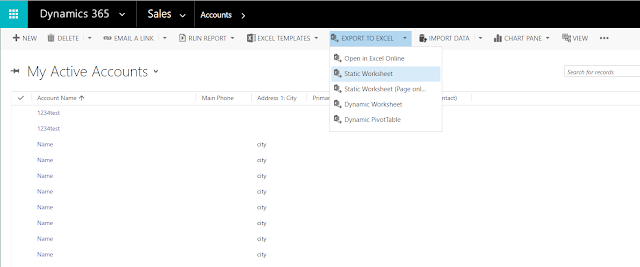
- Open the downloaded excel, clear all the values in the excel except the header row- make sure that you clear the values in hidden columns except header row.
- Add the new rows in excel, each row represents a new record in CRM.

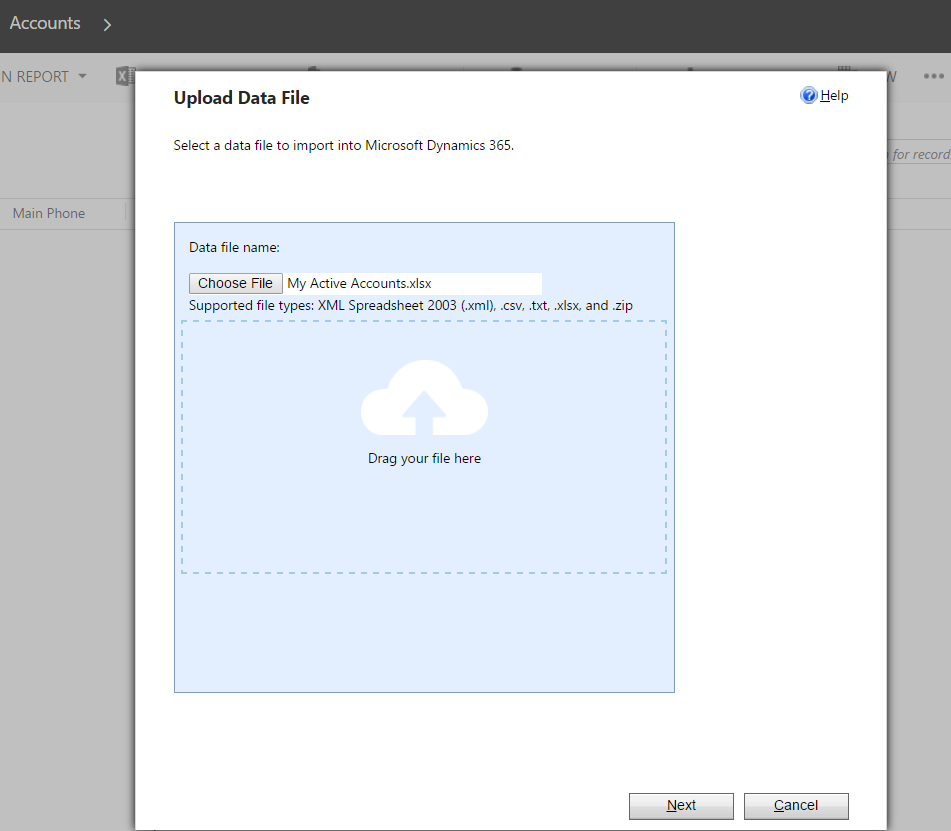
- Now click "Import Data", in the appearing pop-up choose the updated excel
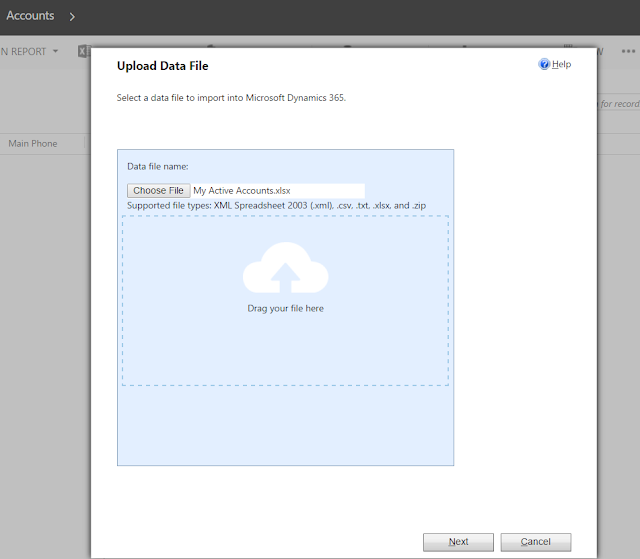
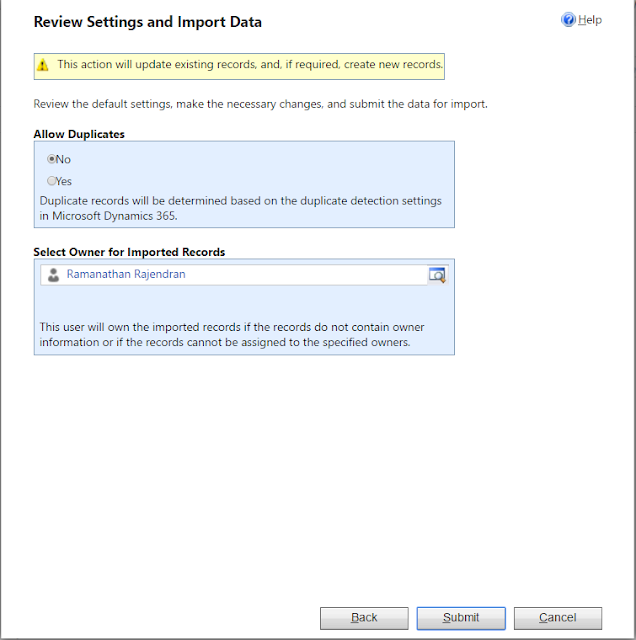
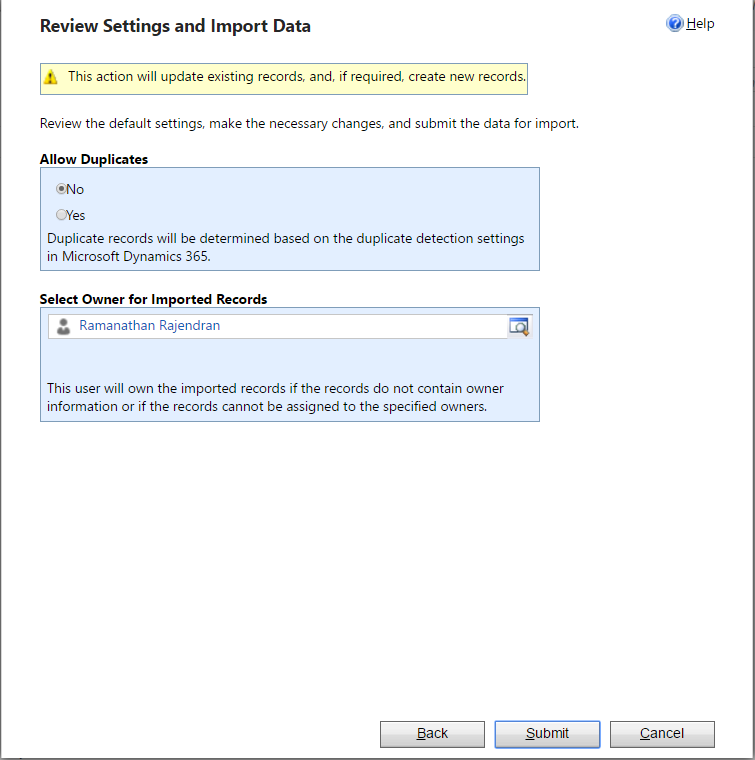
- Now proceed to next step, Set duplicate detection and owner based on your preference
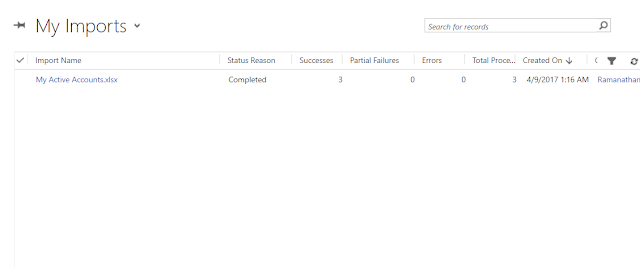
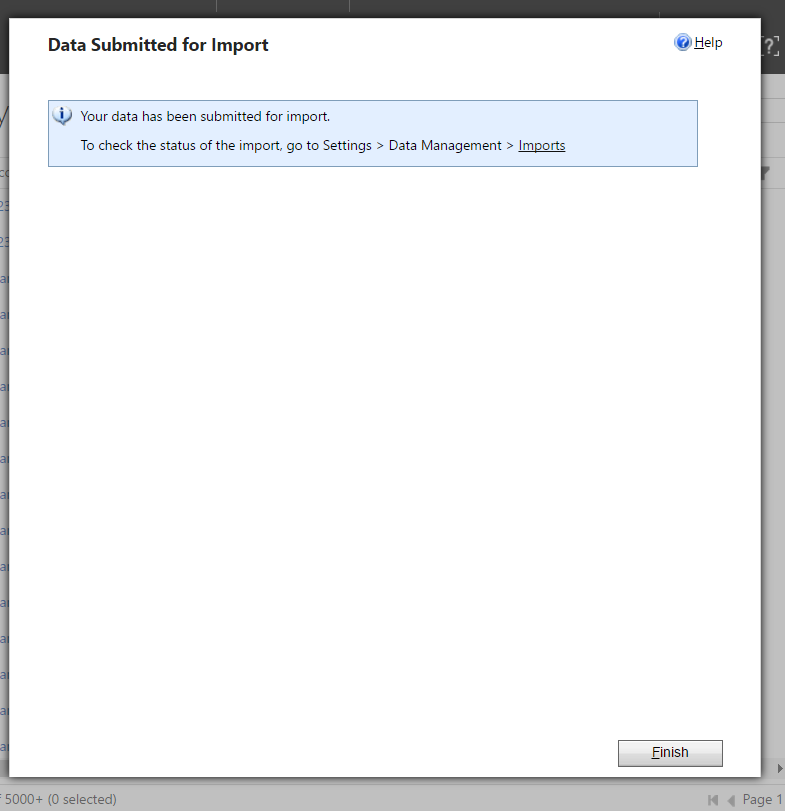
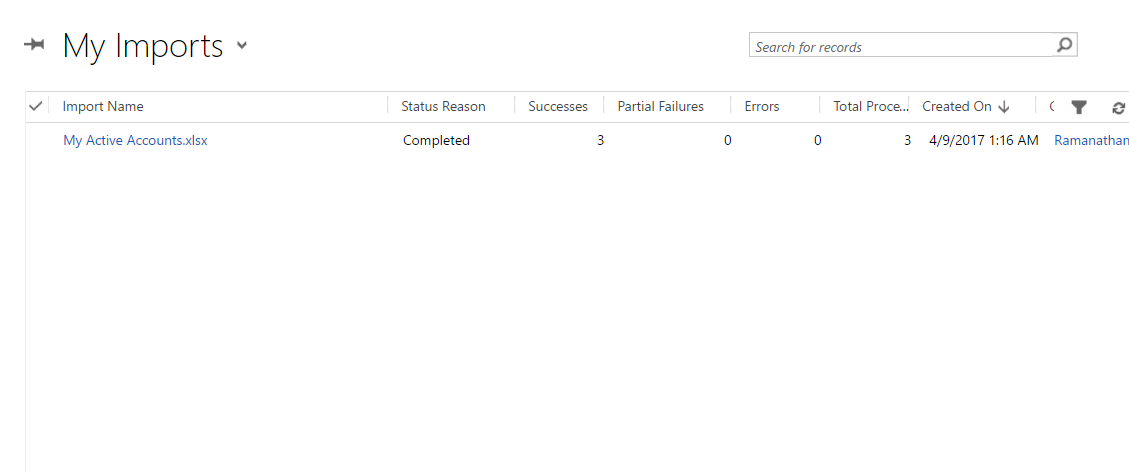
- In the finish screen there will be a link to open imports, click the same which will show import progress
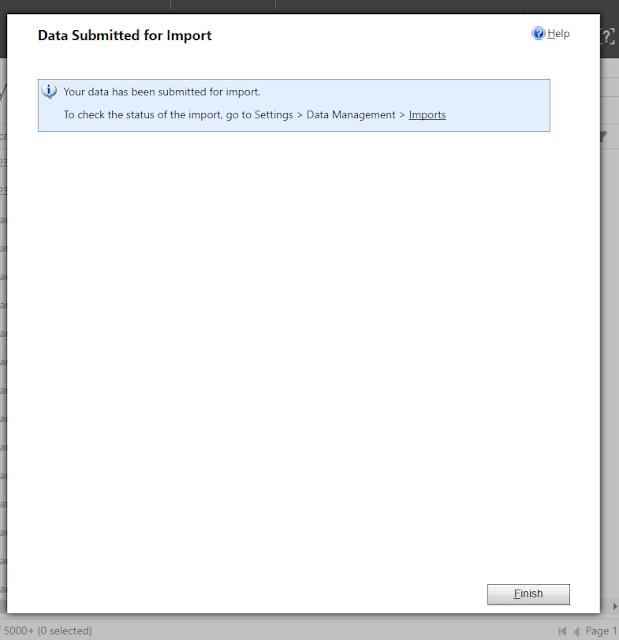
- After successful import, the Status Reason of the import record will be updated to completed.
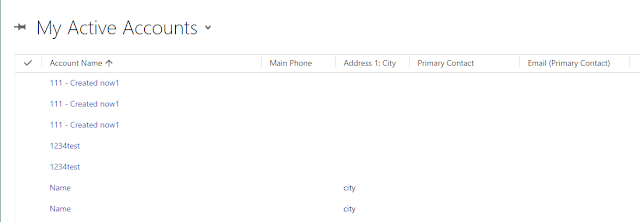
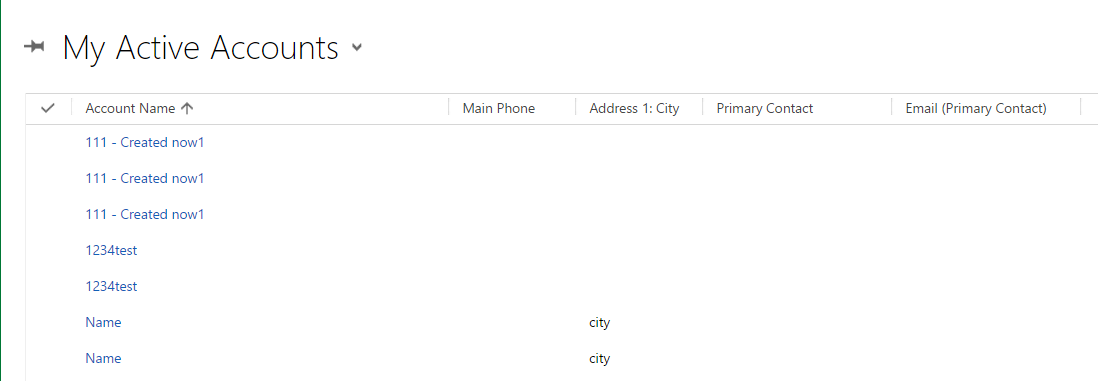
- Now validate the records, boom the records are created in CRM


This was originally posted here.
*This post is locked for comments