







Tip #227: View desktop version of CRM in IOS 8

 Like
Like Share
Share
 Report
Dynamics CRM hides some links when the application is opened in a mobile browser, like IOS Safari. This includes admin functions that are not designed for mobile browsers, like run report, Advanced Find, and the Settings area.
If you still would like to have these buttons appear on your tablet, third party browsers like Google Chrome have traditionally offered the ability to make the browser request the desktop version of the website, and with CRM, the missing links will then appear.
IOS 8 also ads this feature to mobile Safari:
1. Tap the URL bar to reveal the favorites/recently viewed records pane.
2. Pull the pane down.
3. Select “Request the desktop version.”
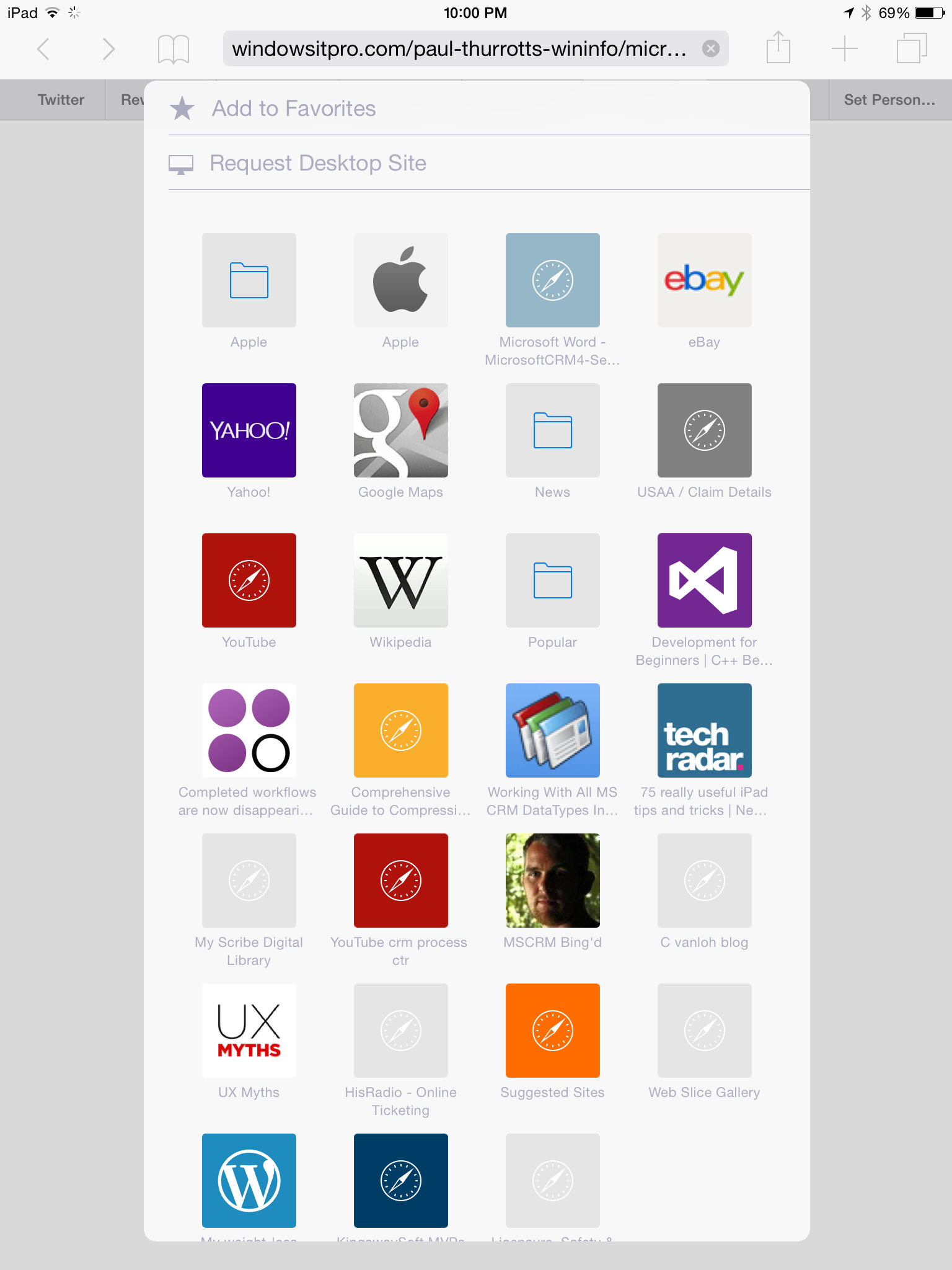
You will now see the full website. Note that this doesn’t mean that the buttons will all work. Some, like Advanced Find, will not work correctly. Others, like running reports, publishing workflows, or adding security roles to users, can be done from a tablet browser when desktop version is requested.
This was originally posted here.
*This post is locked for comments