




 Like
Like Share
Share
 Report
Introduction
This blog explains how to use “contains” filter query in MS Flow.
Use Case
Retrieve all the Accounts whose name contains ‘cloud’.
Steps to be Followed:
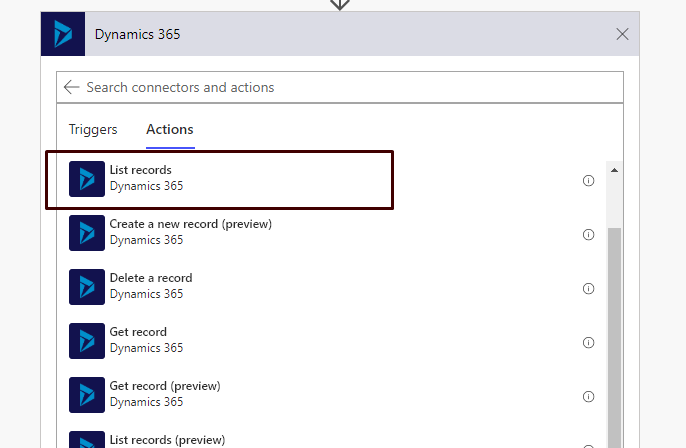
- We will use “Dynamics 365 – List records” Actions.
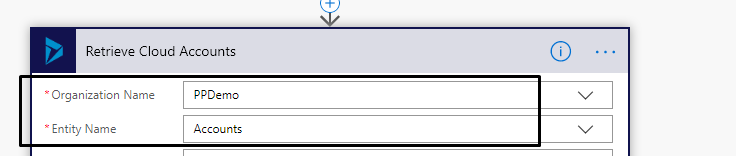
- Enter the Organization Name and entity.
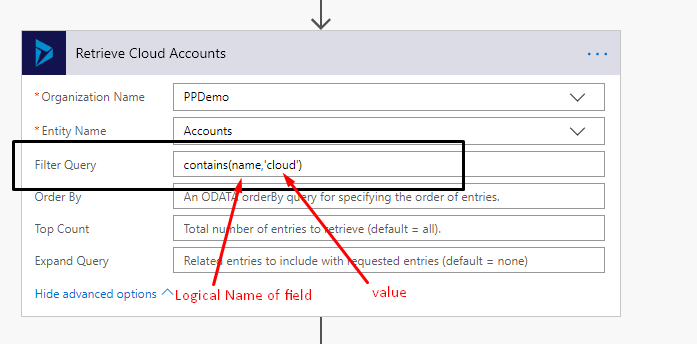
 Filter Query: contains(name,’cloud’)
- name is the logical name of the field which stores the account name.
- ‘cloud’ is the value of account name by which we want to filter the retrieved account list.
- Enter the above query in Filter Query:
- Run the flow to test.
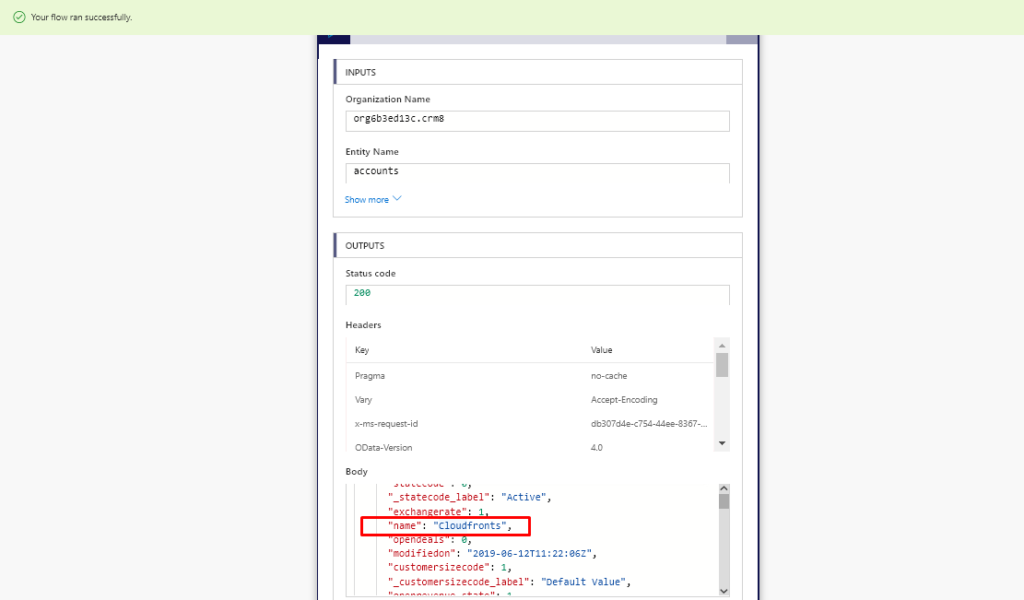 It will return all the account whose name contains “cloud’.
The post Using “contains” Filter Query in MS Flow appeared first on Cloudfronts - Microsoft Dynamics 365 | Power Bi | Azure.
*This post is locked for comments