





Quote revision in D365 PSA
Views (3)

 Like
Like Share
Share
 Report
Problem Statement:
D365 Sales on CRM in general has ability to revise Quotes to track the Quotes revision.
In sales, the process was to Activate the Quote, and then you get option to Revise Quote which will create the Copy of Quote with new revision number in Draft state.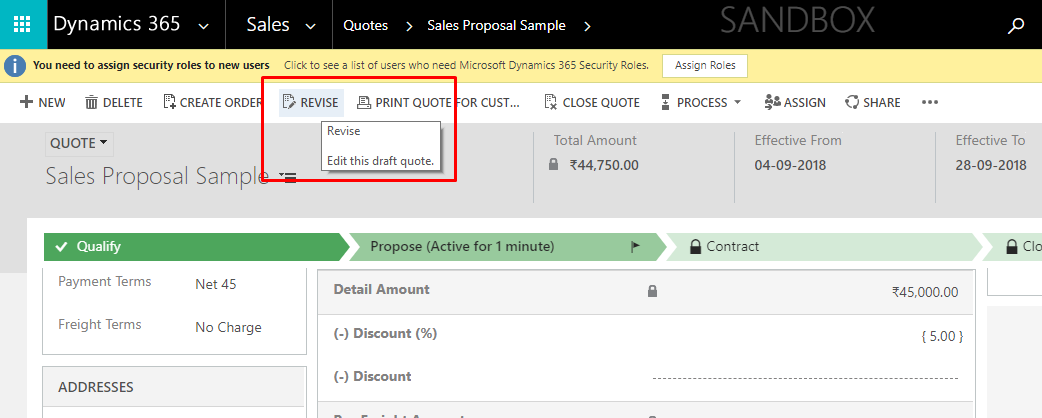
In Project Service quotes, we don’t see the option to Activate Quote or Revise Quote.
Solution:
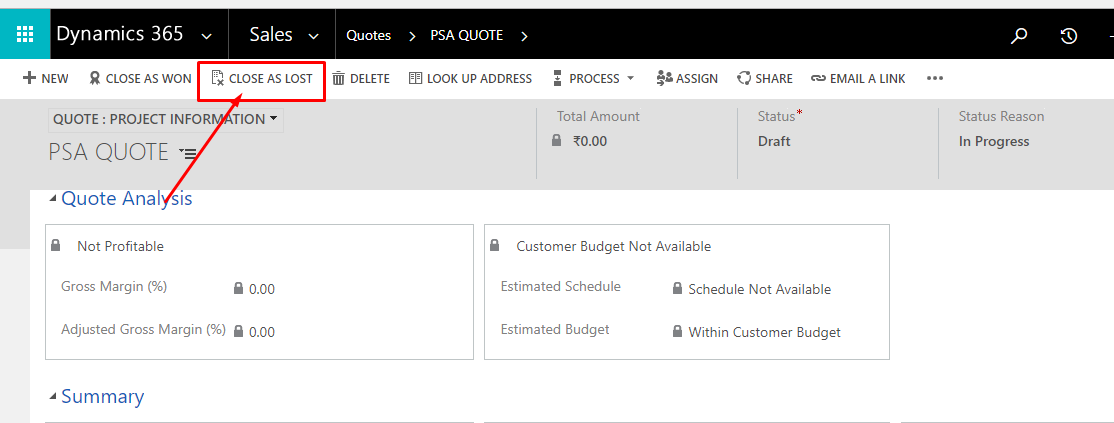
Steps to Revise Quote in Project Service Quotes.- Close the Quote as Lost using the button – “Close as Lost”
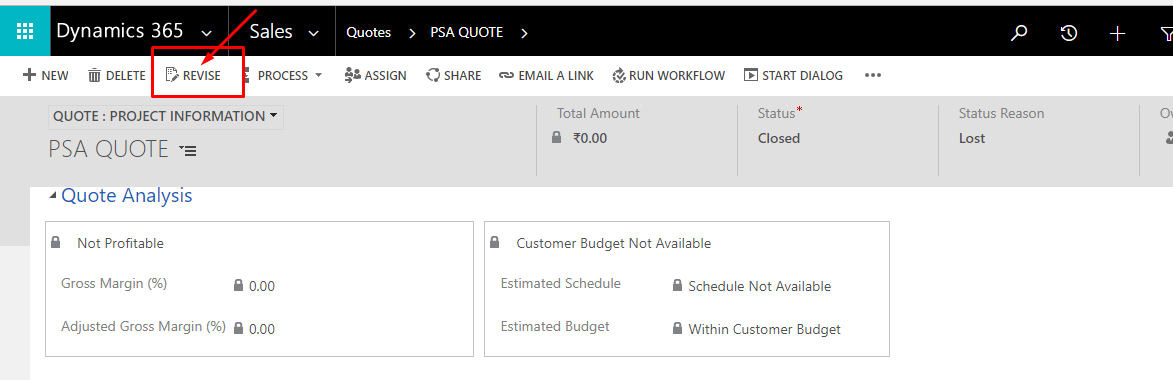
- Then you can see the button – “Revise Quote”
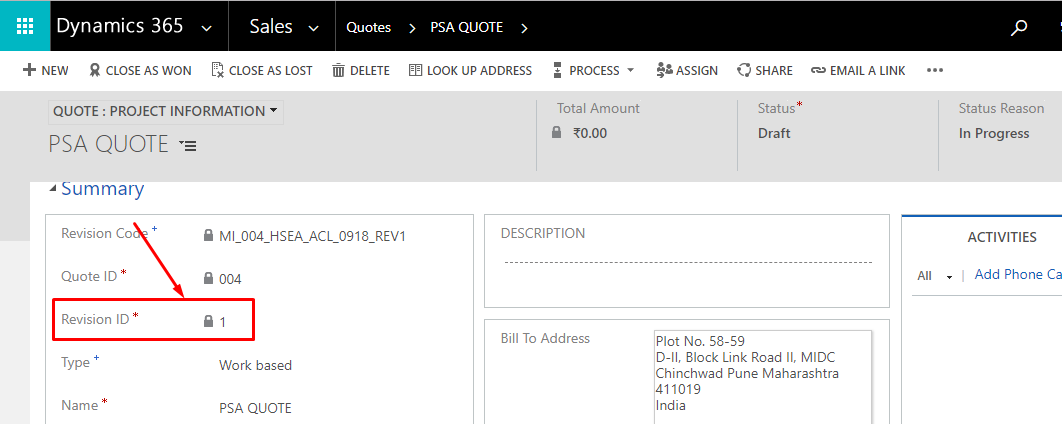
- This action will revise the quote with new Revision Number.
The post Quote revision in D365 PSA appeared first on .
*This post is locked for comments