




 22,784
 Like
Like Share
Share
 Report
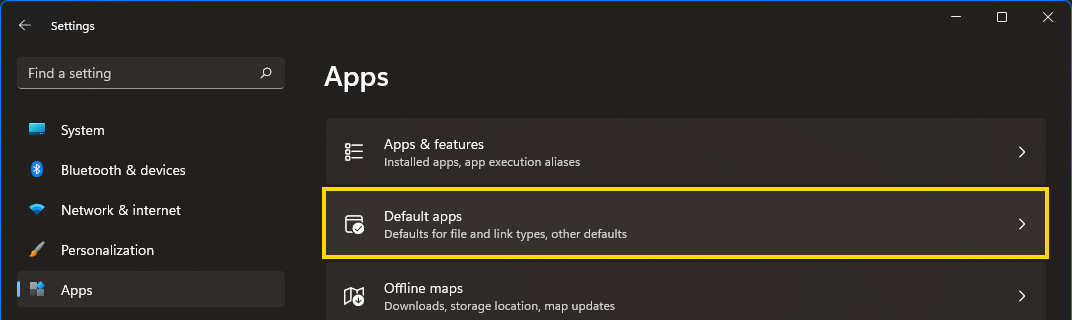
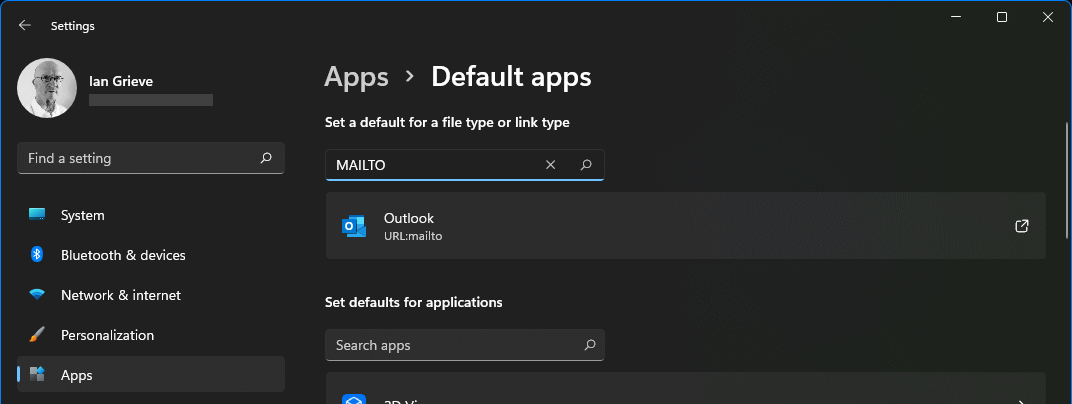
 I got a new laptop at work recently and after clicking an email address on a web page I was prompted to select a default app; unfortunately, I mis-clicked and selected the Mail app instead of Outlook. You can change a default app via the Settings » Apps by selecting Default apps:
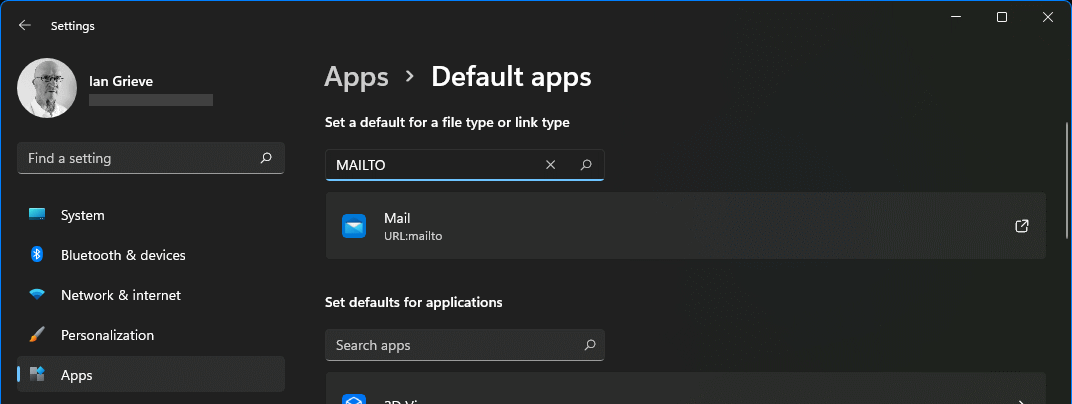
Find the app you want to change the default for and click the entry; in my case the URL:mailto entry:
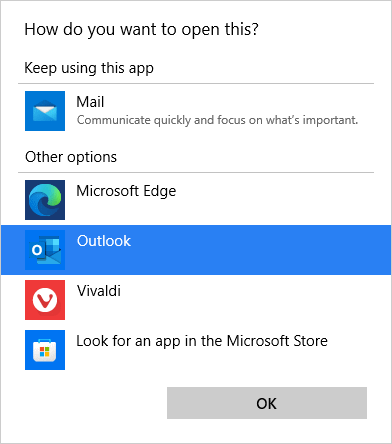
In the popup, select the app you want to use and click OK{/b]:
In the Default Apps you will see the new assignment displayed:
Read original post How to Change a Default App in Windows 11 at azurecurve|Ramblings of an IT Professional
*This post is locked for comments