




 6,648
6,648 Like
Like Share
Share
 Report
AX. Use the following steps to validate the web site is created.
1. Open System administration > Setup > Services and Application Integration Framework > Web sites.
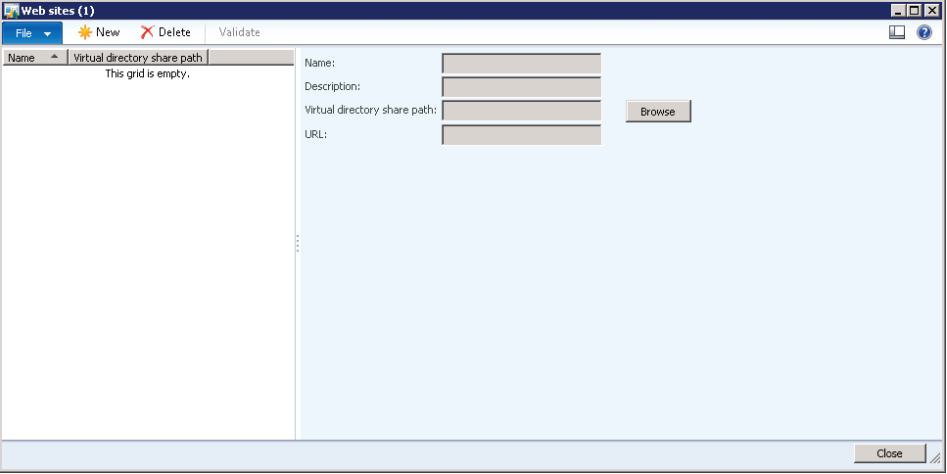
2. Select the web site that is created automatically by the setup wizard.
3. Click Validate. Verify the Infolog dialog confirms:
a. The web site is configured properly.
b. You can access the computer and the web site.
4. Close the Infolog dialog, and then close the Web sites form.
Regards,
Hossein Karimi
*This post is locked for comments