







Business Central Environment Blinking after update to v20
 Olister Rumao
 3,967
3,967
 Like
Like Share
Share
 Report
Introduction:
The Business Central environment starts blinking as per the video below -

Pre-requisites:
- Business Central Online v20
Demonstration:
1. Restart the Business Central Environment:
Go to Business Central Admin Center > Select the Environment >Sessions > Restart Environment.
2. Ensure that your URL contains Tenant ID:
When you login into the Business Central Environment, make sure that your links are in the following formats
Sandbox : https://businesscentral.dynamics.com/<SandboxEnvironmentName>/?sandbox=true
Production: https://businesscentral.dynamics.com/<ProductionEnvironmentName>/
If you URL like
https://businesscentral.dynamics.com/SandboxName or any other format without Tenant ID, chances are that you will end up with the issue.
Also, you can login through Admin Center URL -
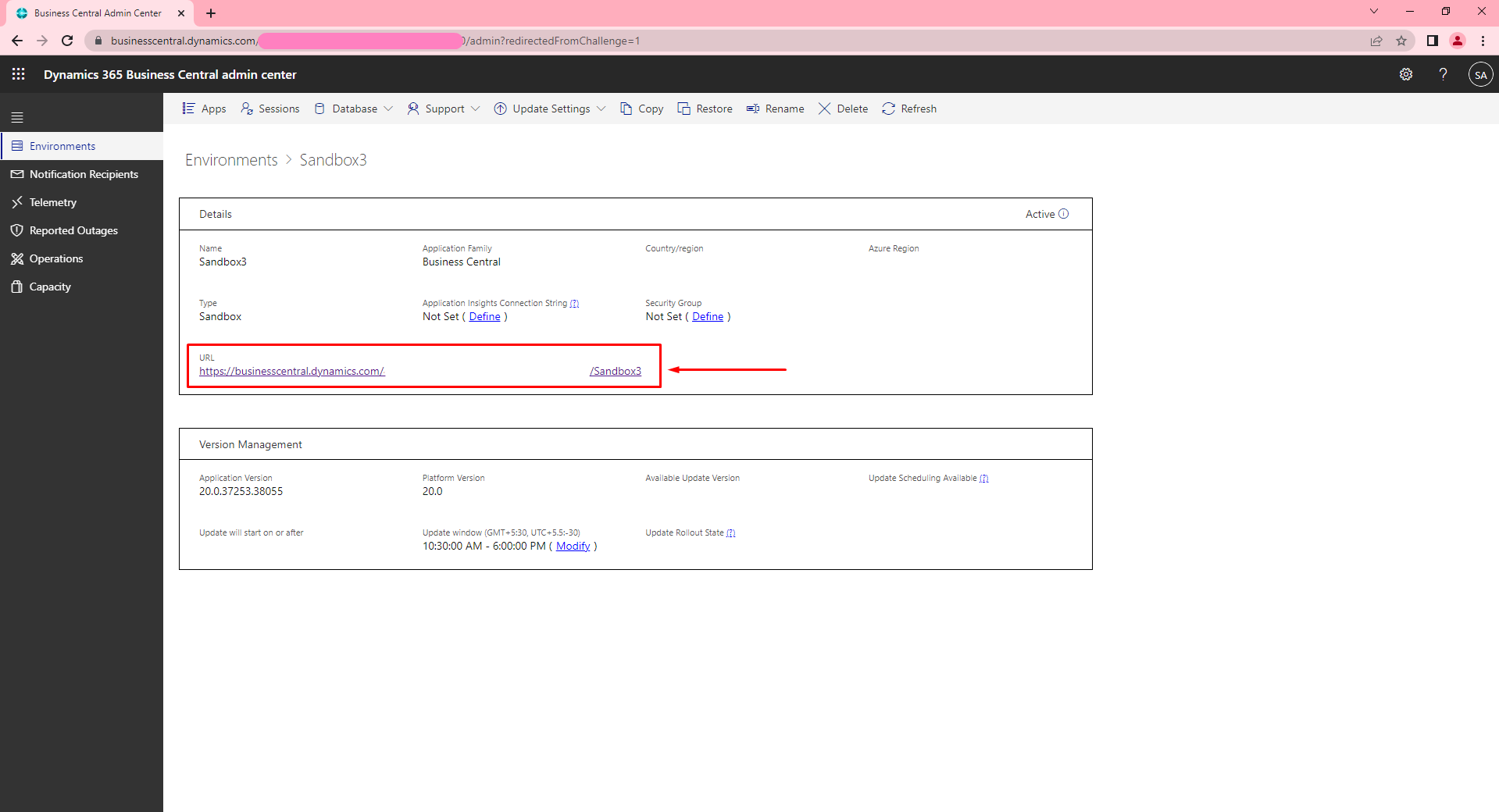 |
| Connect from URL in BC Admin Center |
3. Check the status if the installed or dependent apps are updated:
Go to Admin Center > Select Environment > Apps

If any app is in Install Update or Updating then ensure that they are Up to Date.
4. Login into Environment through https://portal.office.com:
I have observed that sometimes irrespective of all these steps being followed or not, the issue still does not resolve it self.
Hence, you can go to portal.office.com > Select Chocolate Button on Top Left > Select the Environment you want to login
5. Login through Incognito Mode:
If nothing works, its possibly the browser cache. A best way to avoid browser cache is use Incognito Mode.
Use Incognito Mode > Login with your Office 365 Account > Open Business Central from Office 365
If the environment is still blinking after trying to login through all the above methods, try to login after 30mins
Note: If you are having this issue in Production and is not resolved after the steps provided, I recommend raising a Production Down [RED FLAG].
Conclusion:
Let me know if you have any other resolution if you have found so we can share it together.
Hope this helps!!
*This post is locked for comments