




 3,100
3,100 Like
Like Share
Share
 Report
As a distribution company, how do you track interactions with your customers? DO you need a full blown CRM solution or do you need a way to track leads, opportunities, quotes, tasks and customers right in the tools your team is already using everyday?
The primary function of SalesPad for Dynamics GP typically revolves around sales order processing, purchasing, and inventory. But recently SalesPad has added options for CRM.
Here’s a very brief overview of some of the features:
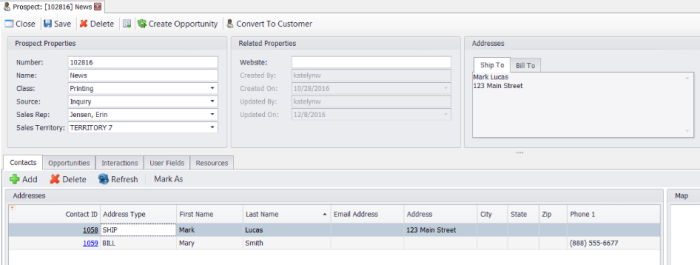
1. Prospects are leads and contact information. They can be transferred to create Customers.
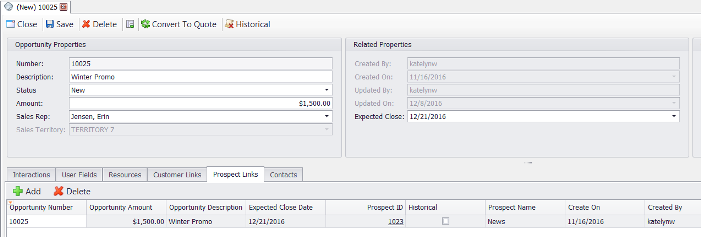
2. Opportunities are like quote (without being in SOP), they are the potential deal and can be linked to Prospects or Customers. They can be transferred to create Quotes.
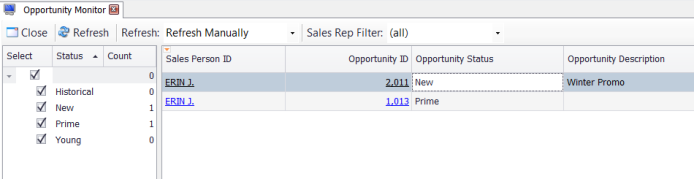
3. There’s an Opportunity Monitor which is like Sales Monitor built just for Opportunities.
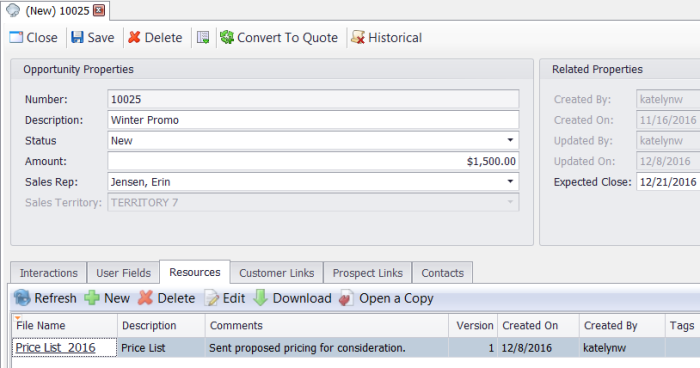
4. Resources are a way of importing copies of external documents and storing them in SQL/SalesPad for future reference or printing.
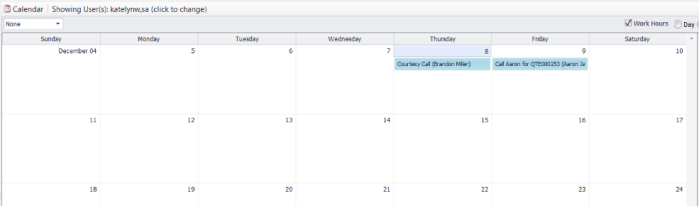
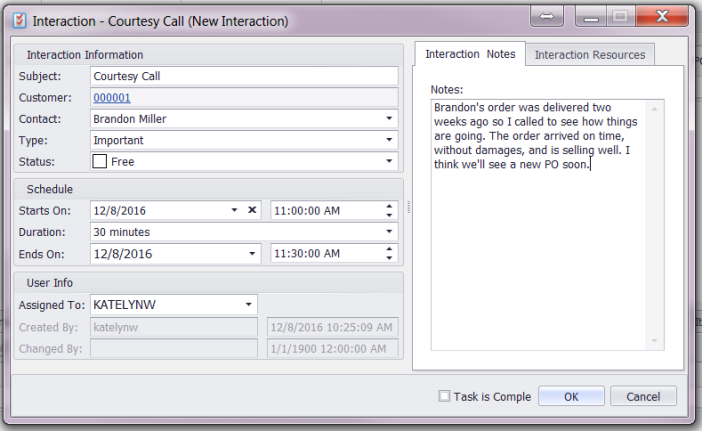
5. Tasks and Interactions are like Outlook appointments/meetings that are visible on the SalesPad Today calendar.
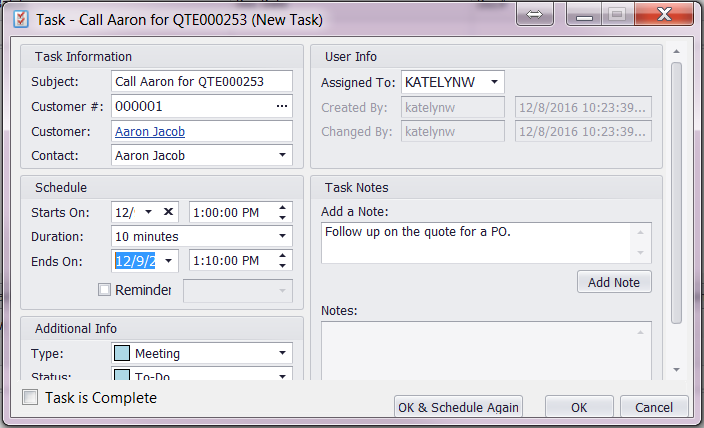
6. SalesPad Today is a Calendar within SalesPad where you can view Tasks/Interactions assigned to users.
7. The Email Add-In is a small add on product from SalesPad that allows you to move tasks from SalesPad to your Outlook calendar as well as moving Outlook emails into SalesPad as Interactions.
If you are interested in learning more about the CRM functions in SalesPad for Microsoft Dynamics GP contact CAL Business Solutions. 860-485-0910 or sales@calszone.com.
By CAL Business Solutions, Top SalesPad for Microsoft Dynamics GP, www.calszone.com/distribution
The post 7 Ways to Use CRM Features in SalesPad for Dynamics GP to Track Customer Engagement appeared first on CAL Business Solutions.
*This post is locked for comments