







PowerApps - Duplicate Detection in Dynamics 365
Views (704)
 Arpit Shrivastava
 7,518
User Group Leader
7,518
User Group Leader
 Like
Like Share
Share
 Report
Hello Folks, As committed I am starting a new series called "PowerGuide Mentorship Program"
Intention of the PowerGuide Series is to share very interesting Ideas, Tips and Tricks related to Power Apps, Power Automate, Power Virtual Agent, PowerApps Portals and many more interesting stuff.
Today, I am going to share my first post of this series, where we'll learn about implementing Duplicate Detection in PowerApps while creating record in Dynamics 365.
Scenario - While creating a lead in Dynamics 365, check whether lead of same emailadress already exist or not, If exist then display duplicate emailaddress error message.
Let's get started...
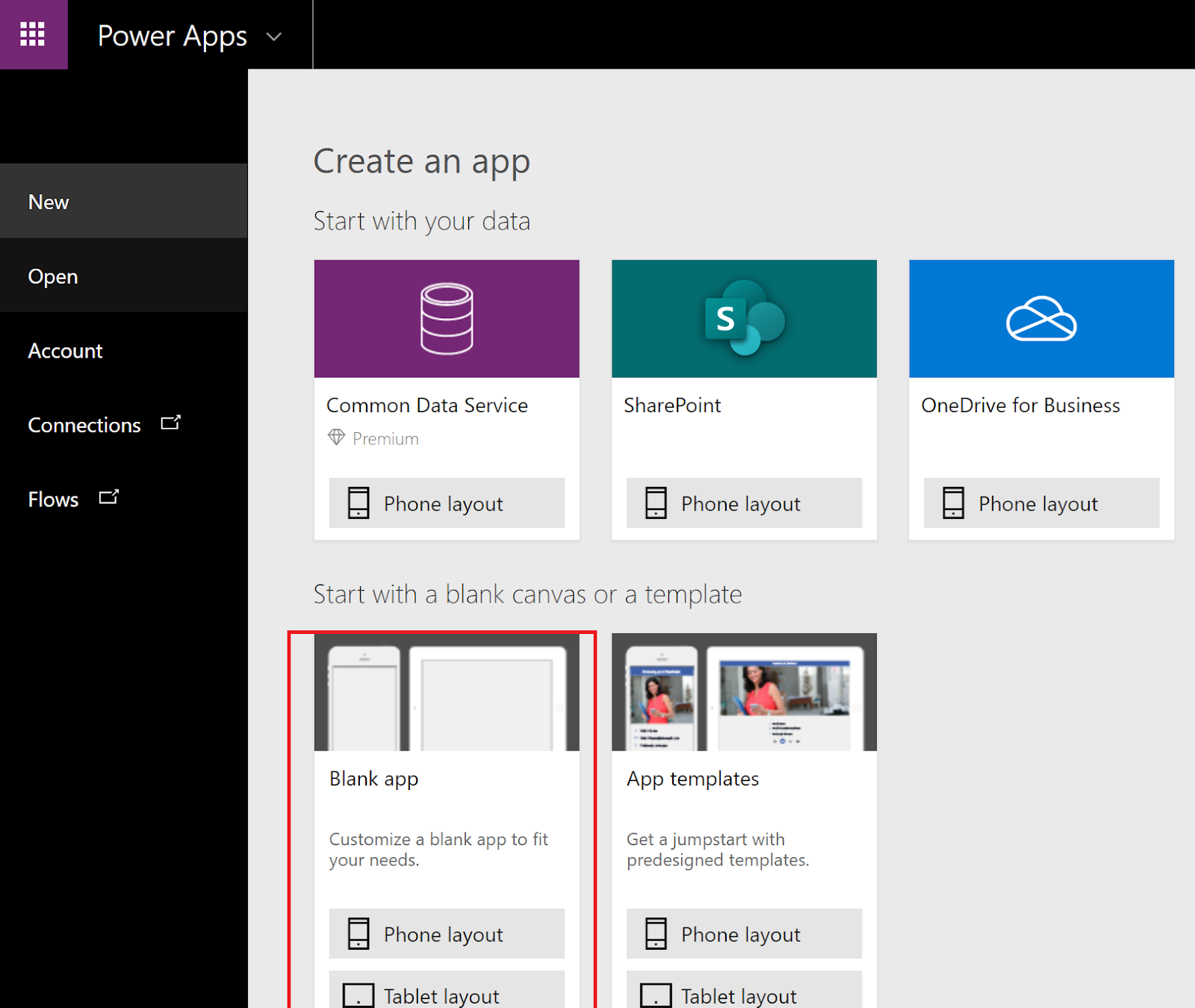
Step 1: Screen 1 - Create a Blank Canvas App > Connect with Dynamics 365 Data Source > Connect Lead Entity as Dataset (You can connect other entity also as per your requirement)

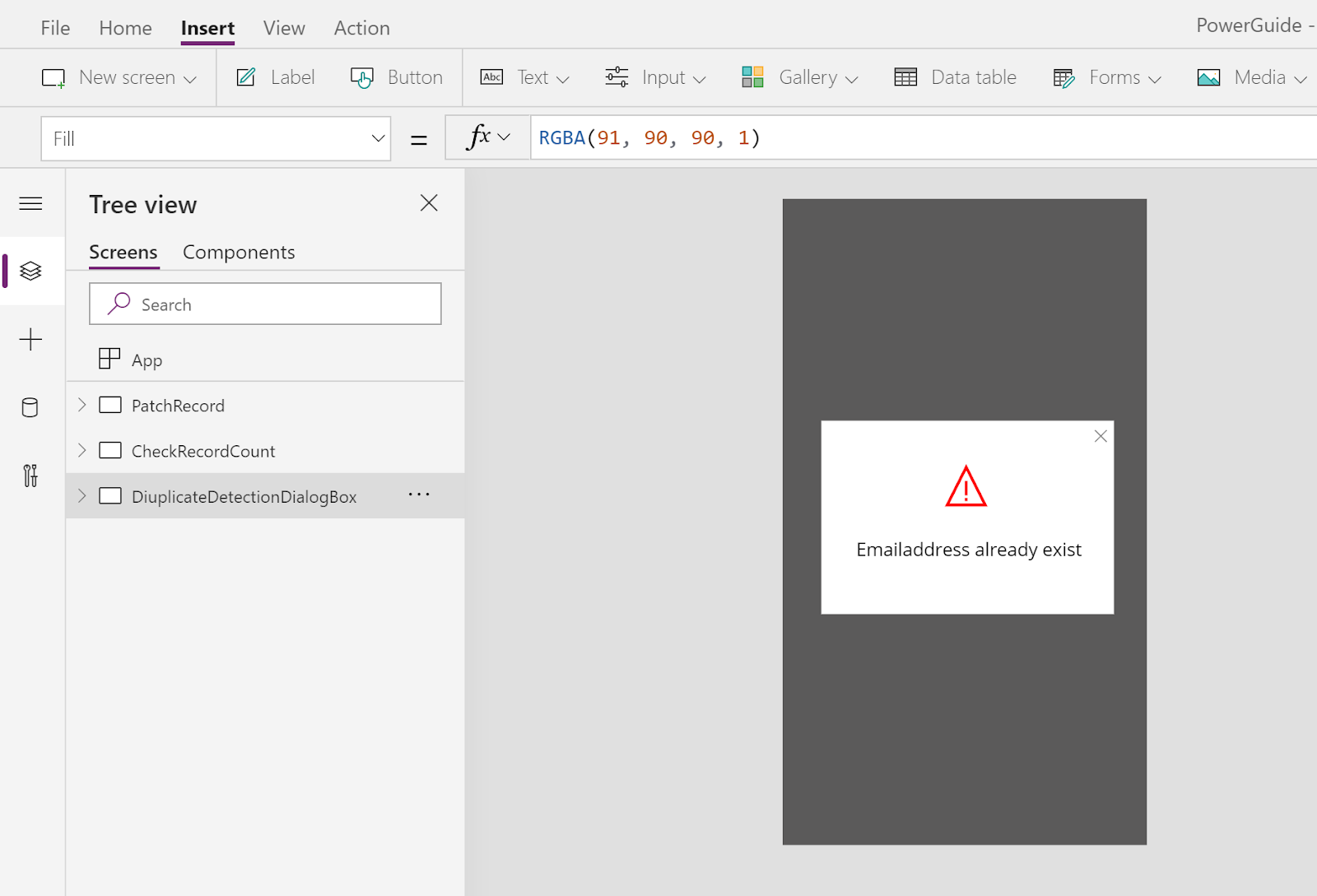
Step 2: Screen 2 - Insert a new Blank Screen to show Duplicate Detection Dialog
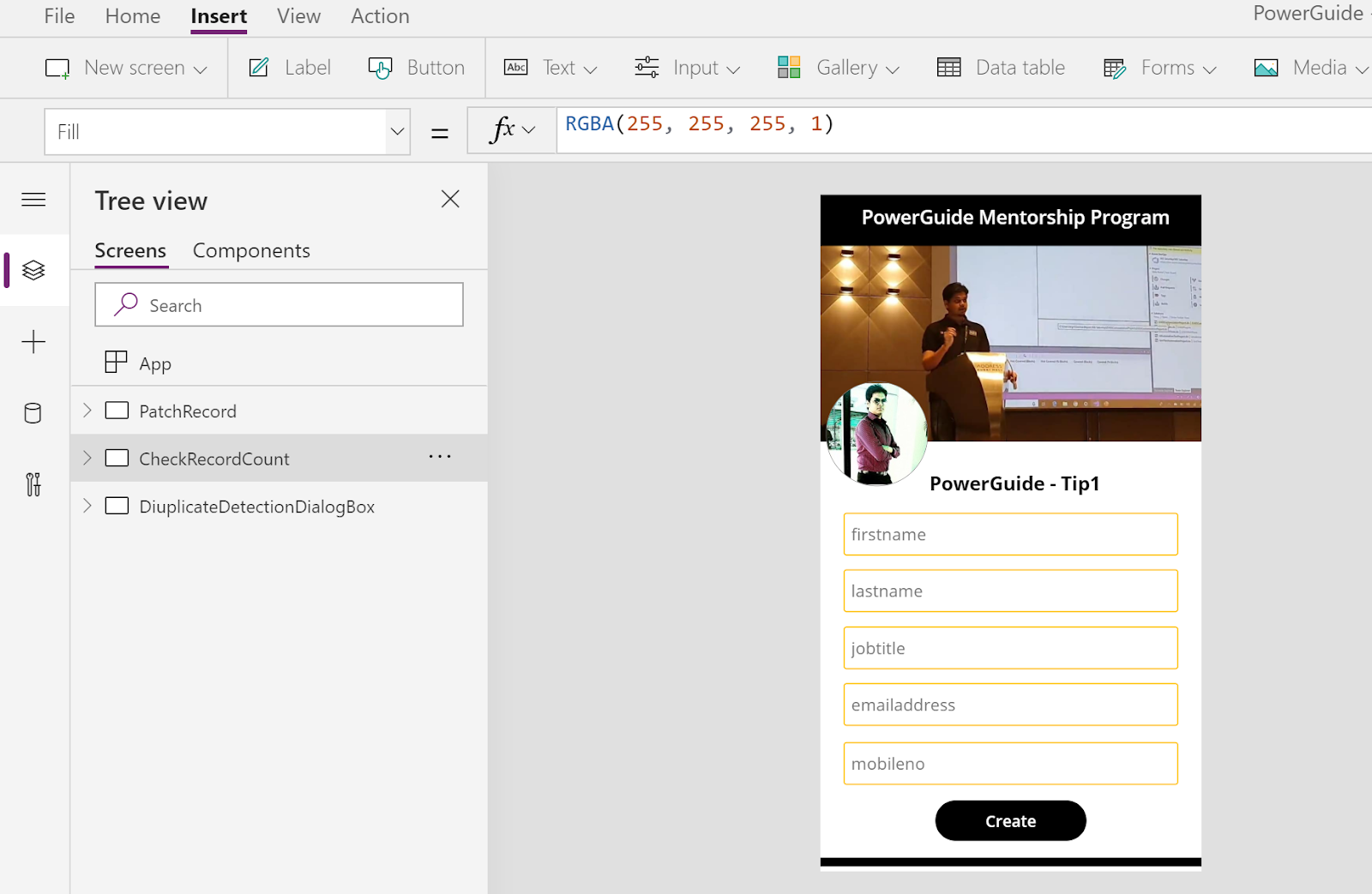
Step 3: Add few Text Input and Button Controls in Screen 1 or design as per your need.
Step 4: Add below formula on Button Control (onSelect property) to find Duplicate Record
If(IsBlank(LookUp(Leads,emailaddress1 = emailAddress_1.Text)),
UpdateContext({result: "Duplicates Record not found"}),
Navigate(DiuplicateDetectionDialogBox,ScreenTransition.CoverRight)
);

You can use following formula also on Button Control (onSelect property) to find Duplicate Record
UpdateContext({recordCount: CountIf(Leads,emailaddress1 = emailAddress_1.Text)});If(recordCount > 0, Navigate(DiuplicateDetectionDialogBox,ScreenTransition.Fade))

Step 6: Test the App

Stay Tuned for PowerGuide - Tip 2 - Upsert/Patch Record in Dynamics 365 using PowerApps.
Cheers.
This was originally posted here.
*This post is locked for comments