




 Like
Like Share
Share
 Report
Introduction:
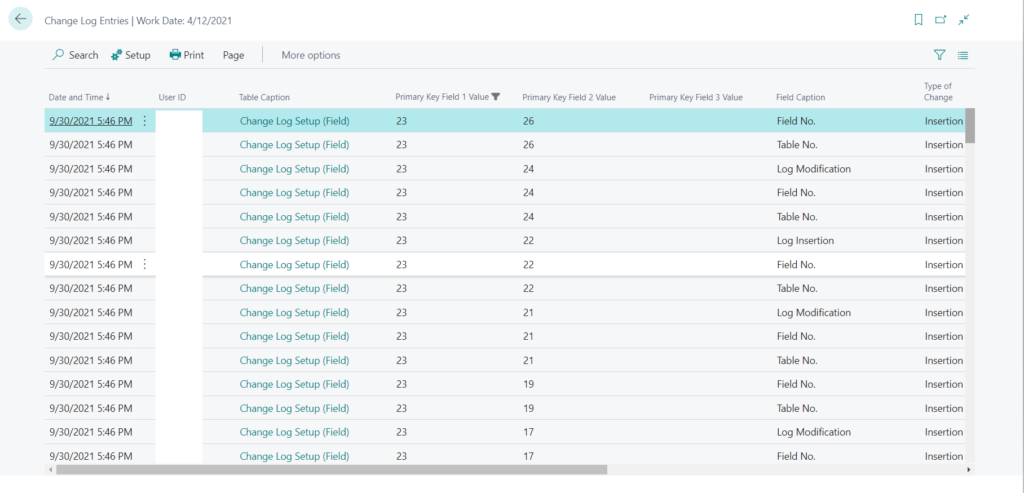
Business Central provides us with Change Log which helps us in keeping track of the changes made to a particular field in a particular table.
References:
Auditing changes – Business Central | Microsoft Docs
Configuration:
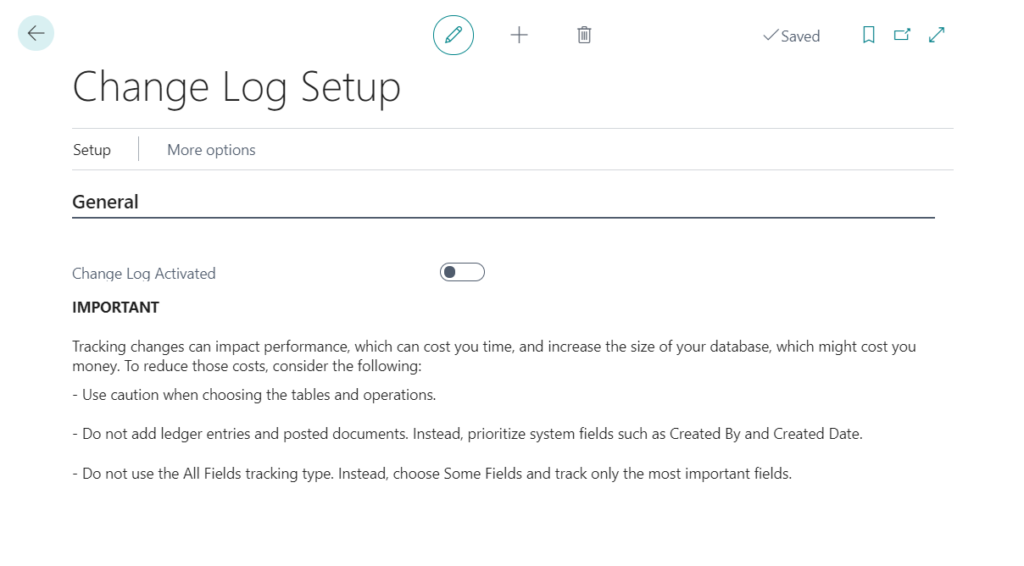
- Search for Change Log in Business Central.
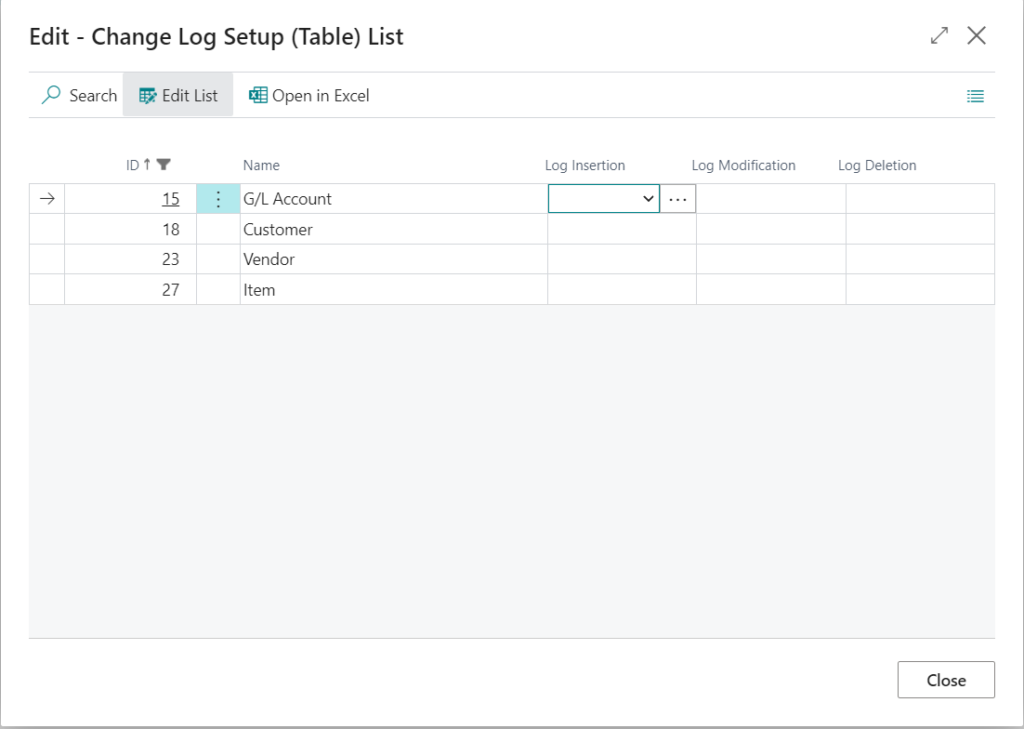
- Select the tables you want to enable the change log for.
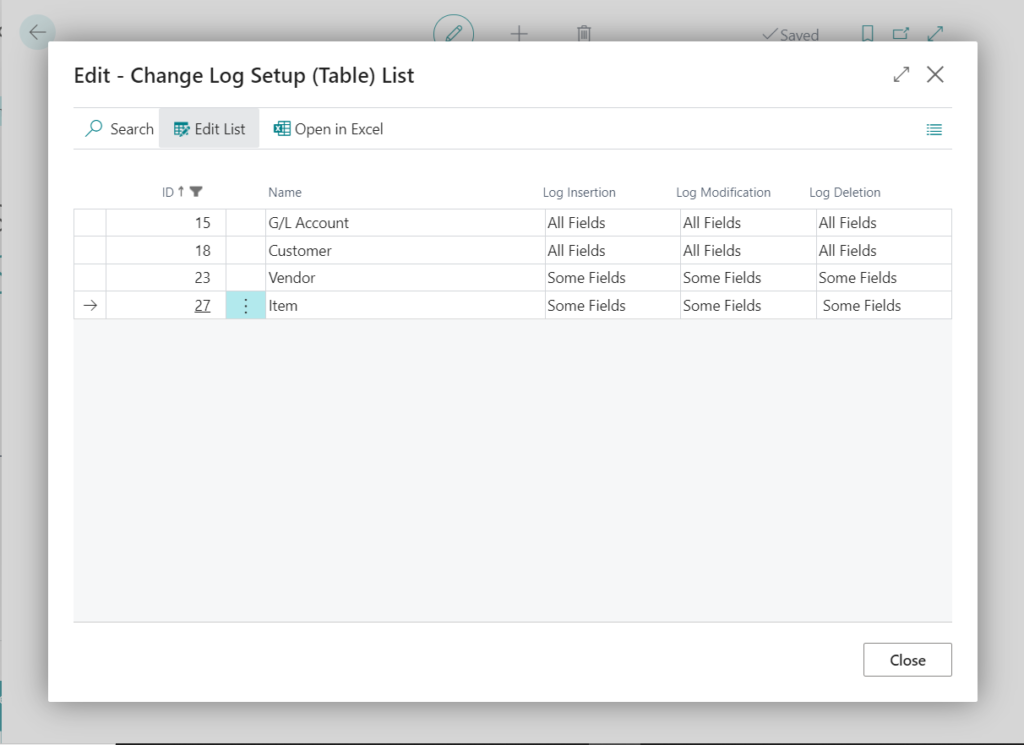
- You can set the change log for a particular set of fields or for all the fields in the table.
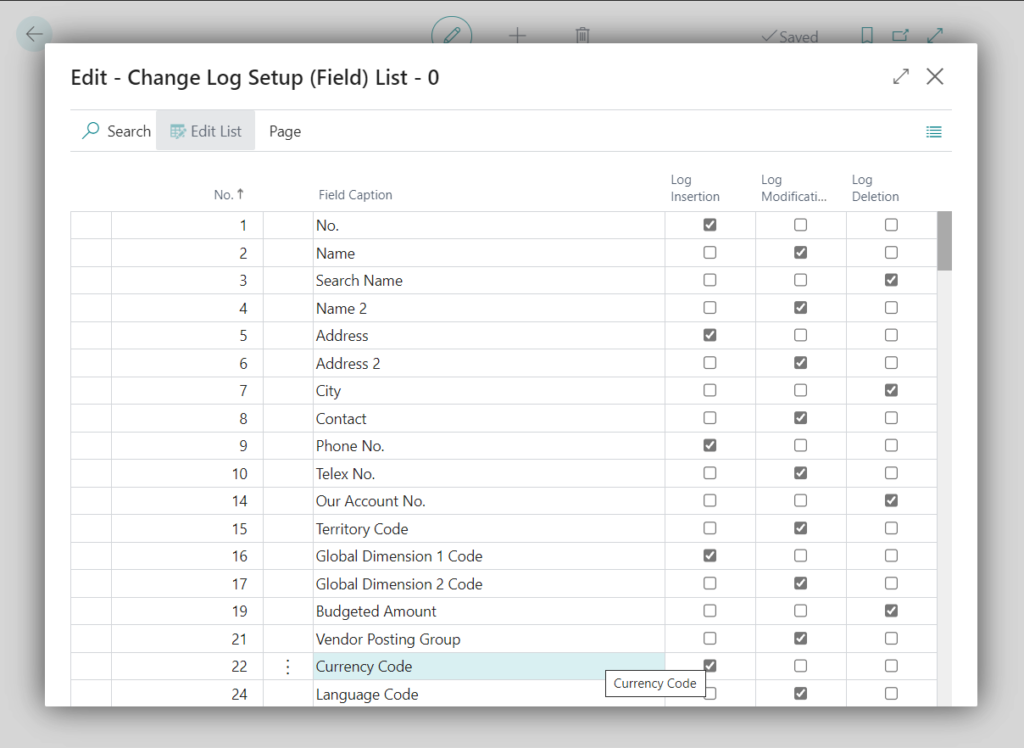
Click on the three dots next to the “Some Fields” and select the fields you want to audit.
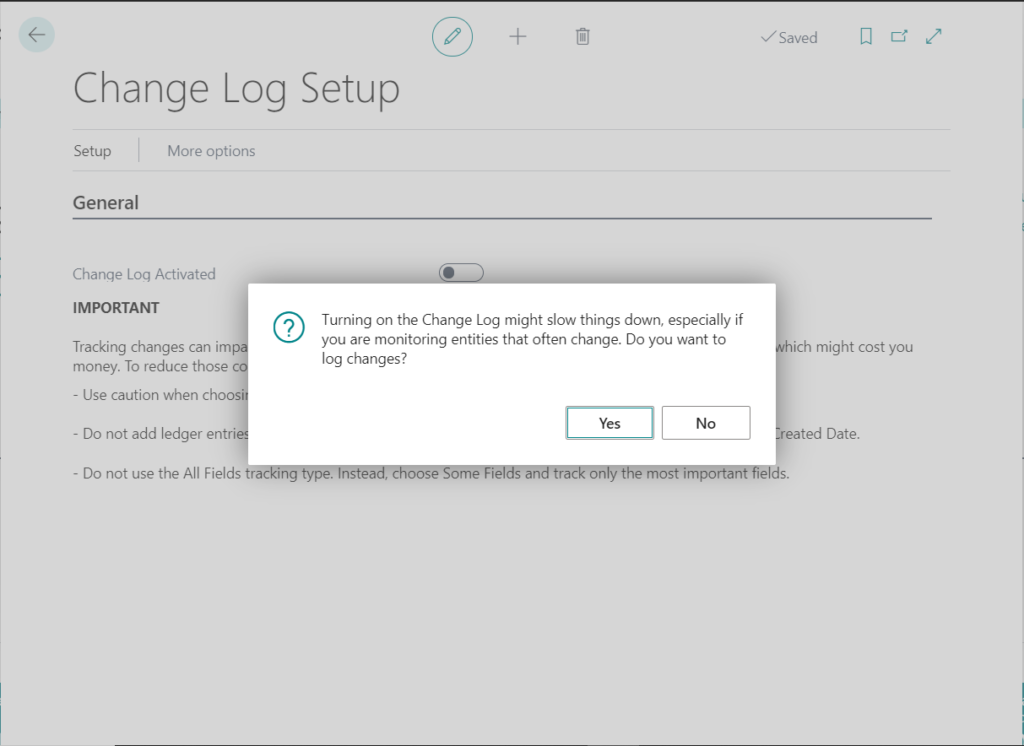
- Set Change Log Activated to true.
Conclusion:
Thus we saw how we can configure Change Log for auditing and tracking changes in Business Central.
The post Enabling Change Log in Business Central appeared first on .
*This post is locked for comments