




 7,518
7,518 Like
Like Share
Share
 Report
 |
| Knowledge Base |
The Knowledge Base is designed to assist customer service representatives as they answer questions and resolve cases. It is a repository of information that is used by the customer service team but is visible to everyone. It consists of articles (documents) that are categorized by subjects.
To get more details about Knowledge Articles in Dynamics 365 refer below article:
In this article, I will show you how to configure Knowledge Articles in CRM Portals.
Suppose we have installed the Customer Portal in our CRM instance and we want to configure Knowledge Base articles with the Portal.
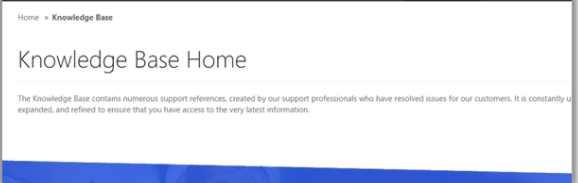
By default, you see below content as soon as you click on 'Knowledge Base' from the toolbar.
Because Knowledge Base is yet to configured in Dynamics 365 for your Portal instance.
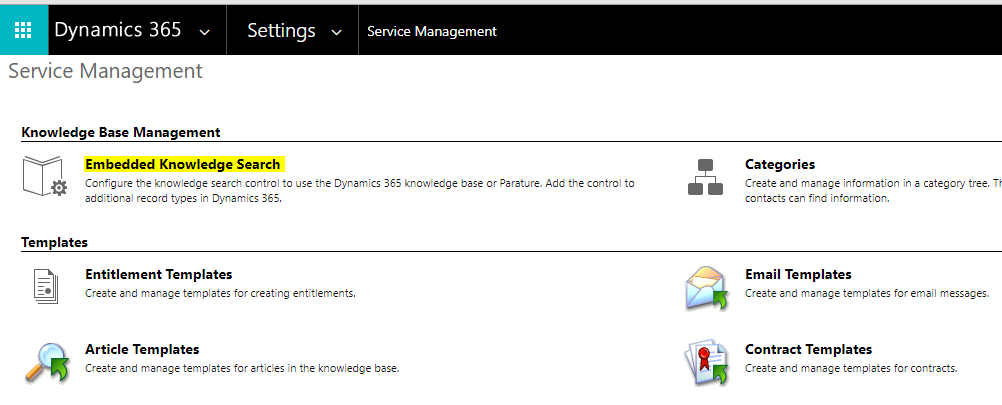
Go to Settings > Service Management > Embedded Knowledge Search
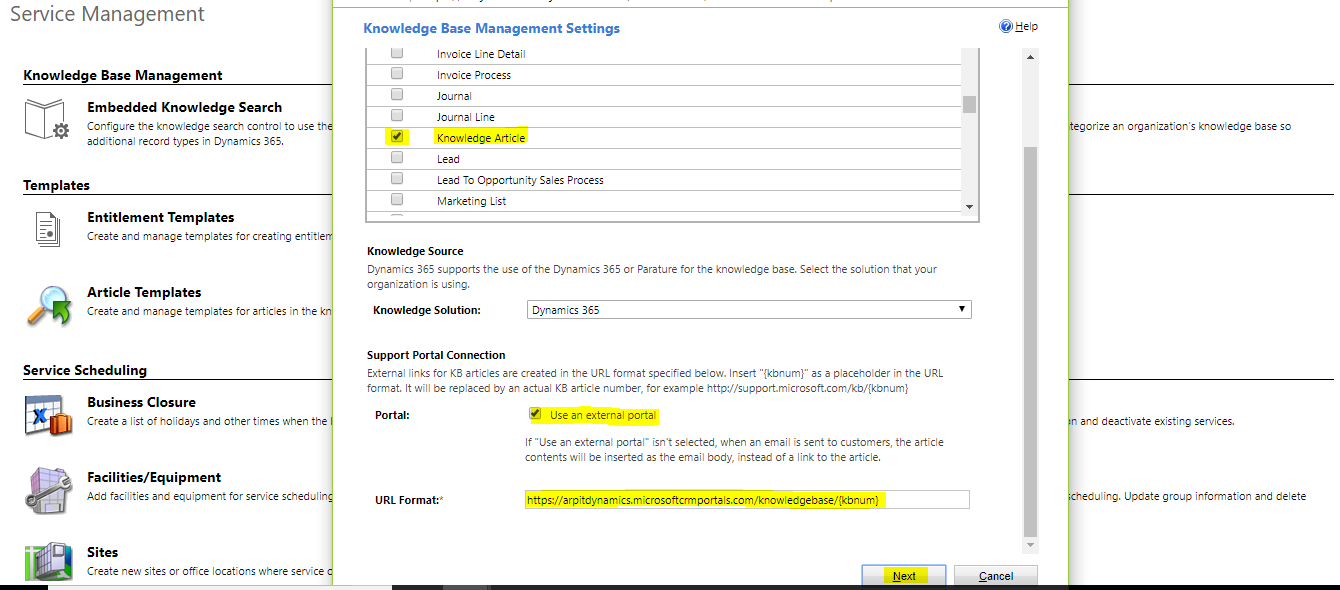
Specify the Portal URL and other settings as per below instruction
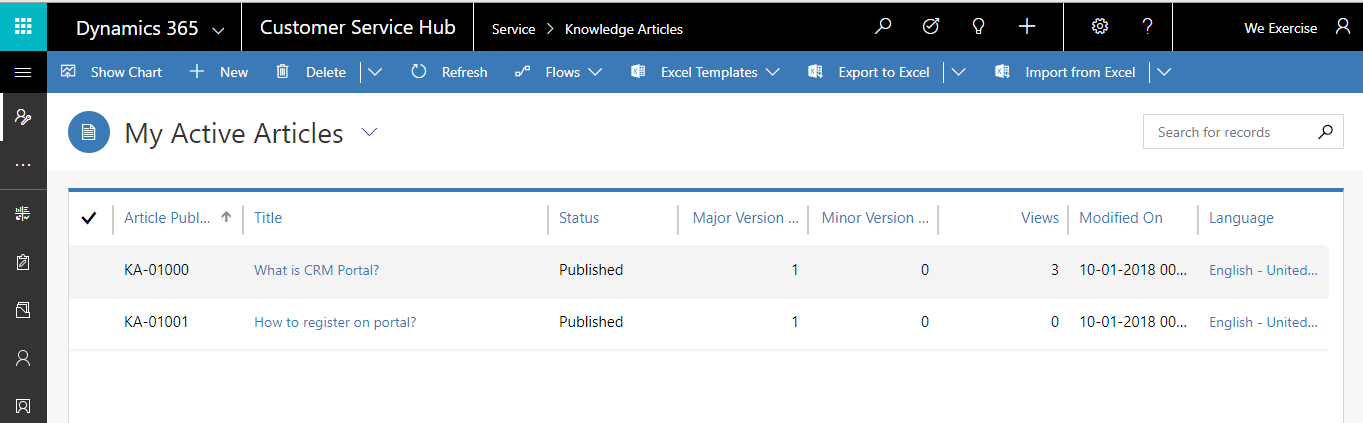
Create few sample articles in CRM. Go to Service > Knowledge Articles. For Example -I have created two articles as mentioned below.
Once the setup is done, go to Support page in the portal and perform a search.
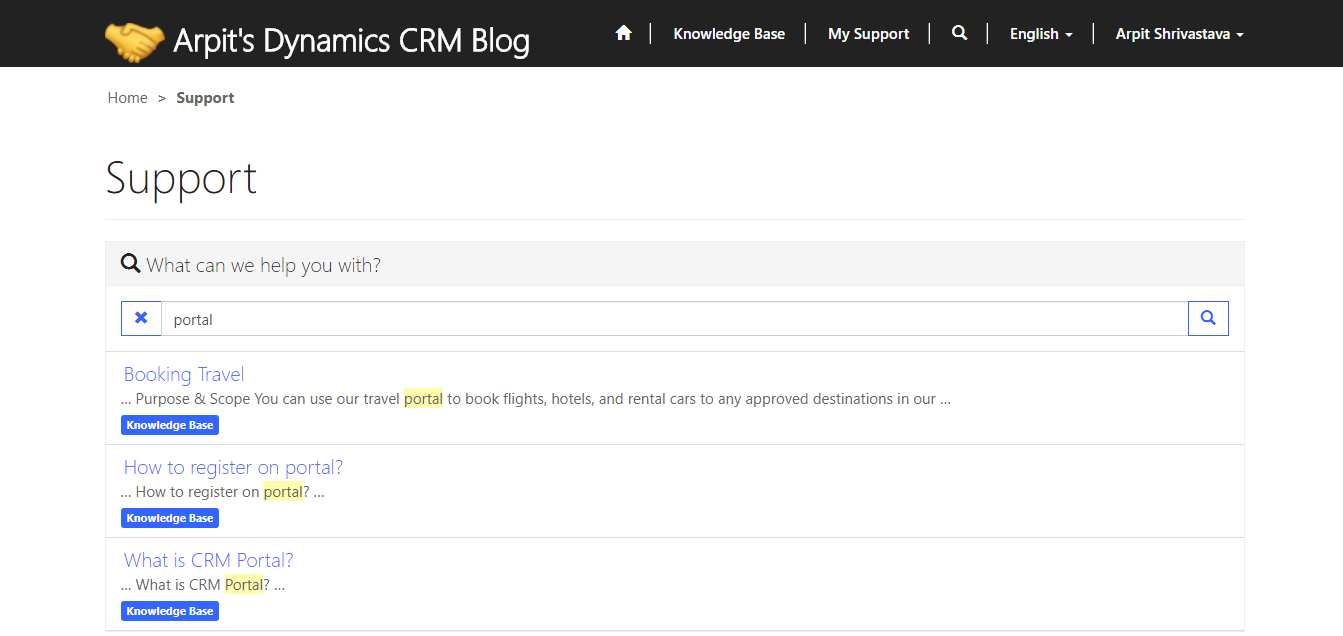
Clicking on the search result opens up the article in the portal.
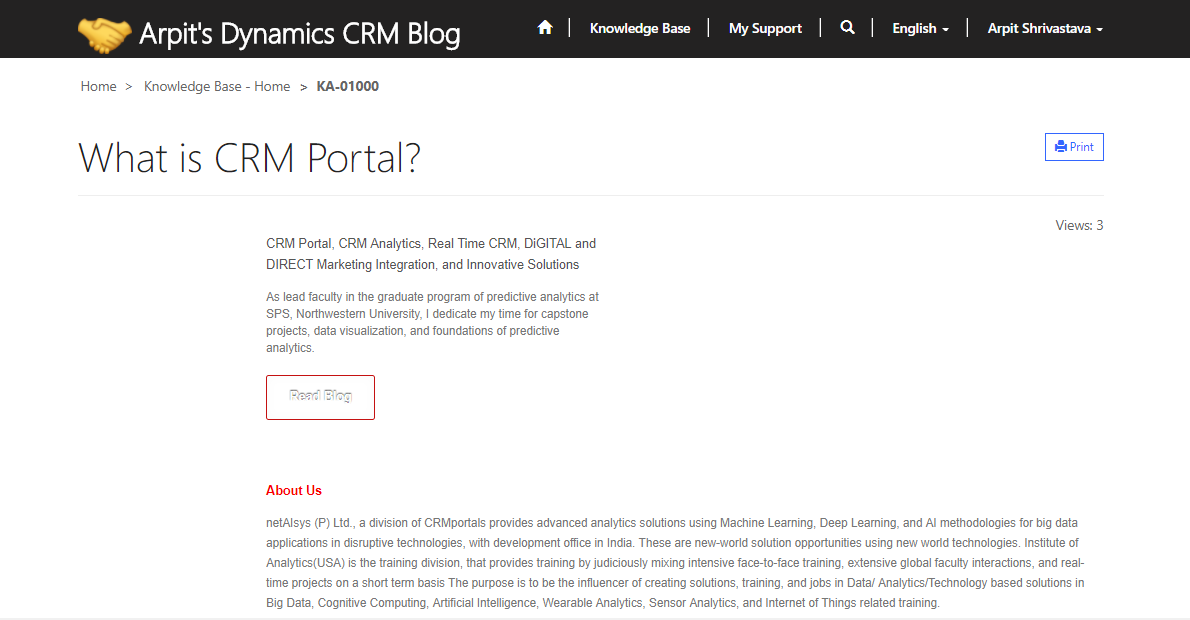
Can refer below article to customize OOB knowledge articles in CRM Portals.
Cheers
*This post is locked for comments