




 61,214
 Like
Like Share
Share
 Report
If we would like to add Logo, privacyStatement, help, url and End user License agreement (EULA) links to our extension then we need to fill below settings in app.json file
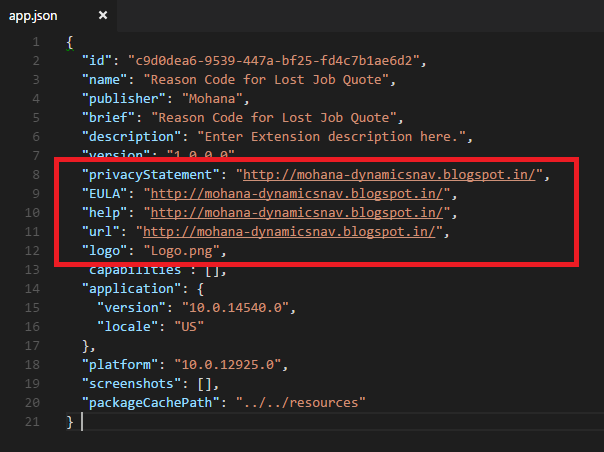
Place the logo in your extension folder and add it to logo settings.
I have added sample links in all privacyStatement, help, url and End user License agreement (EULA) setup.
You can add proper links as per your scenario.
Now Build (Ctrl+Shift+B) the package and Publish (F5).
Go to Extensions page and notice logo for our extension.
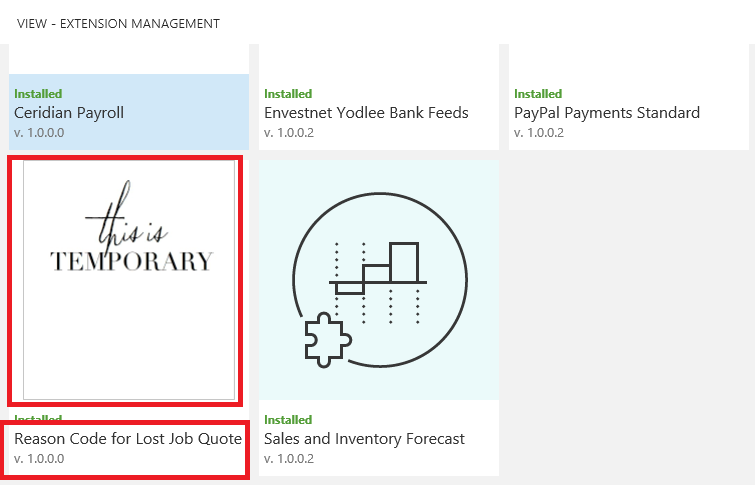
Open extension card and click on any privacyStatement, help, url and End user License agreement (EULA) links which opens links we provided in above setup.
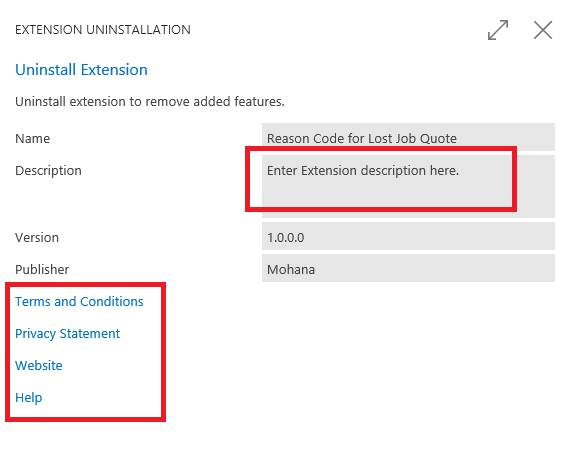
We can also enter description of our extension in above setup which is shown in Extension Card.
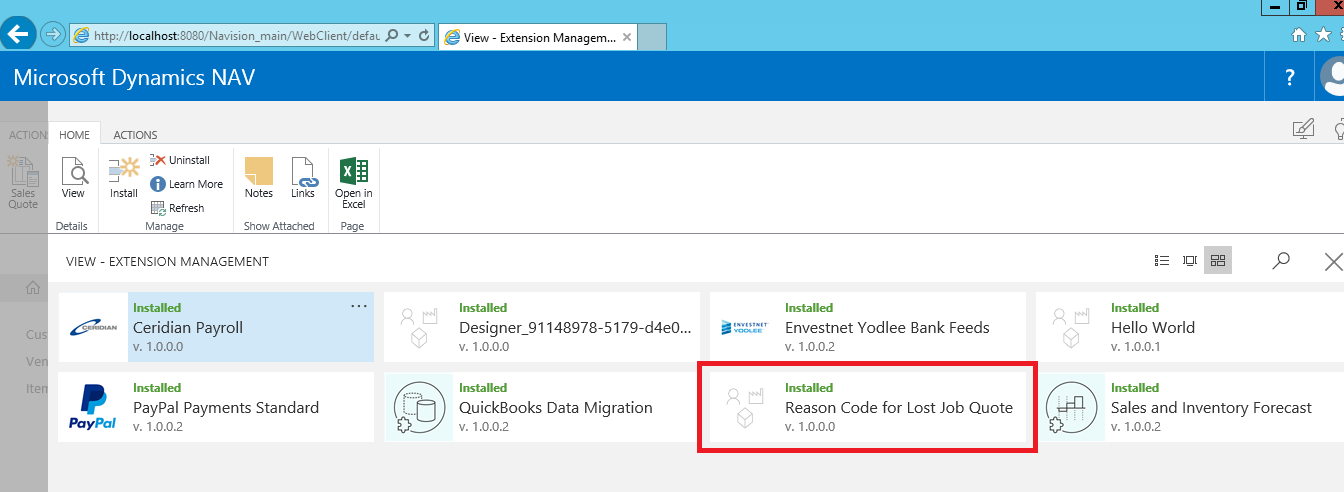
If we don’t set these setup’s in app.json then no links will be opened when we click in extension card and default image is added to extension like
*This post is locked for comments