







Dynamics 365 Business Central, AL compiler and .NET Core
 Stefano Demiliani
 37,166
Most Valuable Professional
37,166
Most Valuable Professional
 Like
Like Share
Share
 Report
At the Microsoft Dynamics 365 Business Central Virtual Event yesterday a not so much emphasized slide appears:
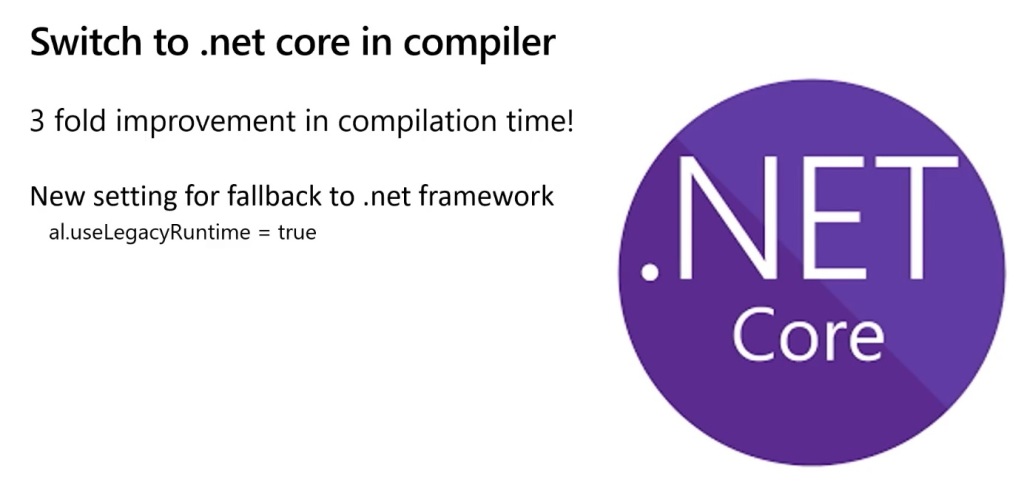
Yes, the new AL compiler is now based on .NET Core as default. There are 2 runtimes that the language server uses:
- .NET Framework
- .NET Core 3.0
.NET Core 3.0 is now the default runtime for hosting the language service (much more quicker and efficient, 3X performance gain) but you can switch to the classic .NET Framework runtime by going to Visual Studio Code settings and set al.useLegacyRuntime = true:

Enabling this option might result in a reduced level of performance during compilation of your code, so this is not recommended.
When you should check this? This is not officially documented (so take this “as is”) but if you have on-premise extensions that reference .NET assemblies, I saw some problems in the past about missing references and using the legacy runtime helped. As default, please forgot this option and leave with the default value 
This was originally posted here.
*This post is locked for comments