







Google Chrome registry fix for Dynamics CRM 2011/2013
Views (4738)
 Guido Preite
 54,086
Moderator
54,086
Moderator
 Like
Like Share
Share
 Report
Due to the errors caused by the latest Google Chrome update (details here) I created .reg file to reactivate showModalDialog API, you can download from here:
Enable Chrome showModalDialog.reg
After the download is completed close Google Chrome, double-click the .reg file and click Yes to the Registry Editor prompt: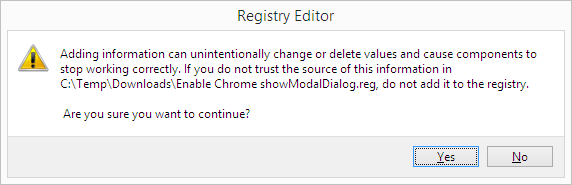
I also created a page to test the showModalDialog API:
Test Page for showModalDialog API
Enable Chrome showModalDialog.reg
After the download is completed close Google Chrome, double-click the .reg file and click Yes to the Registry Editor prompt:
I also created a page to test the showModalDialog API:
Test Page for showModalDialog API
This was originally posted here.
*This post is locked for comments