




 Like
Like Share
Share
 Report
You work on a lead in Dynamics 365–you have several conversations and enter some notes.
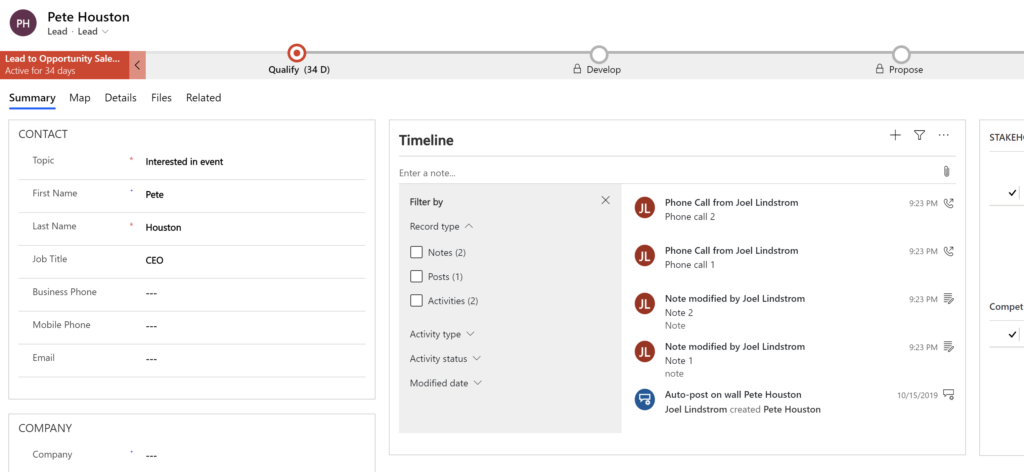
After you qualify the lead, the activities show up on the account or contact record that was created in the qualification process, but the notes are left behind on the lead.
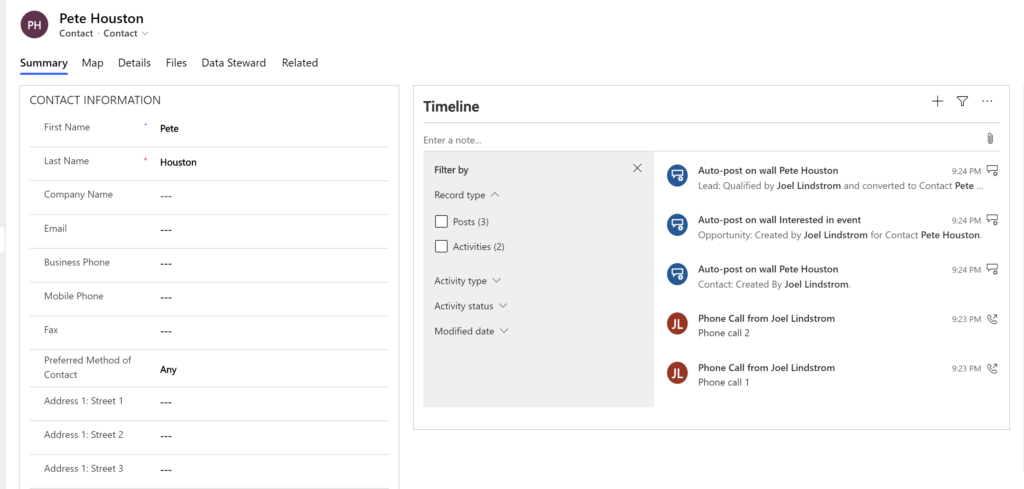
Power Automate to the rescue!
Create a Flow that runs on create of a contact (or account if you are qualifying leads to accounts).
Action 1: Get lead record (to get all details)
Action 2: Condition: If originating lead equals null, terminate
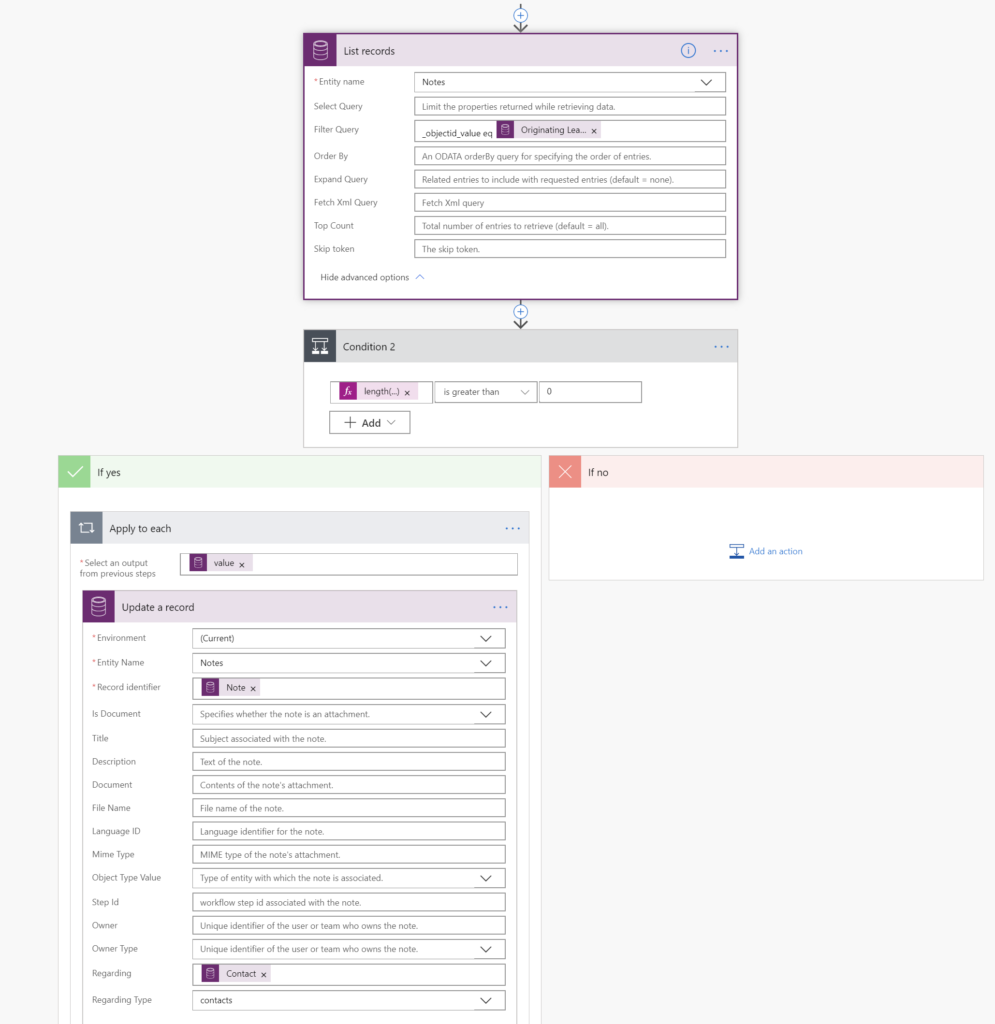
Action 3: List records — get notes where objectID equals contact originating lead.
Action 4: condition: length(outputs(‘List_records’)?[‘body/value’]) is greater than 0 (does #3 return any notes)?
If yes, Apply to each and update the note, setting the regarding to the contact.
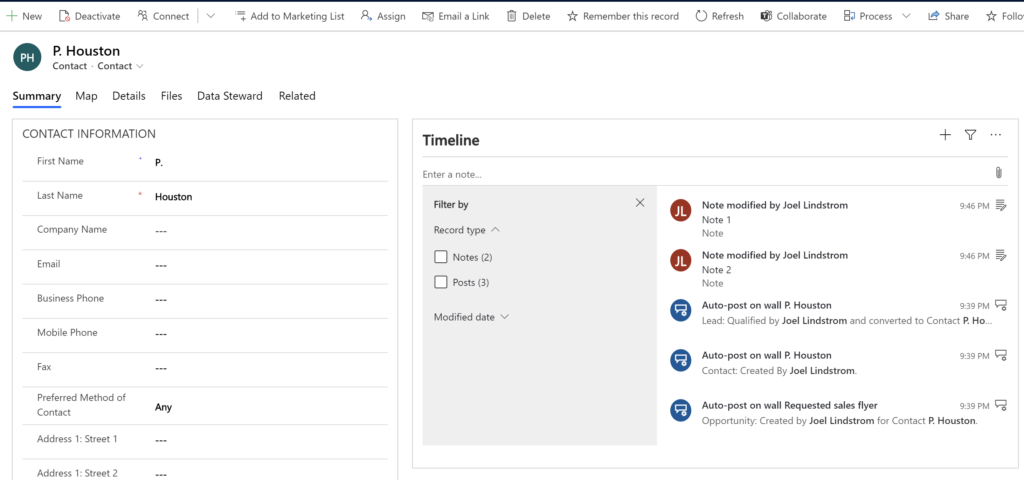
End result? Your lead notes are now linked to the newly created contact.
*This post is locked for comments