




 30,190
 Like
Like Share
Share
 Report
Microsoft Dynamics CRM 2011 allows modifications of records and activities in bulk.
You can specify multiple records and then select Edit, which will allow to Edit certain fields that are shared among multiple records.
The records that are going to be used for Multiple Record Editing must be of the same type.
In the case of activities, you can edit multiple tasks, or multiple e-mails for example together.
Microsoft Dynamics CRM 2011 allows modifications of records and activities in bulk.
You can specify multiple records and then select Edit, which will allow to Edit certain fields that are shared among multiple records.
The records that are going to be used for Multiple Record Editing must be of the same type.
In the case of activities, you can edit multiple tasks, or multiple e-mails for example together.
Step 1: Select the records that you want to edit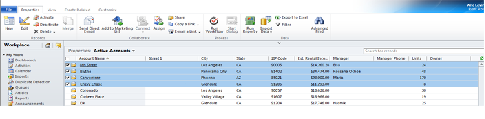
Step 2: Click on the Edit Button on the ribbon
Step 3: Modify the fields that you want to change for ALL records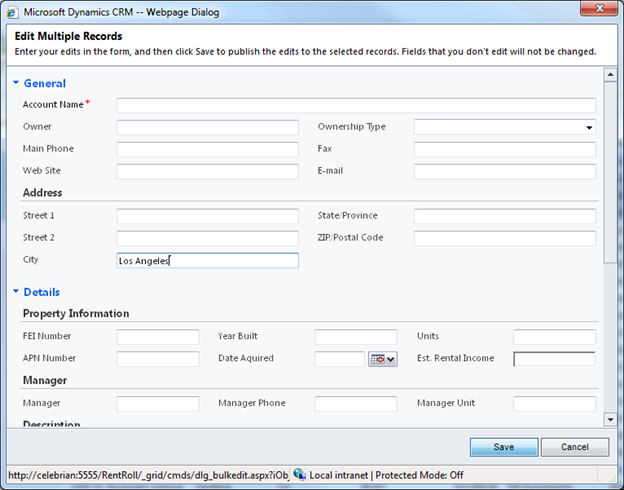
Step 4: Save the records and view the new results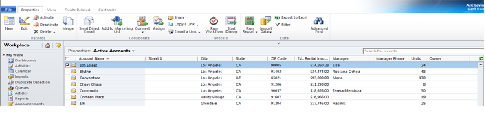
*This post is locked for comments