




 Like
Like Share
Share
 Report
In this blog we walk-through how to setup Azure using Office 365.
Pre-Requisite
- Office 365 administrator account.
Steps
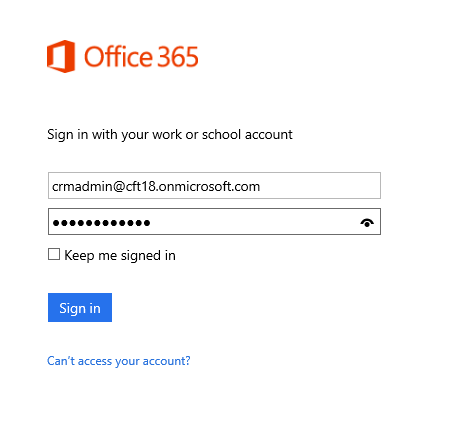
1. Login to Office 365 portal.
Navigate to https://portal.office.com
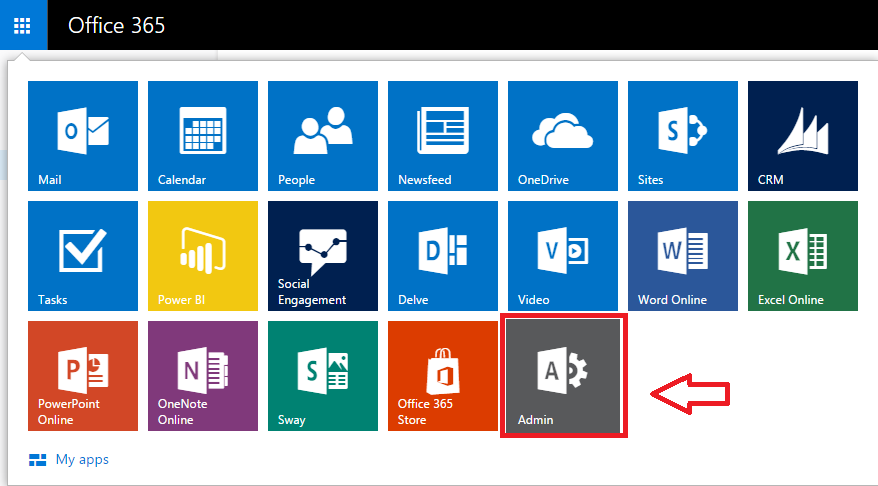
2. Click on Admin Button
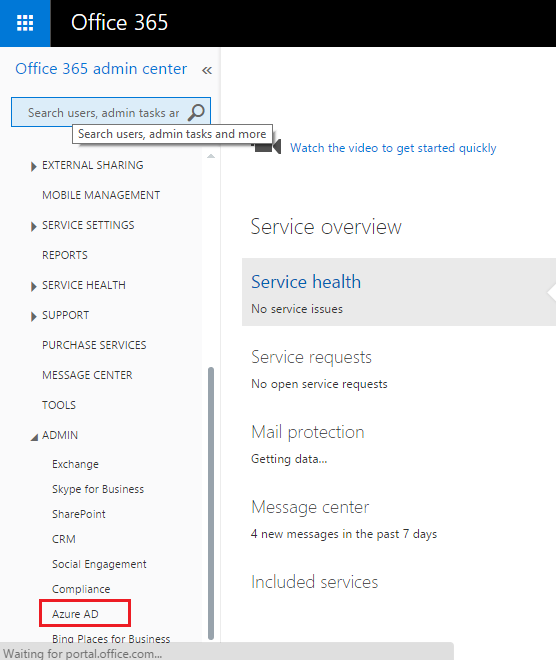
3. Click on Azure AD to setup Azure. This will link your Azure AD to Organization account.
Note:
- Don’t use admin account to setup Azure AD, instate of that you can use client account.
- Once Azure AD is setup, Account administrator cannot be changed.
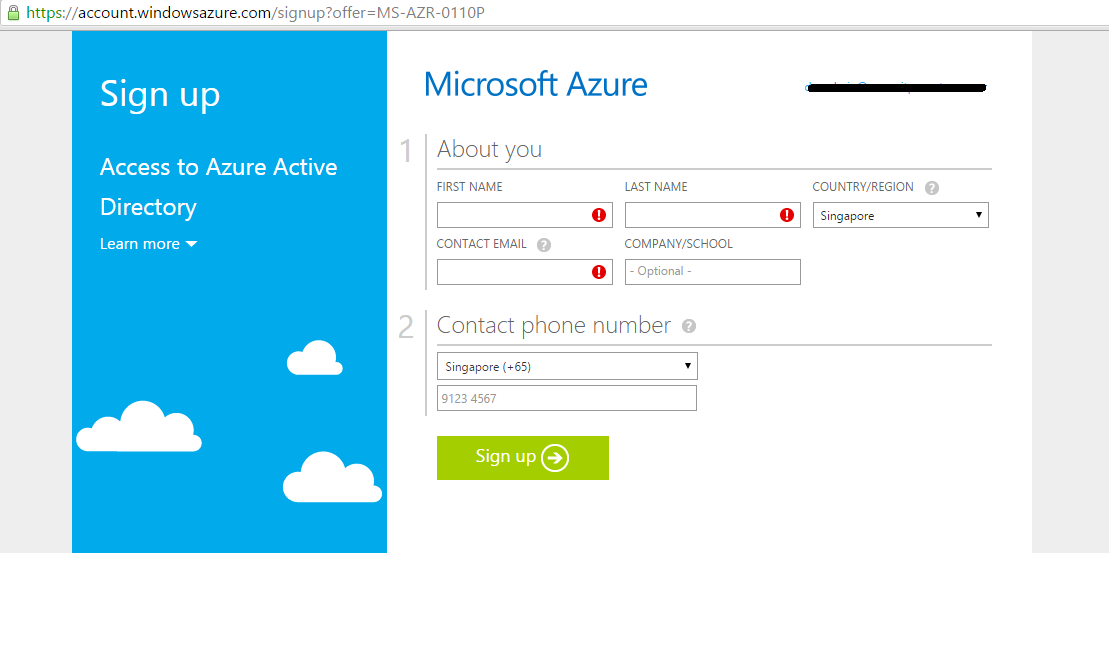
- Fill required details to setup Free Azure Trial Account.
Note: Credit card is required for Azure Sign-Up.
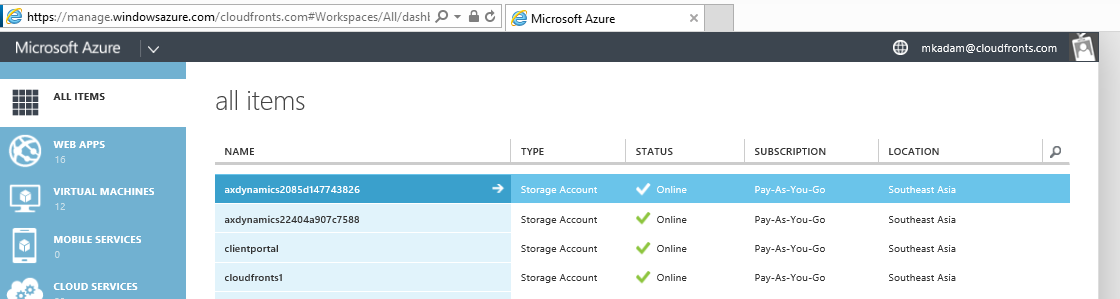
- After sign-up process is completed , navigate to https://manage.windowsazure.com to access Windows Azure.
The post Azure setup using Office 365 appeared first on CloudFronts - Microsoft CRM | AX | BI | Azure.
*This post is locked for comments