







How to setup journal description in dynamics 365?
Views (1580)
 Mahmoud Hakim
 17,887
 Like
Like Share
Share
 Report
if you have a standard description for journals, you can setup journal description to save time
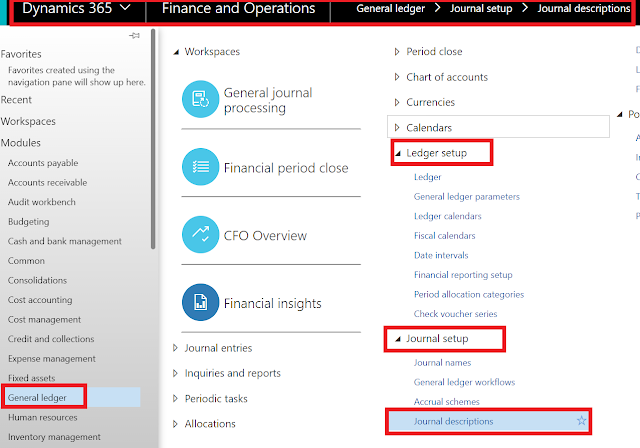


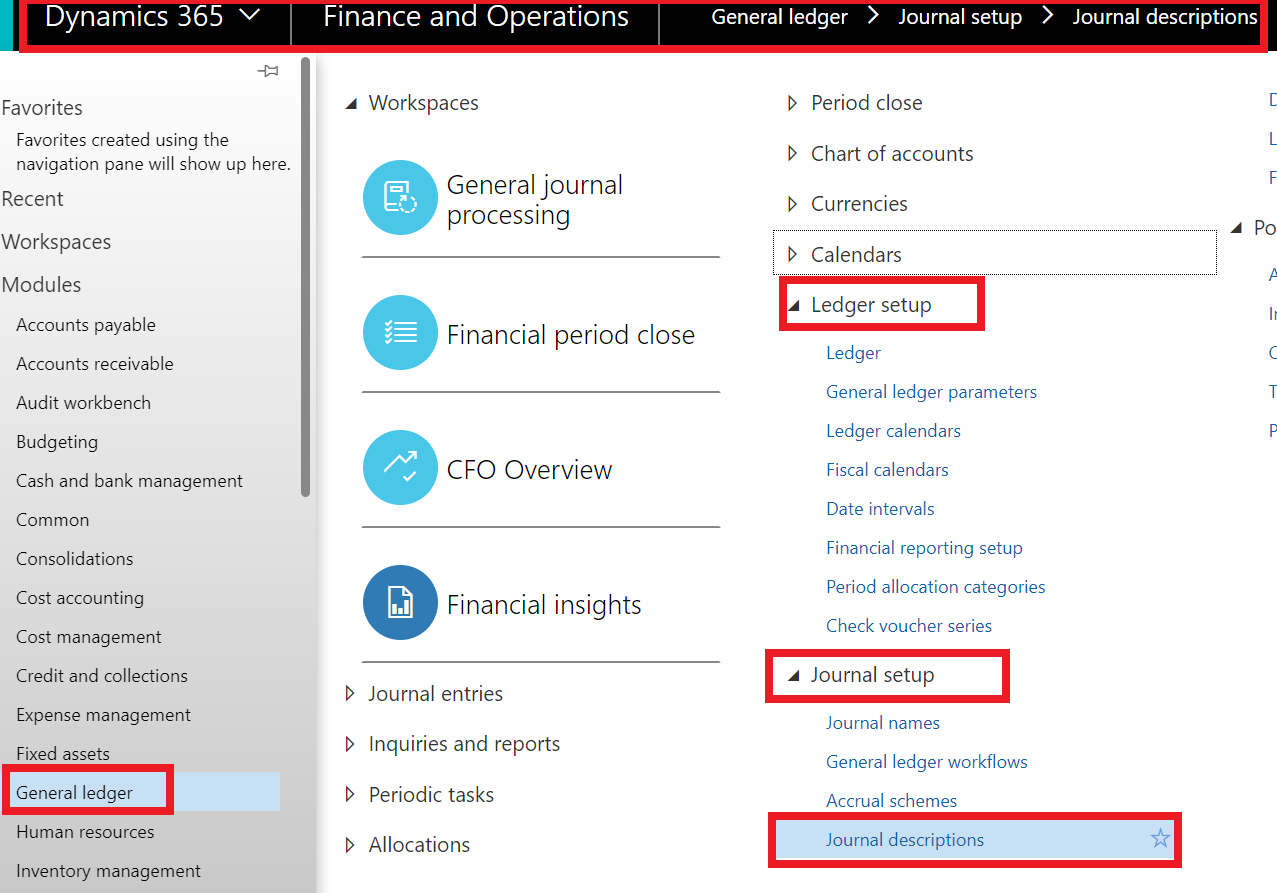
just go to general ledger /journal setup/journal description
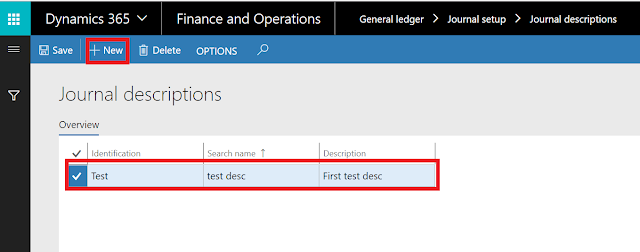
click new and fill identification, search name and description as the below

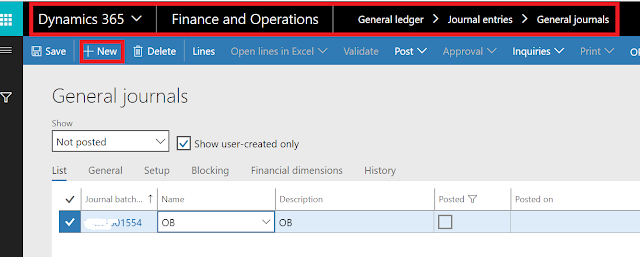
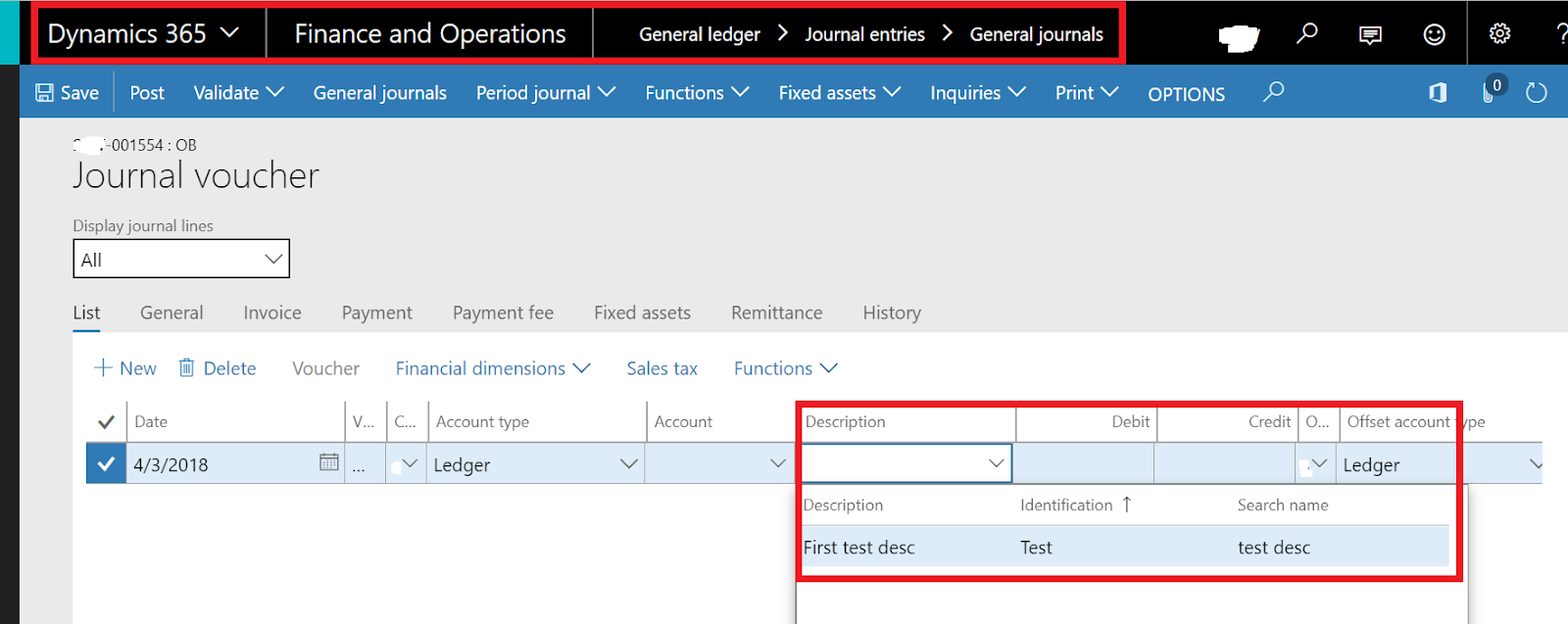
just create general journal

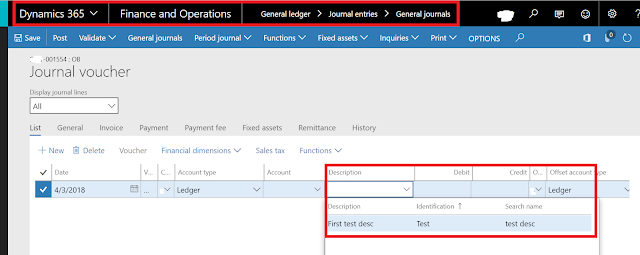
and click lines to select journal description in the description field
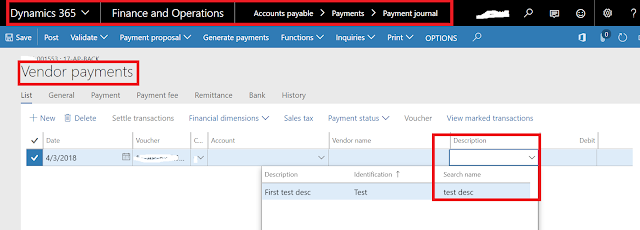
this function working for vendor payments journal in Accounts payable
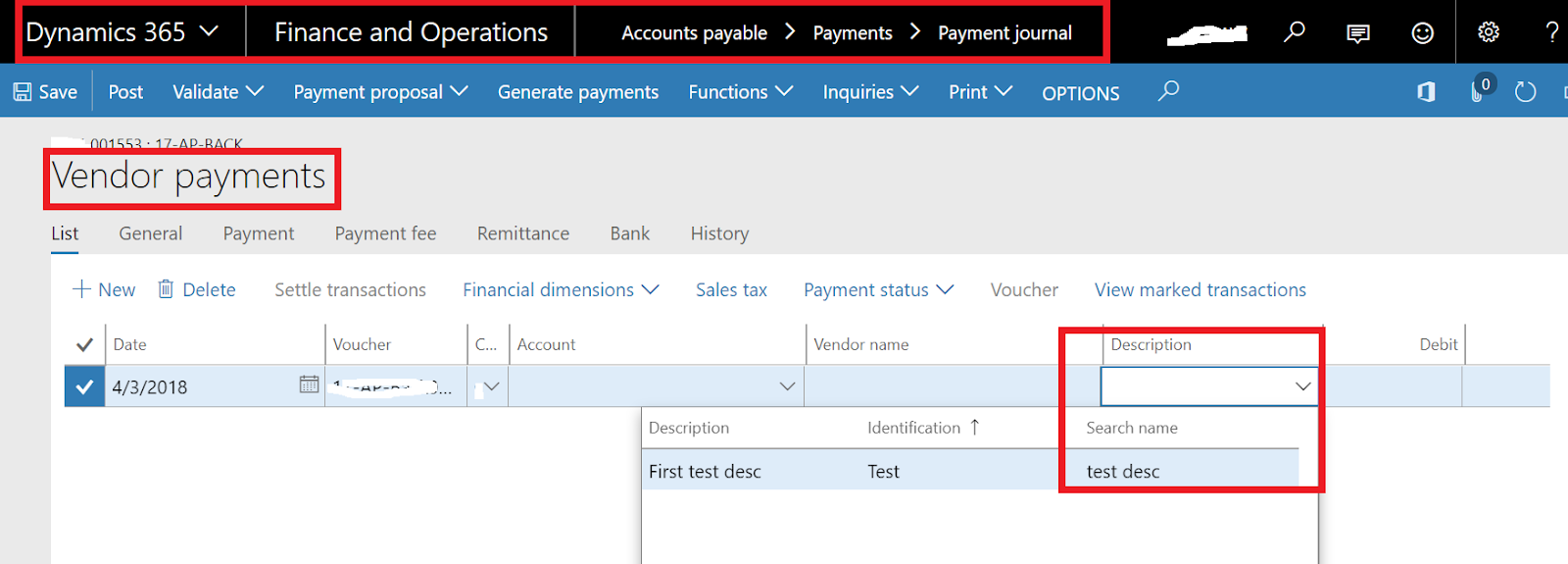
and vendor invoice journal in Accounts payable

also, this function working customers payments for accounts receivables

and others journal like promissory note and bill of exchange journals.
This was originally posted here.
*This post is locked for comments