




 350
350 Like
Like Share
Share
 Report
Duplication Detection is great when you remember it.
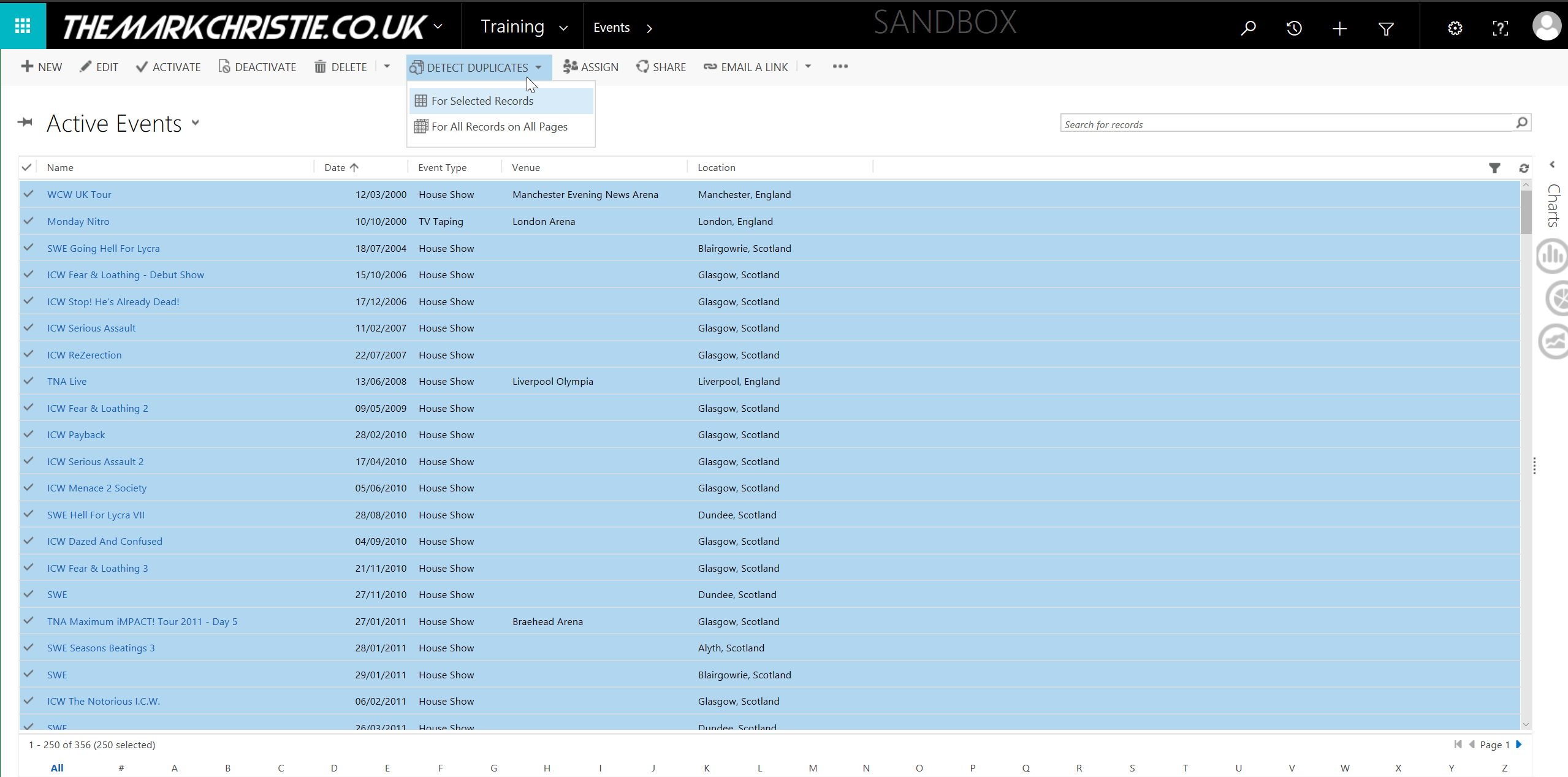
I’ll be the first to hold my hands up and say its one of the last things I think about because it was so hidden away. Well now we don’t have that as an excuse. In Dynamics 365 release 8.2 when you create the rules they will be available to run directly on the view for your entity.
I have created a video guide on setting up and using it here
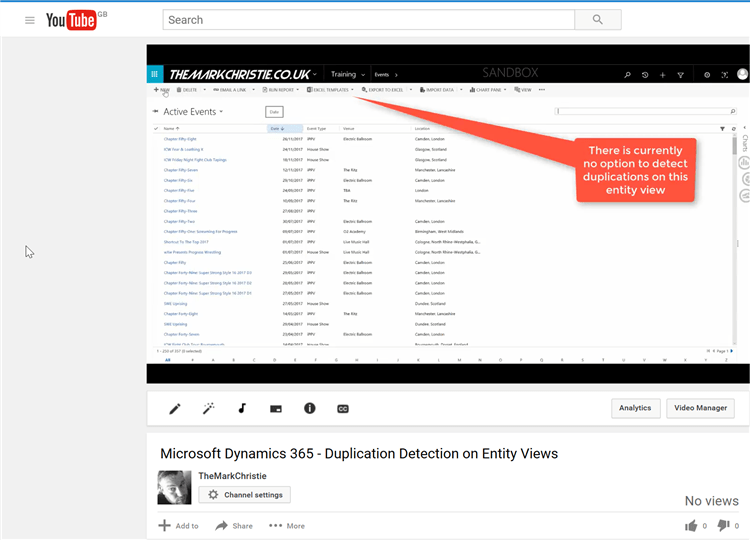
If you want a quick guide lets have a look
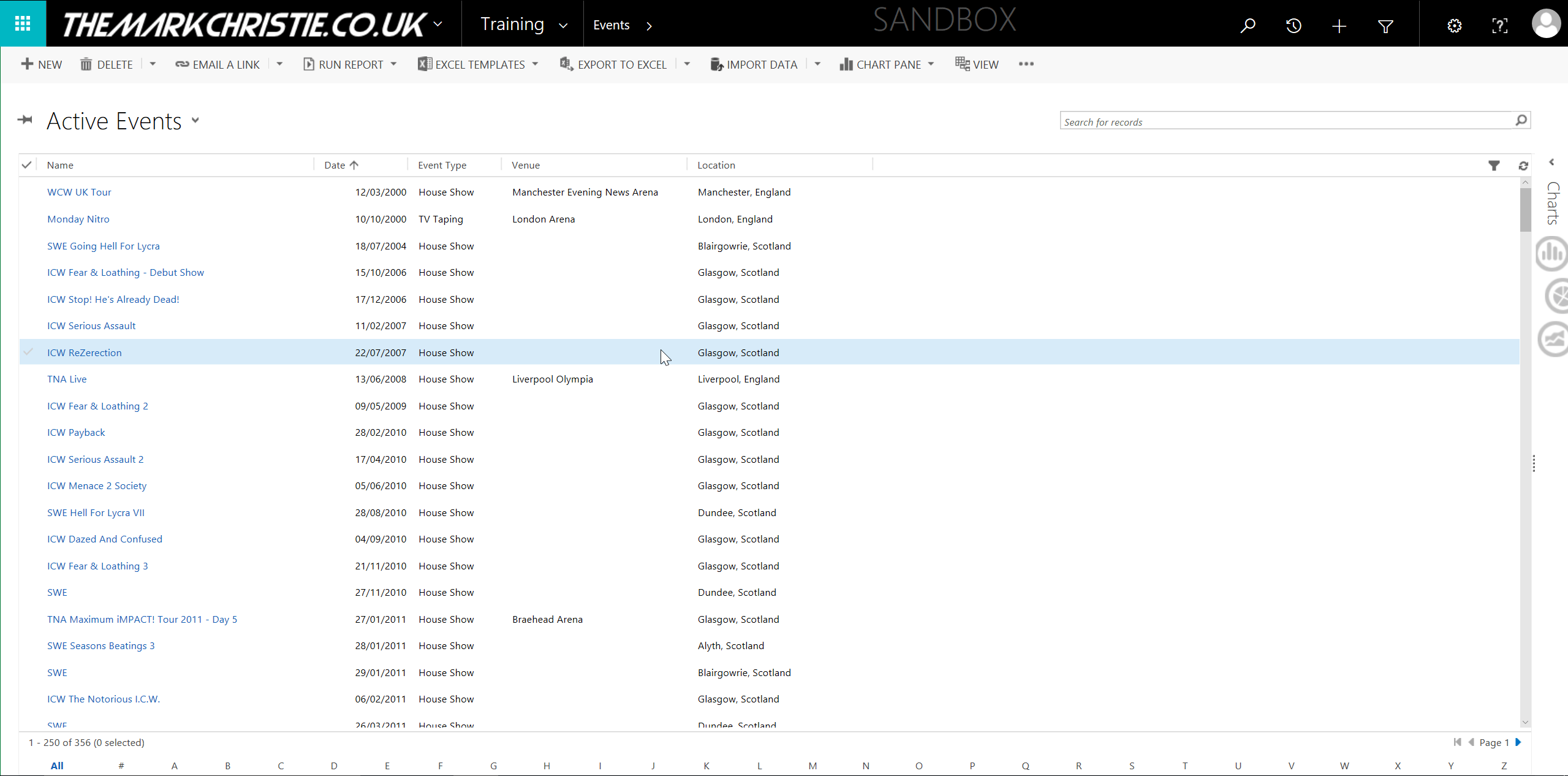
- The Menu shows no Duplication Detection button so lets go and create the rule
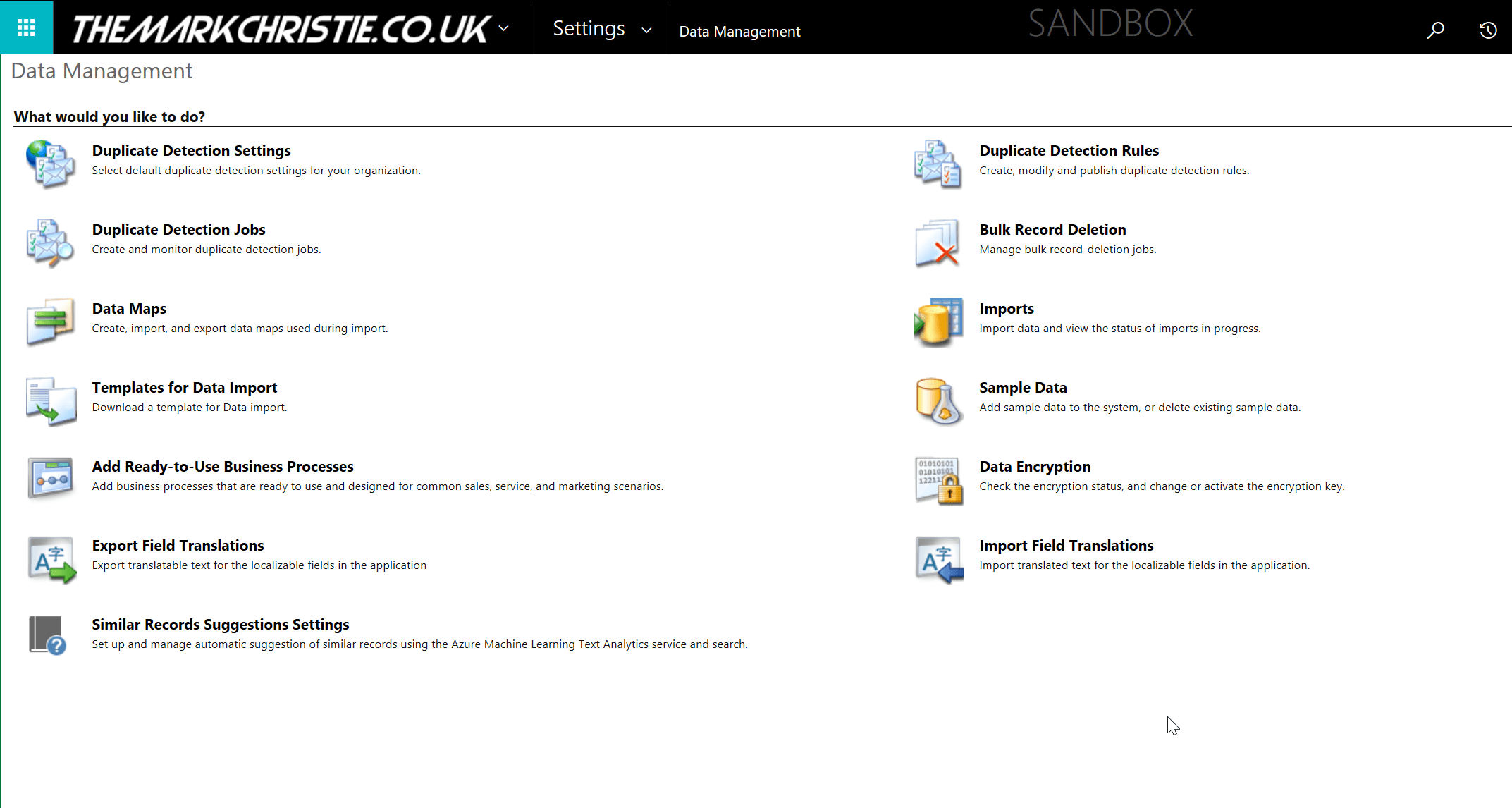
- Navigate to Settings and then Data Management, you will see Duplication Detection Rules
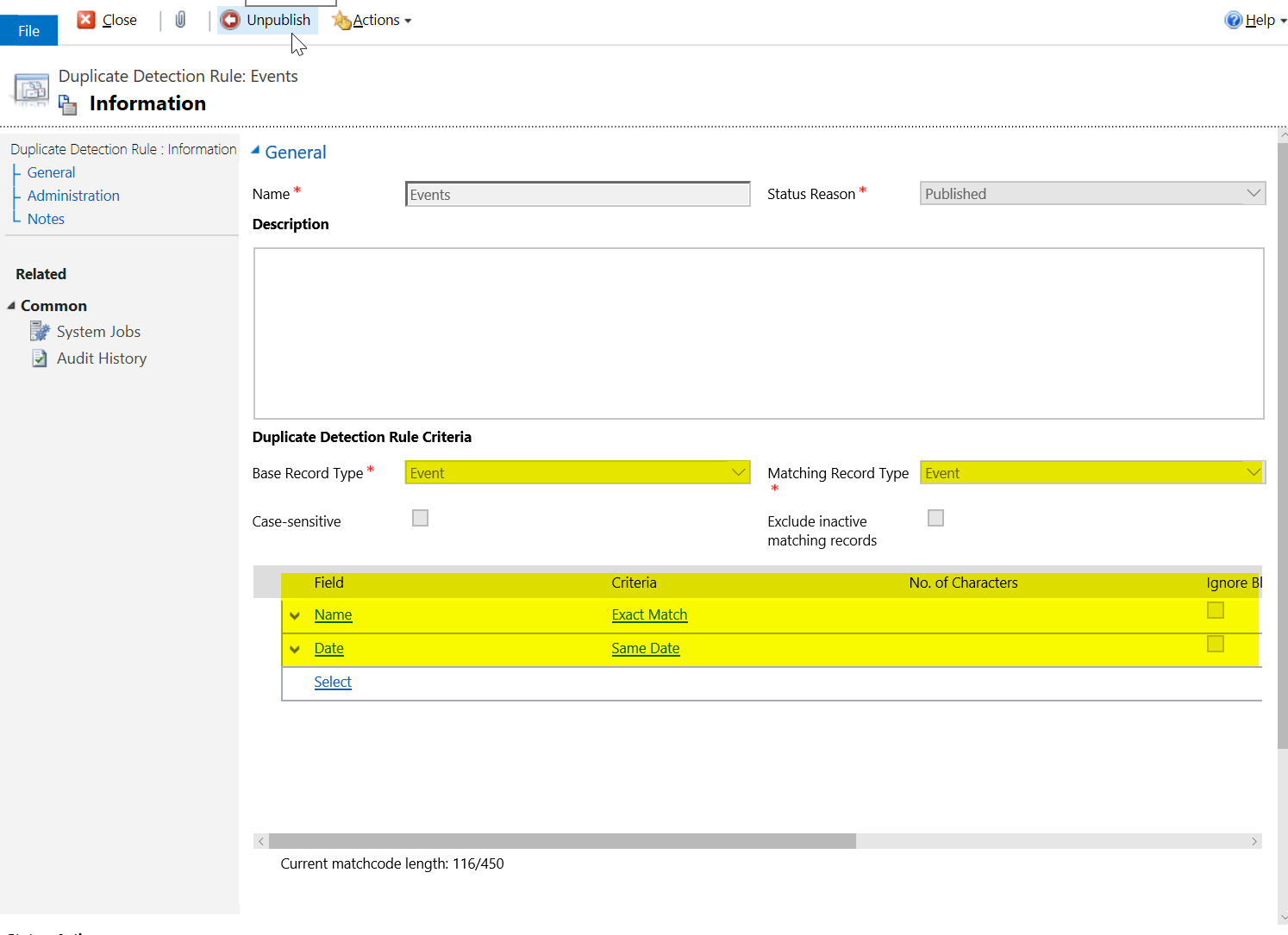
- Select Add New

- Save and Publish your rules
- Now we can head back to our view and you will see the option to run the rules on the current records or all records
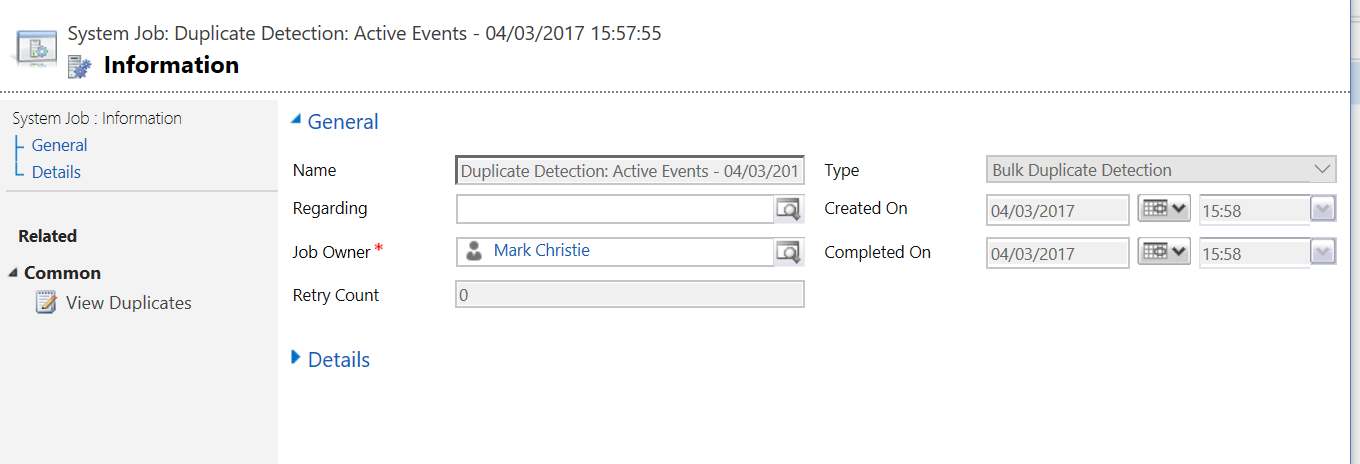
- If you have set an email alert when this arrives go and look at the job results and manage the duplicates
-
The post Dynamics 365 – CRM – Duplication Detection on Entity Views appeared first on eBECS.
*This post is locked for comments