







Using Postman with D365
Views (3486)
 Hai Nguyen
 266
266
 Like
Like Share
Share
 Report
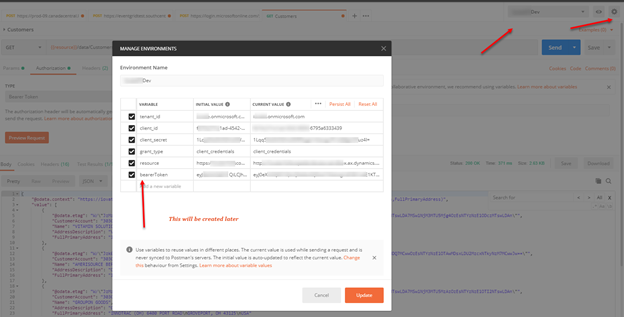
We need the right tool for the job. Postman is a tool that often used to interact with Restful services (OData). Below is how you can setup postman to work with D365 (assuming you know how to setup on Azure side like tenant_id, client_id, client_secret)
SETUP
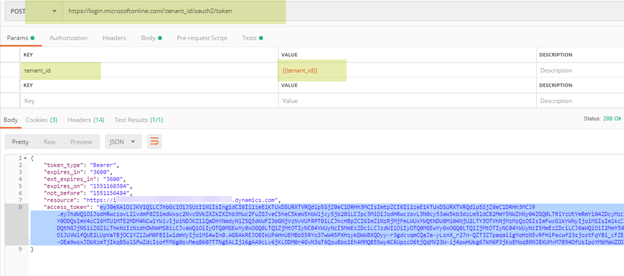
Setting up BearerToken
Params tab
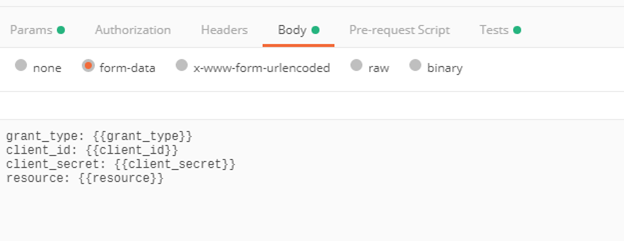
Body tab
grant_type: {{grant_type}}
client_id: {{client_id}}
client_secret: {{client_secret}}
resource: {{resource}}
Test tab
var json = JSON.parse(responseBody);
tests[“Get Azure AD Token”] = !json.error && responseBody !== ” && responseBody !== ‘{}’ && json.access_token !== ”;
postman.setEnvironmentVariable(“bearerToken”, json.access_token);
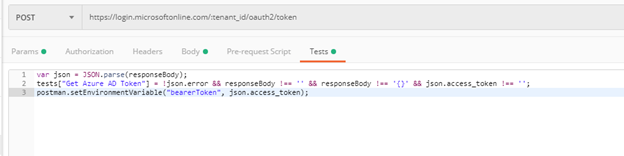
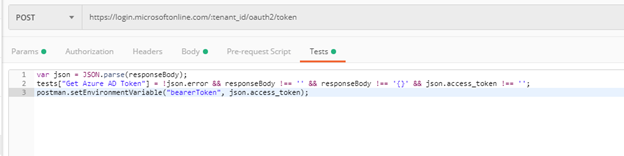
TEST
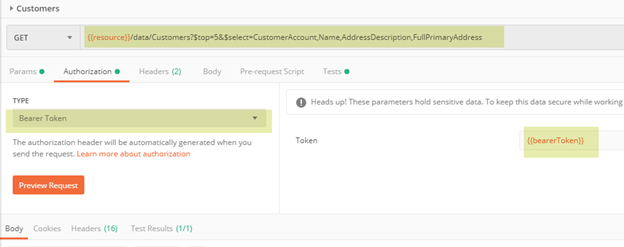
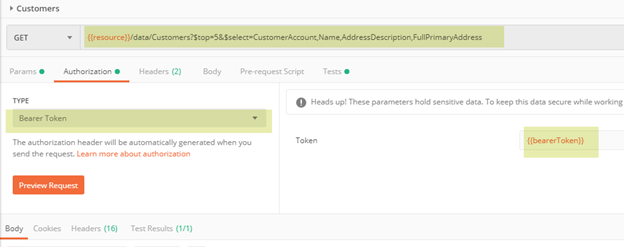
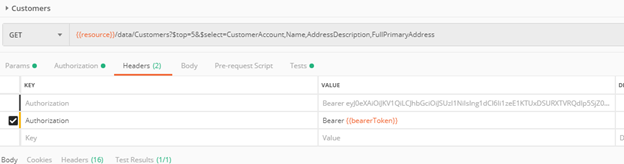
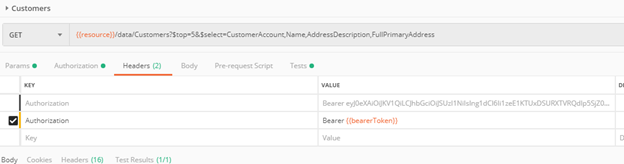
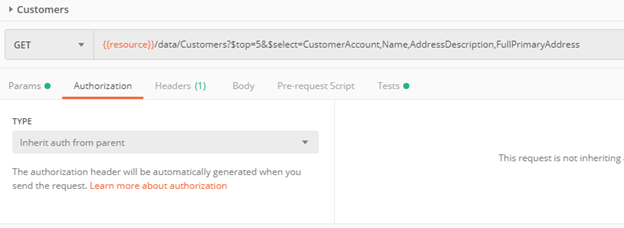
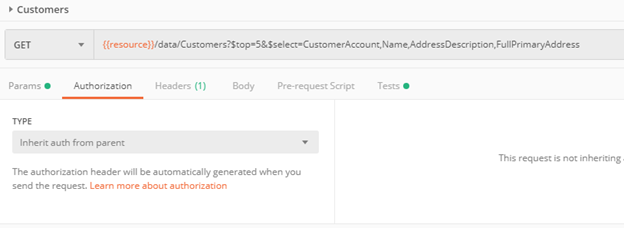
OR
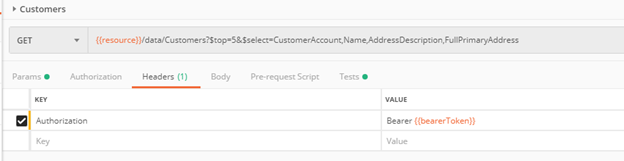


Postman with CRUD operations
Insert
Operation
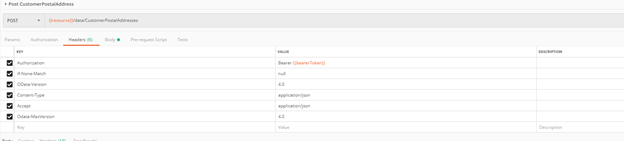
Header tab
Authorization =
Bearer {{bearerToken}}
If-None-Match = null
OData-Version = 4.0
Content-Type = applicatin/json
Accept = application/json
Odata-MaxVersion = 4.0
Body tab
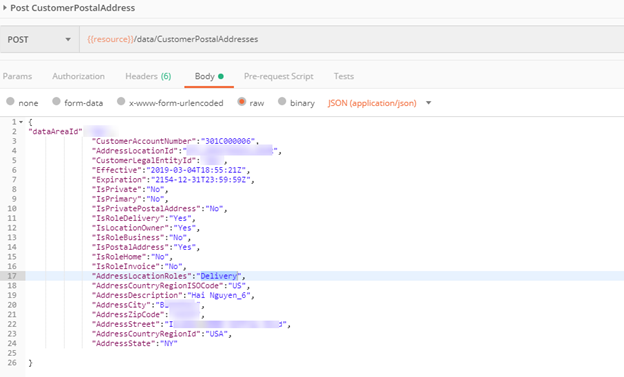
Result
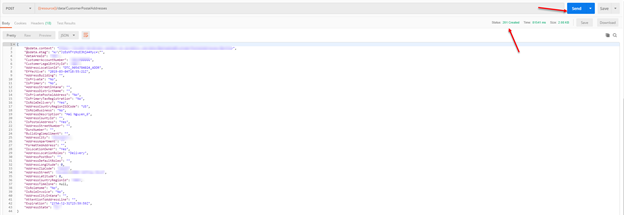
This was originally posted here.
*This post is locked for comments