







Implementing SmartView for Microsoft Dynamics GP: Install SmartView
Views (0)
 Ian Grieve
 22,784
 Like
Like Share
Share
 Report
 This post is part of the Implementing SmartView for Microsoft Dynamics GP series were I am taking a look at the SmartView product from eOne Solutions which provides another way of using SmartLists.
With SmartView downloaded we can get it installed on the first client.
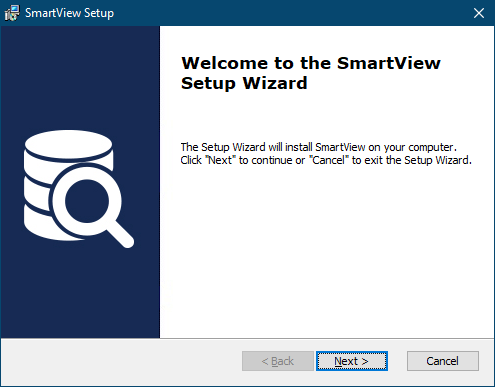
Extract the installer from the zip and launch it. Click Next on the Welcome page:
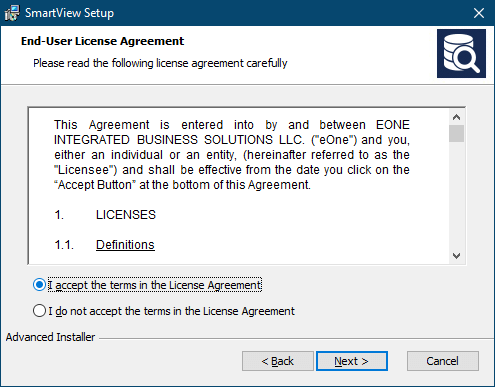
Accept the terms of the End-User License Agreement and click Next:
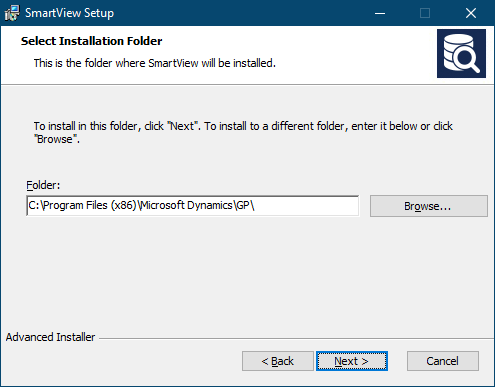
Check, and change the installation folder if necessary and then click Next:
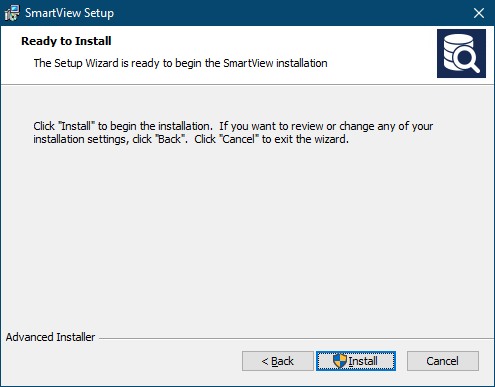
Click Install to begin the installation:
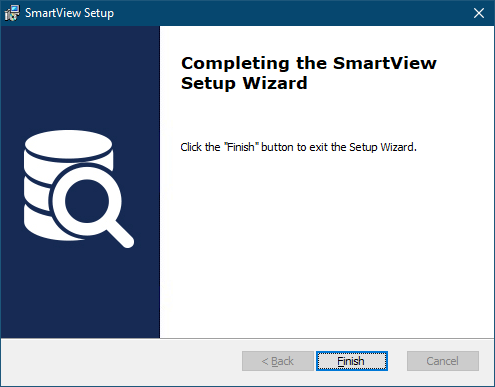
Once the installation is finished, click Finish to close the installer:
It’s best to install a single client and do the configuration and then return to the installer to install SmartView on the other clients.
Read original post Implementing SmartView for Microsoft Dynamics GP: Install SmartView at azurecurve|Ramblings of an IT Professional
This was originally posted here.
*This post is locked for comments