







Change Currency format in D365 Customer Engagement
Views (91)

 Like
Like Share
Share
 Report
In this blog we will see how we can change the currency format in D365 CE.
We are using the Currency field named Price on Account form and we wanted to price in XX,XX,XXX.XX format
Let see how we can achieve this.
Solution:
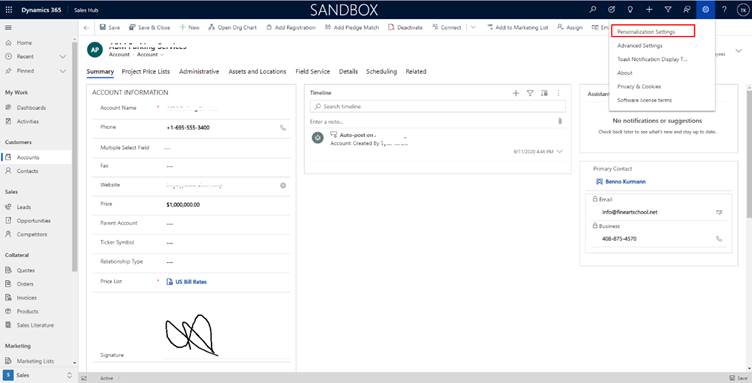
Go to Settings and click on Personalization settings.
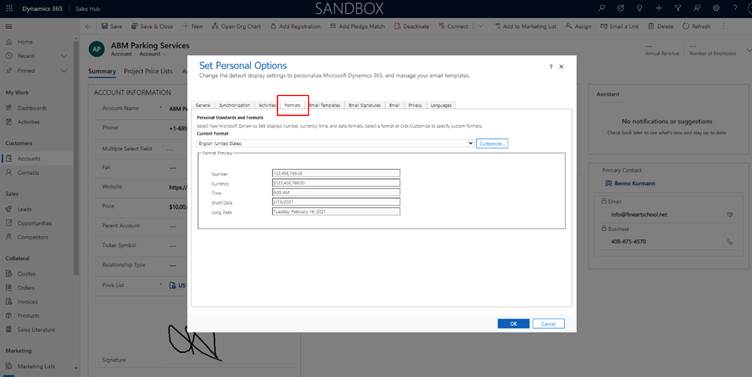
After clicking on Personalization setting, In Set Personal Options click on Format.
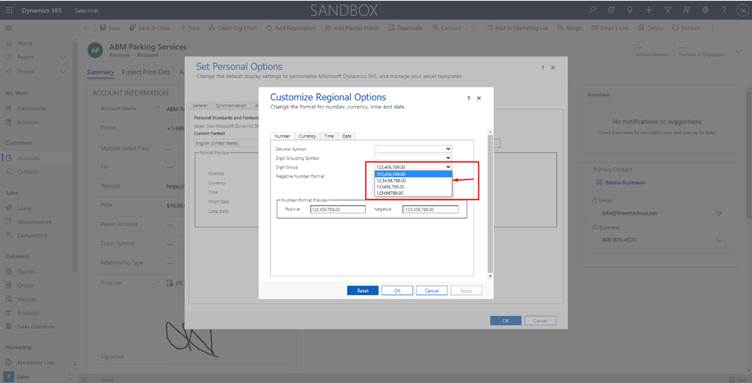
Click on Customize -> in Number, Digit group change the format as per requirement.
After updating click on Apply and Ok.
In our requirement, we wanted currency in XX,XX,XXX.XX format on Account Entity.
Price field Before Changing –
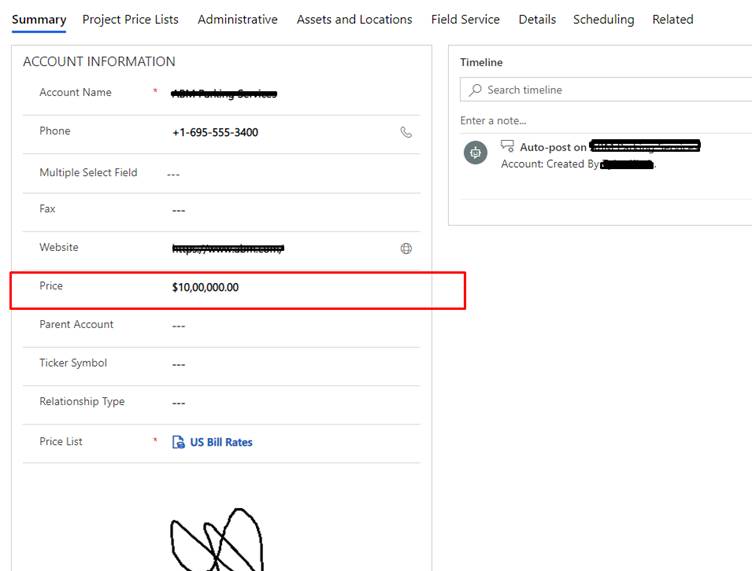
Price field after changing –
The post Change Currency format in D365 Customer Engagement appeared first on Cloudfronts - Microsoft Dynamics 365 | Power BI | Azure.
*This post is locked for comments