







Customize Opportunity Close Dialogue Box
Views (0)

 Like
Like Share
Share
 Report
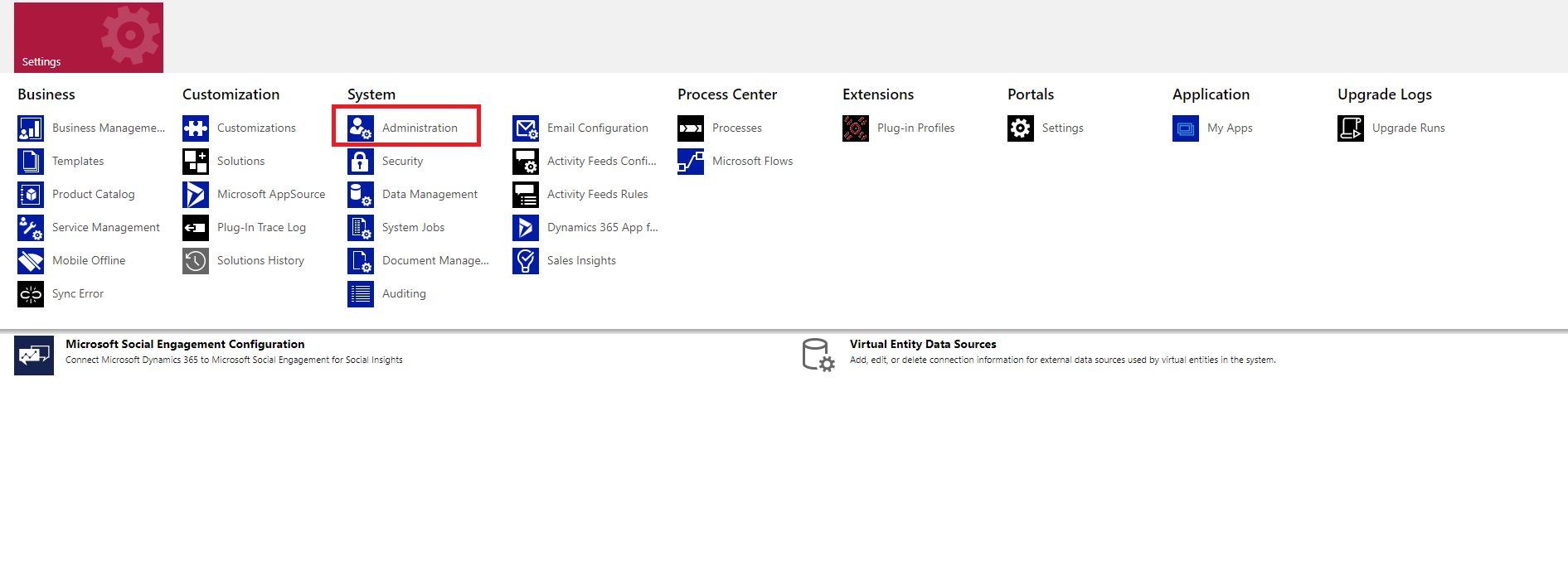
- Go to Admin settings.
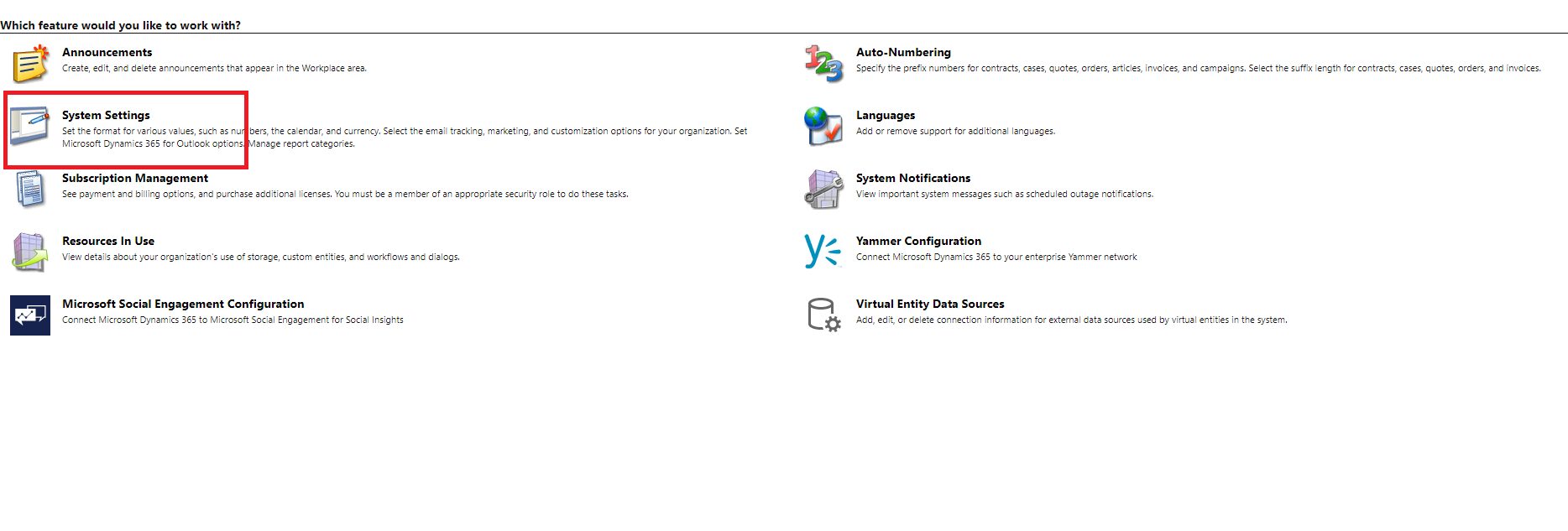
- Click on system settings
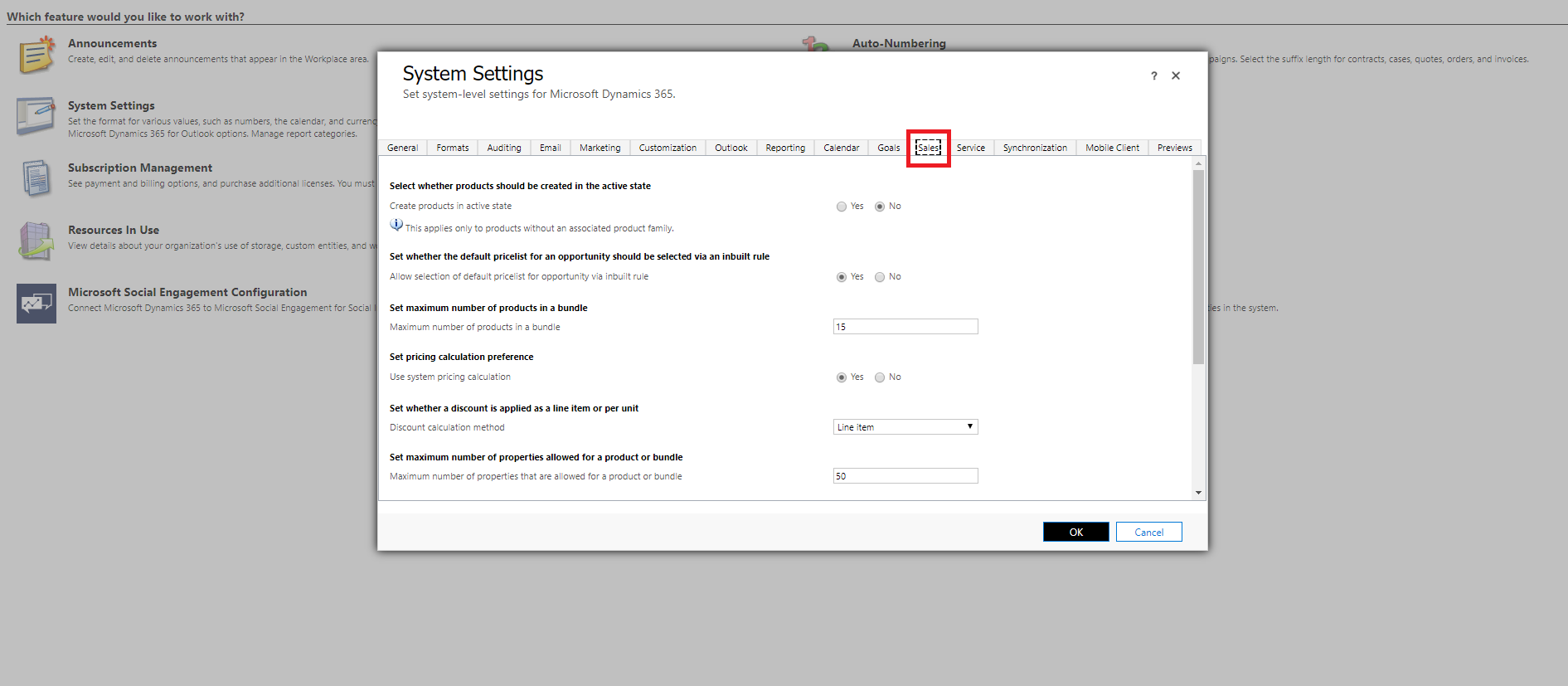
- After clicking on System settings, a popup opens, click sales tab as shown below.
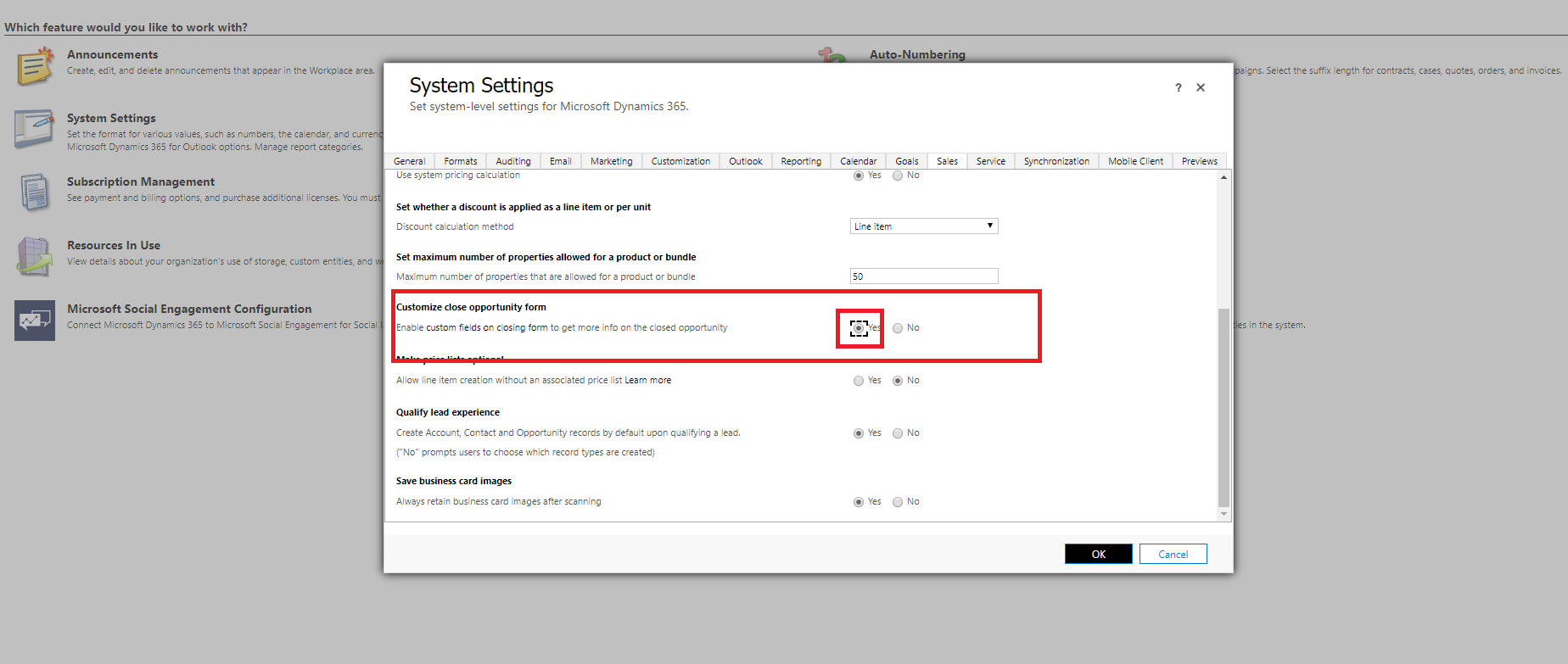
- Select Yes in Customize close opportunity form and click ok, refer below image.
The post Customize Opportunity Close Dialogue Box appeared first on .
*This post is locked for comments