







Enable entity for Party List selection in Appointment
Views (1147)
 Priyesh
 7,396
User Group Leader
7,396
User Group Leader
 Like
Like Share
Share
 Report
Syndicated from - https://d365demystified.com/2019/01/13/enable-entity-for-party-list-selection-in-appointment/
Out-of-the-box, you have fixed set of entities enabled for Party List fields in Appointment entity. Of which, you can select to be either in Required or Optional fields on Appointments.
But, what if you want to enable a custom entity for the same? You can do that was well.
Enable Entity for Sending Email
- In your custom entity, you can turn on Sending Email option on the entity level and the entity will be enabled for Party List.

- And Publish your customization.
Now, when you select the Required/Optional field in Appointment, Look for More Records

- Select the Look For option to expose available entities
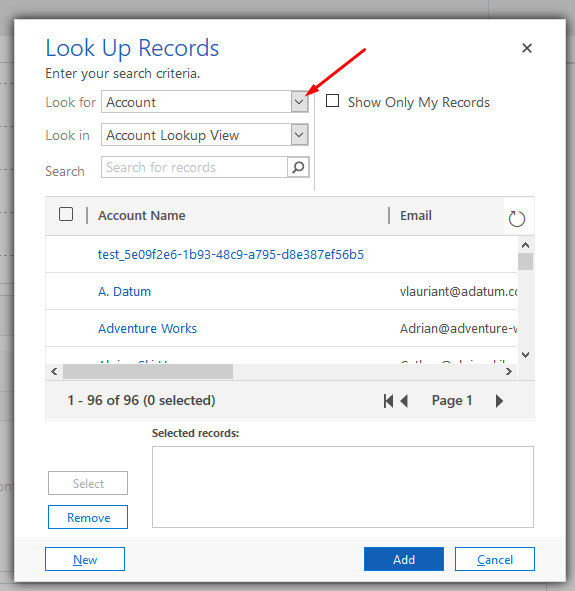
- And look for the custom entity you created i.e. Office Representatives my this case.

- And select the record you want

- And the custom entity record will be added to the Party List field

The reason your see them enabled is because Email Address (emailaddress) field has been created for the entity i.e. the entity is now Email enabled.
Hope this helps!
This was originally posted here.
*This post is locked for comments