







How to Restart D365 Business Central Environment
Views (32)
 Mohana Yadav
 61,005
Super User 2025 Season 2
61,005
Super User 2025 Season 2
 Like
Like Share
Share
 Report
In NAV days, we have possibility to restart service tier and there are many reasons for the need of having restart option.
How to restart D365 Business Central environment?
Navigate to Dynamics 365 Business Central.
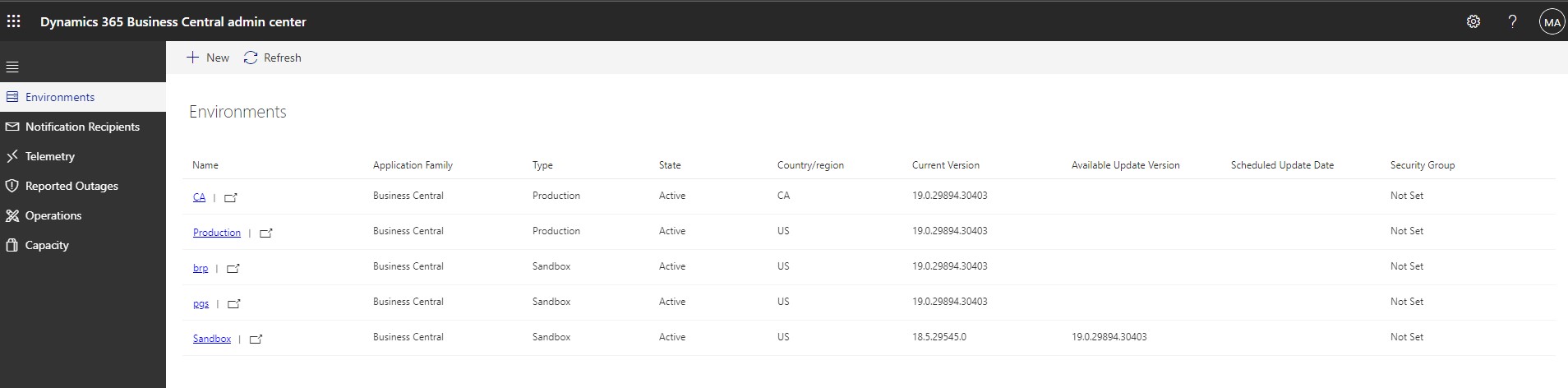
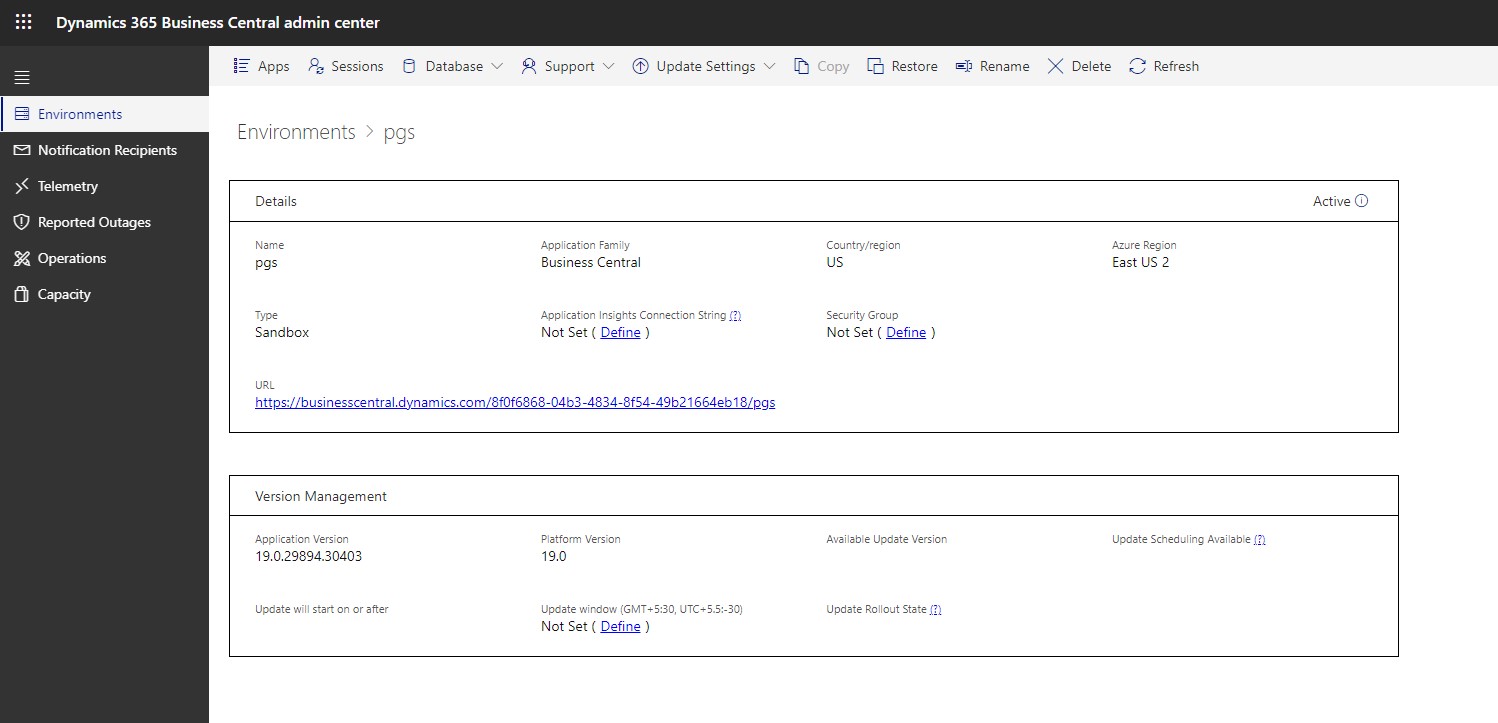
Click on the environment that you want to restart
Environment Details page will open

Click on Sessions
Manage sessions page will open

Click on Restart Environment.
Click yes on below confirmation message

If we go to details screen of environment then we can notice the status “Restarting”

After sometime status will be changed to “Active”
Active sessions will get below notification

I would expect a different notification than the regular notification to have clear message.
This was originally posted here.
*This post is locked for comments